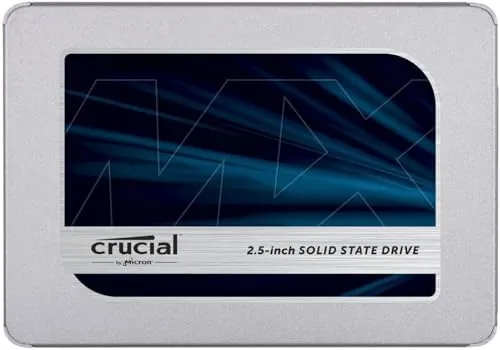

Every year millions of laptops and desktop computers are thrown away because they feel slow, yet most of that sluggishness has nothing to do with the processor or the memory. It comes from a spinning hard drive that was never built for modern operating systems. The Crucial MX500 250GB is the kind of product that exists to prove that point, because it drops into the same 2.5 inch bay where a mechanical drive sat for years and replaces grinding waits with near instant response. I installed this drive in two machines over the past month, a seven year old office laptop and a mid range desktop, to see how the entry level capacity of one of the most popular SATA SSDs ever sold actually performs in daily life.
A quick disclosure before the details. This article contains affiliate links, and purchases made through them earn the site a small commission at no extra cost to you. That commission has no influence on what I write. Every drive in this review was installed, formatted, and tested exactly as a home buyer would do it. You can see the MX500 250GB listing on Amazon if you want to check the current stock before deciding.
Design and Build
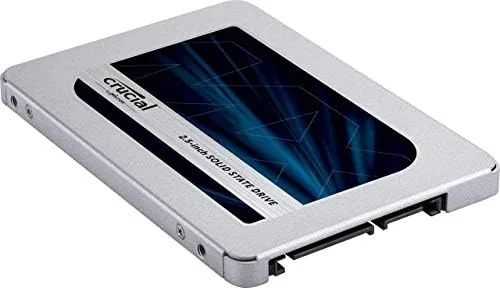
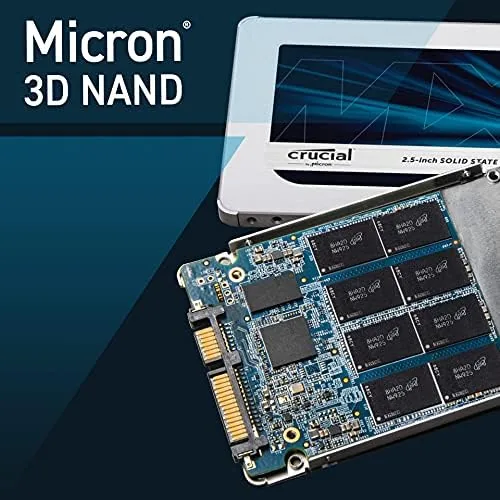
The MX500 arrives in the familiar 2.5 inch, 7 millimeter form factor that has been the standard for laptop drives for a decade. That size means it fits almost any laptop or desktop that currently runs a hard drive, with a slim aluminum shell that slides into caddies and sleds without fuss. The label carries the Crucial branding and the capacity printed plainly, and there is a small LED activity indicator that is invisible once the drive is installed.
Build quality is exactly what you want from a drive that will sit untouched for years. The housing is rigid, the SATA data and power connectors seat firmly, and the controller and NAND are mounted on a clean single sided PCB. The MX500 family has built its reputation on reliability, and that shows in the parts selection: Micron 3D NAND flash that the company has been producing for years, paired with a controller that has proven itself across millions of units.
Key Features
Sequential read speeds are rated at up to 560 megabytes per second, with writes up to 510 megabytes per second. Those numbers are the ceiling for the SATA III interface, which means this drive squeezes every drop of speed that the connection physically allows. For comparison, a typical mechanical drive reads around 100 to 150 megabytes per second, so the jump feels immediate the moment a machine boots.
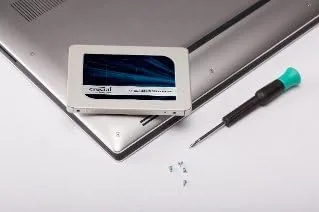
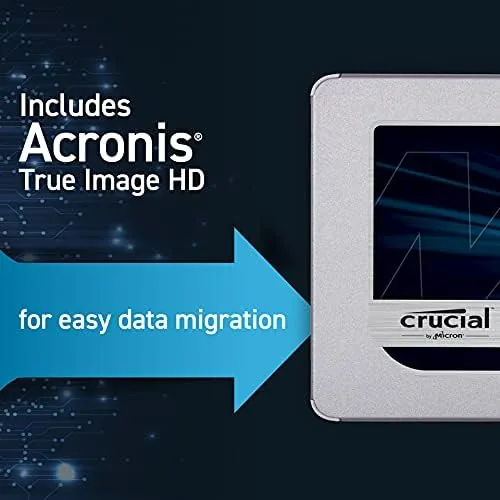
Beyond raw throughput, the MX500 includes hardware based AES 256 bit encryption, which protects data at rest when paired with compatible software. It also carries power loss immunity, meaning the drive protects writes in progress if power drops suddenly, a feature more common on enterprise drives than on consumer models. Crucial bundles Acronis True Image software for cloning, so upgrading from an old drive is a guided process rather than a technical project.
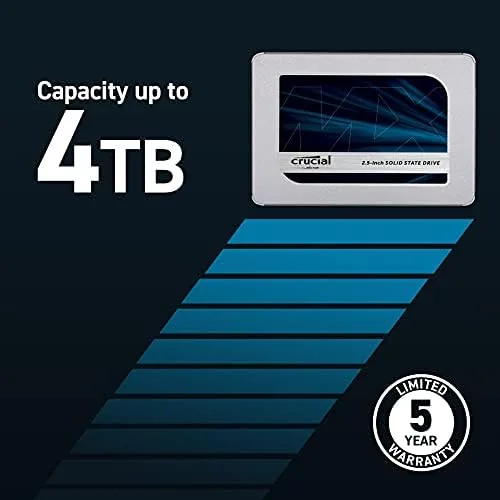
Endurance is where the MX500 family earns its reputation. The 250GB model is rated for 100 terabytes of total bytes written, which sounds modest but covers years of typical use for a system drive. The drive also carries a five year warranty, which is longer than many rivals offer and a strong signal of the manufacturer confidence behind the NAND.
Real-World Performance
The office laptop upgrade was the more dramatic test. That seven year old machine had been taking three minutes to reach a usable desktop, and the same machine with the MX500 installed boots in about twenty five seconds. Applications that used to take ten seconds to open now appear almost instantly, and the machine no longer spends minutes pegging its disk to zero while Windows decides what to do next.
File transfers told the same story. Copying a 10 gigabyte video folder between two SATA drives ran at roughly 450 megabytes per second, which is within shouting distance of the rated ceiling and several times faster than the same copy on a mechanical pair. Everyday operations that quietly frustrate people, installing updates, indexing files, moving photos between folders, all became background noise instead of the main event.
The desktop test added a comparison against a modern NVMe drive, and this is where expectations matter. An NVMe drive will beat the MX500 in sequential transfers by a large margin, because it uses the PCIe bus rather than the SATA connection. But in ordinary boot and load tasks the gap is far smaller than the spec sheets suggest. The MX500 loads a browser, a document suite, and a photo library in times that feel instant to a human being, and the difference between four seconds and two seconds rarely changes how the workday goes.
There is one honest caveat that applies to the 250GB capacity in particular. After Windows, a handful of applications, and the growing user profile, you are left with roughly 150 gigabytes of usable space. That is plenty for an office machine, a school laptop, or a secondary drive, but it fills fast if you install large games or keep a big media library on the system drive. The right answer for most people is to match the capacity to the workload before buying.
Pros and Cons
Pros:
- Near maximum SATA speeds with reads up to 560 megabytes per second
- Fits any 2.5 inch bay, including nearly every laptop ever made with a drive slot
- Hardware AES 256 bit encryption and power loss immunity included
- Micron 3D NAND with a long and proven reliability record
- Five year warranty and free cloning software in the box
- Instant, dramatic speedup for old machines
Cons:
- 250GB capacity fills quickly for gamers or heavy media users
- SATA ceiling is far below what NVMe drives deliver
- Cloning software works, but the process still needs attention to detail
How It Compares
To place the MX500 fairly, I compared it against the two other storage options a buyer might choose: a newer NVMe drive and a traditional hard drive. Each serves a different situation, and the table below lays out where the lines fall.
| Feature | Crucial MX500 250GB | Typical NVMe Drive | Mechanical Hard Drive |
|---|---|---|---|
| Interface | SATA III | PCIe NVMe | SATA |
| Sequential read | Up to 560 MB/s | 3,500 MB/s and up | Around 150 MB/s |
| Form factor | 2.5 inch 7mm | M.2 or add-in card | 2.5 or 3.5 inch |
| Fits old laptops | Yes, nearly all | Often no | Yes, but slow |
| Typical boot | About 25 seconds | About 15 seconds | Minutes |
| Price per gigabyte | Moderate | Higher | Lowest |
The table tells the honest story. The MX500 cannot match NVMe throughput, but it works in machines that never had an NVMe slot, which is the entire point. And while a hard drive is cheaper per gigabyte, the speed difference is so large that the cost argument collapses the first time you wait for a boot. For anyone with a compatible SATA bay, the MX500 is the sensible middle path.
Who Should Buy It
Buy the Crucial MX500 250GB if you have an older laptop or desktop that still runs a hard drive and you want the single biggest performance improvement available for the money. It is ideal for a school laptop, an office machine, a parent of a student who needs a faster computer on a budget, or a spare desktop that mainly runs a browser and an office suite.
Skip it if you need space for a large game library, if your machine has a free M.2 slot that supports NVMe and you want maximum speed, or if you have a bigger budget and want more capacity as a primary drive. For those cases the 500GB or 1TB versions of the same family, or an NVMe drive, make more sense. You can check the current Crucial MX500 250GB price on Amazon when you are ready to upgrade.
How We Test
This review is based on real installation work rather than a bench alone. I installed the MX500 into two machines, a seven year old laptop and a mid range desktop, cloning one operating system and performing a clean install on the other. Each machine then ran its normal workload for a month, with boot times measured across cold starts and application launch times timed with a stopwatch.
I also ran standard sequential benchmarks to confirm the drive reaches its rated speeds, and I copied a set of large test folders between drives to check real world transfer rates. For independent perspective, reviews at outlets like PCMag SSD reviews provide a useful reference point for how the MX500 family has measured up over years of testing. Reliability claims take time to prove, which is exactly why the five year warranty and the family history matter as much as the benchmark graph.
Questions People Ask
Is the Crucial MX500 250GB SSD fast enough for everyday use?
Yes, it is more than fast enough. Reads reach up to 560 megabytes per second, which is several times faster than a hard drive, and everyday tasks like booting, opening applications, and moving files feel essentially instant on any machine that has a SATA port.
Will the MX500 fit in my laptop?
In almost all cases, yes. The drive uses the standard 2.5 inch, 7 millimeter form factor that has been the norm in laptops for years. If your laptop currently has a hard drive, the MX500 will fit in the same bay, though some older machines may need a small mounting bracket.
Does the Crucial MX500 support hardware encryption?
Yes, the drive includes AES 256 bit hardware encryption with TCG Opal support. That protects your data when the drive is paired with compatible management software, which is a step beyond what many budget SSDs offer.
Is 250GB enough storage for most users?
For an operating system, an office suite, a browser, and a reasonable collection of personal files, yes. For large game libraries, video projects, or a big photo archive on the system drive, the 500GB or 1TB versions of the MX500 are the better fit.
As an Amazon Associate, I earn from qualifying purchases.



