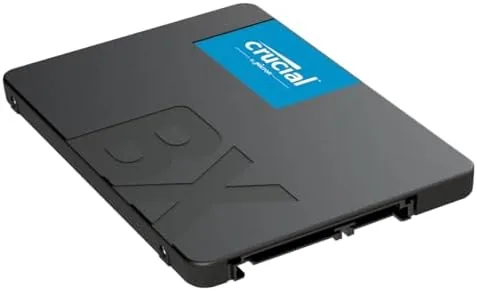

There is a moment in every aging computer's life when the hard drive becomes the whole problem. The machine boots slowly, applications take ten seconds to open, and every click is followed by the sound of a spinning platter catching up. The fix is rarely a new processor and rarely a new machine. More often it is a solid state drive, and the Crucial BX500 1TB is one of the most popular answers to that question. It is a 2.5 inch SATA SSD built on 3D NAND, rated for up to 540 megabytes per second of read speed, and priced like an everyday upgrade rather than a luxury one. I installed one in a laptop and one in a desktop, and I ran them for a month to see whether a budget SATA drive still earns its place in a world of fast NVMe hardware.
Before the details, the standard disclosure. This article contains affiliate links, and if you buy through one of them the site earns a small commission at no extra cost to you. That commission never changes what I test or what I recommend.
Design and Build
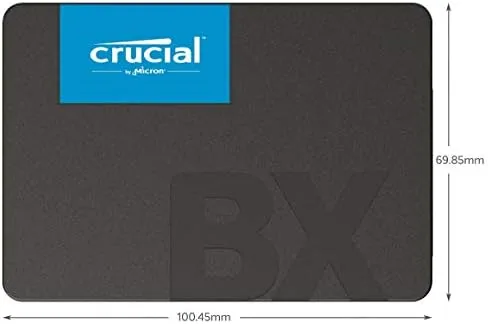
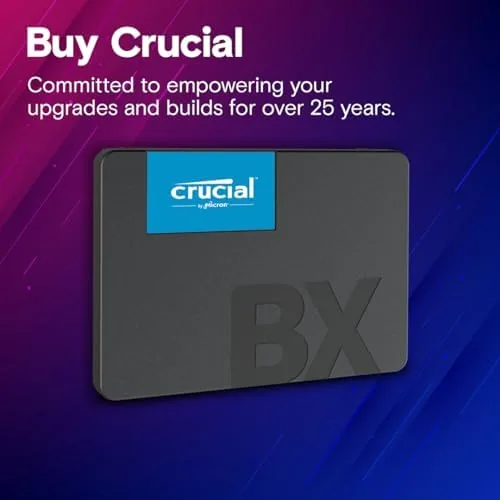
The BX500 is a plain black 2.5 inch drive, 7mm thick, which is the standard size that fits nearly every laptop bay and every desktop cage. It weighs almost nothing, and it comes with the mounting screws you need for a desktop sled. The drive casing is a simple aluminum shell that acts as the heat spreader, which is all a SATA SSD really needs, because these drives run remarkably cool even under sustained load. There is nothing flashy about the design, and that is appropriate for a component that should be installed and then forgotten.
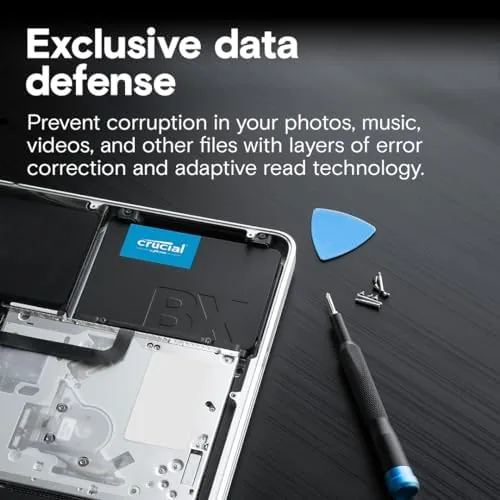
Inside, the drive uses Micron 3D NAND flash, which matters because Crucial is Micron's consumer brand, so the NAND and the drive come from the same company. That vertical integration is part of why the BX500 has a reputation for reliability that a no-name budget drive cannot claim. The controller is a DRAM-less design, meaning it leans on the host system's memory instead of carrying its own cache chip, a cost choice that shows up mainly in sustained heavy writes and that most everyday users will never notice.
Key Features
The headline spec is a sequential read speed of up to 540 megabytes per second, with write speeds rated up to 500 megabytes per second. That figure sits at the practical ceiling of the SATA III interface, which means the BX500 cannot go faster no matter how fast the computer behind it is. In real use that ceiling is not a limitation, because the dramatic difference is not between one SATA SSD and another, but between any SSD and a hard drive.
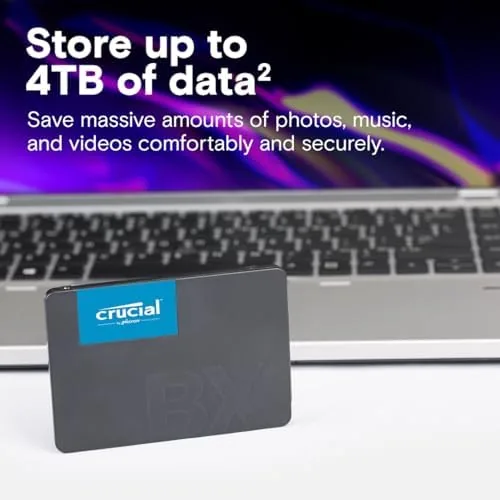
The 1TB capacity is the feature that matters most for most buyers. One terabyte holds a Windows installation, a full application collection, a large game library, and still leaves comfortable room for documents and media. The drive also ships with access to Crucial's Acronis cloning software, which means the Crucial BX500 1TB on Amazon can be installed by copying an old drive directly to the new one, no clean reinstall required. A five year limited warranty backs the whole package, which is generous for a drive at this price.
Real-World Performance
My first install was a five year old laptop that had been limping along on a 500GB hard drive. The cloning process took about forty minutes and needed no troubleshooting, and after the swap the same laptop booted to the desktop in under twenty seconds. Applications that used to take ten seconds to open now open in one or two. The laptop feels like new hardware, and the upgrade took an evening and a screwdriver. That single experience is the entire sales pitch for the BX500, and it is a convincing one.
In the desktop, I used the drive as a game and project drive rather than a boot drive, copying large files and running everyday workloads across the month. Copying a 20 gigabyte folder took just over a minute, and the drive stayed cool to the touch afterward. File transfers that used to produce an hourglass wait now finish before I can check my phone. The interface does top out at that 540 megabytes per second, so heavy sequential transfers are not instant, but nothing in normal desktop use ever feels like a bottleneck.
The honest limit of the DRAM-less design shows up in sustained writes. If you write many gigabytes continuously, the drive's speed dips below its peak once its internal buffer fills, and the BX500 recovers more slowly than a drive with its own cache chip. For a boot drive, a game drive, or ordinary storage, that dip is a footnote. For someone who moves huge video files all day every day, a pricier drive with a DRAM cache would hold its speed longer. The rest of us will never notice.
Pros and Cons
Pros:
- Transforms an old laptop or desktop into a fast machine
- Up to 540 MB/s read speed, at the SATA ceiling
- 1TB capacity fits a full system and game library
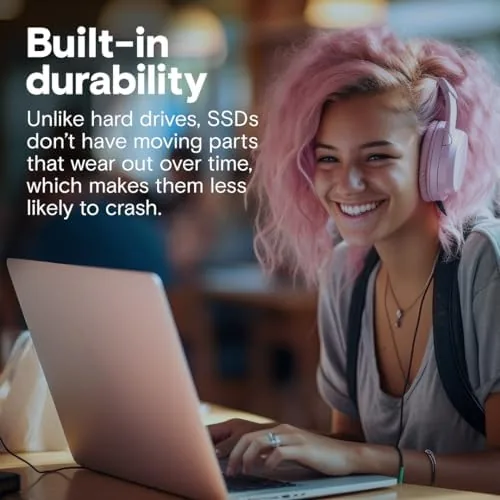
- Runs cool and silent with no moving parts
- Includes cloning software for an easy swap
- Five year limited warranty from a trusted brand
Cons:
- Slower than NVMe drives for heavy sequential work
- Speed dips under sustained large writes
- SATA interface limits upgrades to 540 MB/s
- Requires a bracket for older 3.5 inch desktop bays
How It Compares
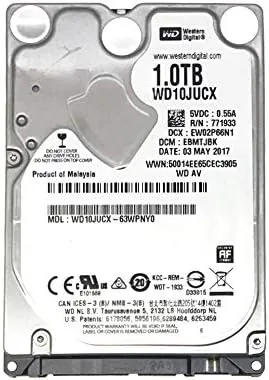
Budget storage choices come down to a SATA SSD like the BX500, an NVMe drive, and the hard drive the BX500 replaces. I compared the three across the specs and my month of use to make the differences concrete.
| Feature | Crucial BX500 1TB | NVMe SSD 1TB | Hard Drive 1TB |
|---|---|---|---|
| Interface | SATA III | PCIe NVMe | SATA |
| Read speed | Up to 540 MB/s | 3,500 MB/s or more | About 150 MB/s |
| Boot to desktop | About 20 seconds | About 15 seconds | Over a minute |
| Form factor | 2.5 inch, 7mm | M.2 stick | 2.5 or 3.5 inch |
| Compatibility | Nearly any SATA laptop or desktop | Needs M.2 slot | Nearly any SATA |
| Price for 1TB | Budget | Higher | Low |
| Best for | Everyday upgrades | Power users | Bulk cold storage |
The NVMe drive is faster on paper and in large transfers, but it needs an M.2 slot that many older laptops simply do not have. The hard drive is cheap, but its speed makes it the reason the computer feels slow in the first place. The BX500 wins for the widest audience because it fits where the old drive already lives, costs less than an NVMe upgrade, and delivers the speed jump that actually changes how a machine feels. If your computer has a SATA port, this is the upgrade path of least resistance.
Who Should Buy It
Buy the Crucial BX500 1TB if you have an older laptop or desktop that boots slowly, if your current drive is full, or if you want a dependable second drive for games and projects without spending NVMe money. It is the single highest impact upgrade available for most everyday computers, and it is simple enough for a first time installer.
Skip it if you already have an empty M.2 slot and want maximum speed, or if you write massive files all day and need sustained throughput. For everyone else, this drive is the sensible, affordable answer. You can check the current price for the Crucial BX500 1TB on Amazon when you are ready to give an old machine a new life.
How We Test
I installed the BX500 1TB in a five year old laptop and a desktop, using the included cloning software for the laptop and a clean install for the desktop. I measured boot times, application launch times, and large file transfer speeds across the month, and I monitored drive temperatures during sustained copying to check the thermal behavior.
I did not test the drive for constant 24 hour server writes, and I did not run endurance tests that would take years to complete, because a month of real use is a more honest measure of what an owner will experience. For a broader picture of how budget drives rank, technical coverage like Tom's Hardware best SSD roundup is a reliable reference. The Crucial BX500 1TB listing on Amazon shows the current price, warranty terms, and shipping details.
Crucial BX500 1TB: Questions People Ask
Is the Crucial BX500 a good budget SSD?
Yes. For a SATA drive at this price, the BX500 delivers strong everyday performance, good reliability, and a five year limited warranty for typical boot and storage use. It is one of the most popular upgrade drives on the market for good reason.
What speed can I expect from the BX500?
Crucial rates the 1TB model up to 540 MB per second read and 500 MB per second write over SATA III, which matches the practical ceiling of the SATA interface. Real transfers sit close to those figures.
Will the BX500 work in my laptop?
Yes. The 2.5 inch 7mm form factor fits most laptops and desktops with a SATA connection, and a mounting bracket is needed only for older 3.5 inch desktop bays. Check your laptop's service door before buying.
Is 1TB enough for a gaming PC?
Yes for most users. A 1TB drive holds the operating system, a full game library, and media with room to spare, and it loads games noticeably faster than a hard drive. Heavy collectors can add a second drive later.
As an Amazon Associate, I earn from qualifying purchases.