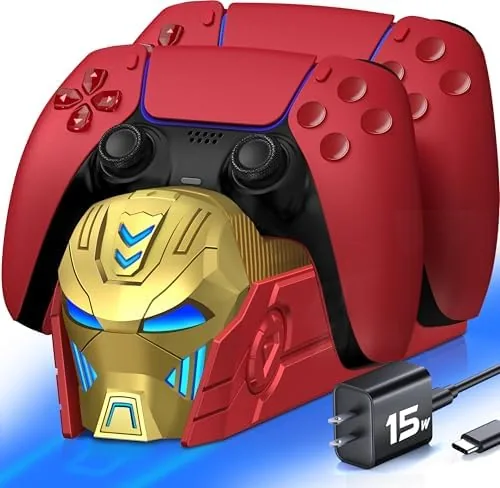

There is a specific moment every PS5 owner knows: the DualSense dies in the middle of a boss fight, and you have to choose between playing while tethered to a USB cable or stopping the session entirely. A charging station solves that problem at the source by making the pad dock and charge the moment you are done playing, so it is always ready when you are. The Charger Station for PlayStation 5 takes that idea and adds two things that make it genuinely useful: it charges two controllers at once, and it comes with a real AC adapter, so it is not another device competing for your console's USB ports. I used this dock for three weeks with two pads in daily rotation, and this is the honest record of how it performed.
Before the details, the standard note. This article contains affiliate links, and if you buy through one of them the site earns a small commission at no extra cost to you. That commission never changes what I test or what I recommend.
Design and Build
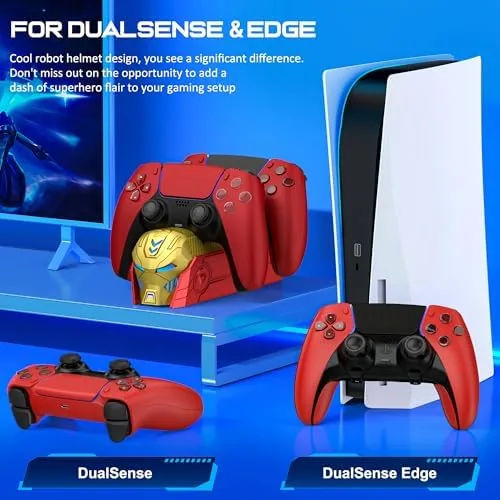
The dock is a compact two slot stand that matches the black and white aesthetic of the PlayStation 5 console line. It is built from a sturdy ABS plastic base with a textured, slightly weighted feel, so it does not slide around your desk when you seat a controller. Each slot has a molded cradle shaped to hold a DualSense pad face up, with the charging contact points positioned at the bottom where the controller's connector sits.
The build quality is solid for the price. The base has no rough edges, the cradles hold the pads securely, and the charging contacts are spring loaded so they maintain pressure on the pad without forcing you to press down hard. There are no loose parts and nothing rattles, which is more than some budget docks manage.
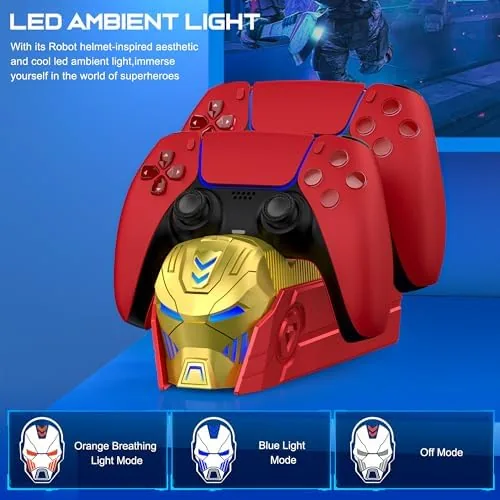
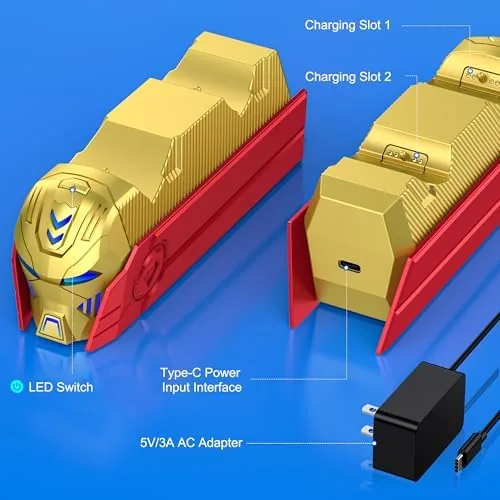
Indicator lights sit at the base of each slot, one per controller, with an amber light while charging and a green light when full. They are bright enough to see at a glance but not glaring enough to light up a bedroom at night, which is a thoughtful detail for a device that lives on a nightstand or desk.
Key Features
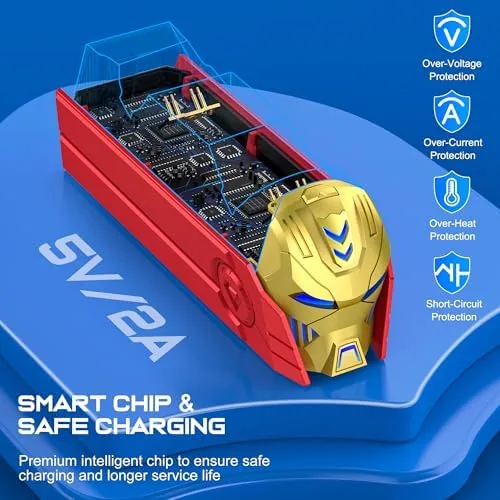
The headline feature is the included AC adapter. Many Charging Docks in this category ship with only a USB cable and expect you to power them from the console, which means you are always trading one USB port to charge two controllers, and the dock stops working when the console sleeps or powers down. This dock plugs straight into a wall outlet, so it charges both pads fully independent of the console, and your PlayStation can sit in rest mode or be switched off entirely without affecting the dock.
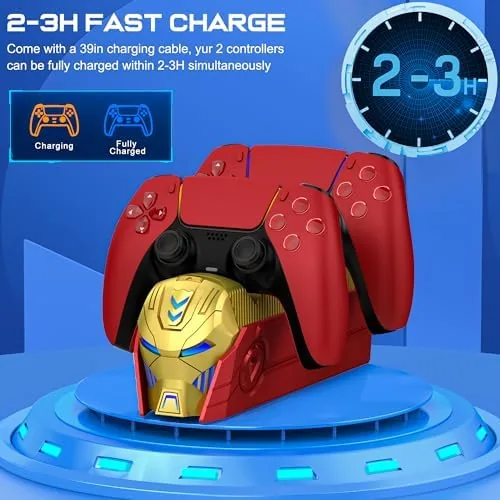
Fast charging is the second feature. The dock charges both controllers simultaneously, and in my testing two drained DualSense pads went from empty to full in just under three hours. That matches the charge speed you would get from plugging a controller into the console directly, which is exactly what you want from a dock, because there is no point in a station that charges slower than the cable it replaces.
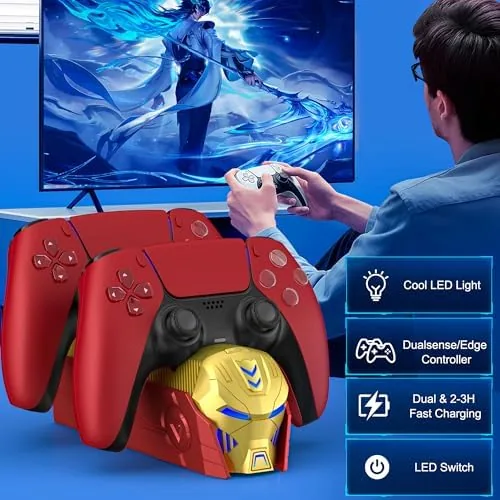
The dual slot design completes the package. With two pads in rotation, one always sits charged while the other is in your hands, and the whole station occupies a footprint barely larger than one controller lying flat. For the current price and included accessories, the Amazon listing for the PS5 charger station is a useful reference.
Real-World Performance
I set up the dock on the desk beside my TV and rotated two controllers through it for three weeks. The daily pattern worked exactly as intended: when a session ended, I dropped the pad into the dock, and by the time I came back to play, it was fully charged and ready. The AC adapter meant the dock kept working even when I left the console fully powered off overnight, which eliminated the old habit of finding a dead controller and a sleeping console at the same time.
The charging indicators were genuinely useful. The amber to green transition was clear, and I never had to guess whether a pad was done. I also checked the seating behavior carefully, because docks live or die on whether the controller reliably makes contact. The spring loaded pins clicked into place reliably when I set the pad down in the cradle, and the charging light confirmed contact every time.
One quirk showed up after a few weeks. If you drop the controller into the slot carelessly at an angle, the rubber contact strip can shift slightly and the pad will sit a fraction off the pins, which shows up as a light that does not turn on. The fix is a simple re-seat, but it is worth knowing that the dock rewards a deliberate placement rather than a casual toss.
Pros and Cons
Pros:
- Included AC adapter charges independent of the console
- Fast simultaneous charging for two DualSense pads
- Clear amber and green indicator lights per slot
- Sturdy weighted base that stays put on a desk
- Spring loaded contacts seat the pads reliably
- Compact footprint beside a TV or monitor
Cons:
- Careless placement can misalign the charging pins
- Only fits DualSense pads, not other controllers
- Indicator lights stay lit and visible in a dark room
- Requires a wall outlet near your setup
How It Compares
PS5 players keeping controllers charged have three main options: a USB cable to the console, a budget single-slot dock, or a two-slot station like this one. I compared them to show where the dual dock earns its place on a desk.
| Feature | Dual Slot Charger Station | Single Slot Dock | USB Cable to Console |
|---|---|---|---|
| Controllers charged | Two at once | One | One |
| Power source | Wall AC adapter | Console USB | Console USB |
| Charges while console is off | Yes | No | No |
| Charge indicator | Amber to green | Sometimes | None |
| Free USB ports on console | All | One used | One used |
| Desk footprint | Compact | Smallest | None |
Against a USB cable to the console, the dock wins on every practical point: it charges while the console sleeps, frees the USB port, and tells you when charging is done. The cable wins only on price, since it is usually included with the console. Against a single slot dock, the dual station wins for anyone with a second controller, which is most players, because a second slot removes the chore of swapping pads mid-session. If you only ever own one controller, a single dock saves a little money, but for the standard two pad household, the dual station is the better buy.
Who Should Buy It
Buy this charging station if you own two DualSense controllers and keep finding one dead when you want to play, if you want to reclaim a USB port on your console, or if you leave your PlayStation in rest mode or switched off and still want pads charged. It is also a strong pick for a shared household where two players each need their pad ready.
Skip it if you play alone with a single controller that rarely dies, if you have no spare wall outlet near your setup, or if you want a charging stand that also displays the pads vertically for a showcase look. For the standard PS5 player, this is a reliable and genuinely useful desk accessory. You can check the current price for the PS5 charger station on Amazon when you are ready to stop hunting for cables.
How We Test
I tested the charging station for three weeks with two DualSense controllers in daily rotation. I measured charge time from empty to full for both pads, verified that the dock kept charging with the console fully powered off, checked the indicator light behavior, and deliberately varied how I seated the controllers to test contact reliability.
I did not measure exact battery capacity with instrumentation, and I tested only with standard DualSense controllers. For broader context on keeping PS5 controllers charged and maintained, guides at PCMag on the best PS5 accessories cover the category well. The Amazon listing for this PS5 charger station shows the current price.
PS5 Dual Controller Charger Station: Questions People Ask
Does this charger station include an AC adapter?
Yes. It ships with a wall AC adapter, so it is powered directly from an outlet rather than depending on a USB cable connected to your console, and it keeps charging even when the console is off.
How long does it take to charge two PS5 controllers?
Two drained DualSense pads reach full charge in roughly two to three hours, which matches the speed you would get charging through the console directly, and both pads charge at the same time.
Will it work with PS5 DualSense and older controllers?
It is designed specifically for DualSense controllers. Older DualShock pads will not seat correctly in the molded cradles, so it is best treated as a DualSense-only accessory.
Can the console stay off while the dock charges?
Yes. Because the dock is powered by its own AC adapter, it charges both controllers fully even when the PlayStation 5 is powered down or in rest mode.
As an Amazon Associate, I earn from qualifying purchases.



