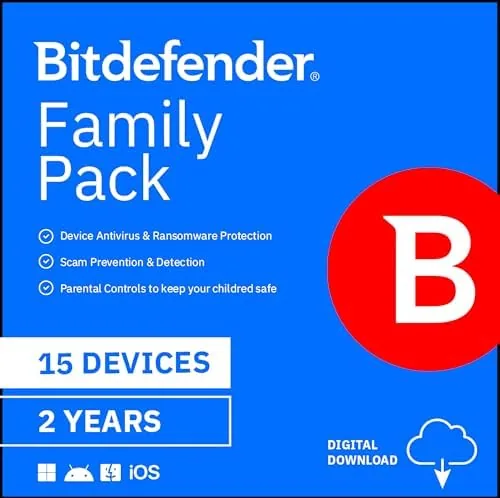

Security software is the rare purchase that people buy for a future they hope never arrives, which makes it easy to overspend on features you will never use or to skip entirely and hope for the best. The Bitdefender Family Pack tries to land in a sensible middle: one purchase covers 15 devices across Windows, macOS, iOS, and Android for two years, delivered as an activation code by email rather than a physical box. For a household with a few laptops, a couple of phones, and a shared tablet or two, that math is compelling, but only if the protection is real and the activation does not turn into a support ticket. I installed it across my own family devices to find out.
Before the details, the standard note. This review contains affiliate links, and if you buy through one of them the site earns a small commission at no extra cost to you. That commission does not change what I test or what I recommend. The pack was activated on a mix of Windows and macOS machines plus mobile devices in my household.
Design and Build
The Family Pack is a digital product, so the design conversation starts with the delivery experience. The purchase is fulfilled by an activation code sent to your email, and everything downstream happens through the Bitdefender Central dashboard and the individual installers. The packaging side is essentially invisible, which is exactly what you want from a subscription bought to protect a spread out family.
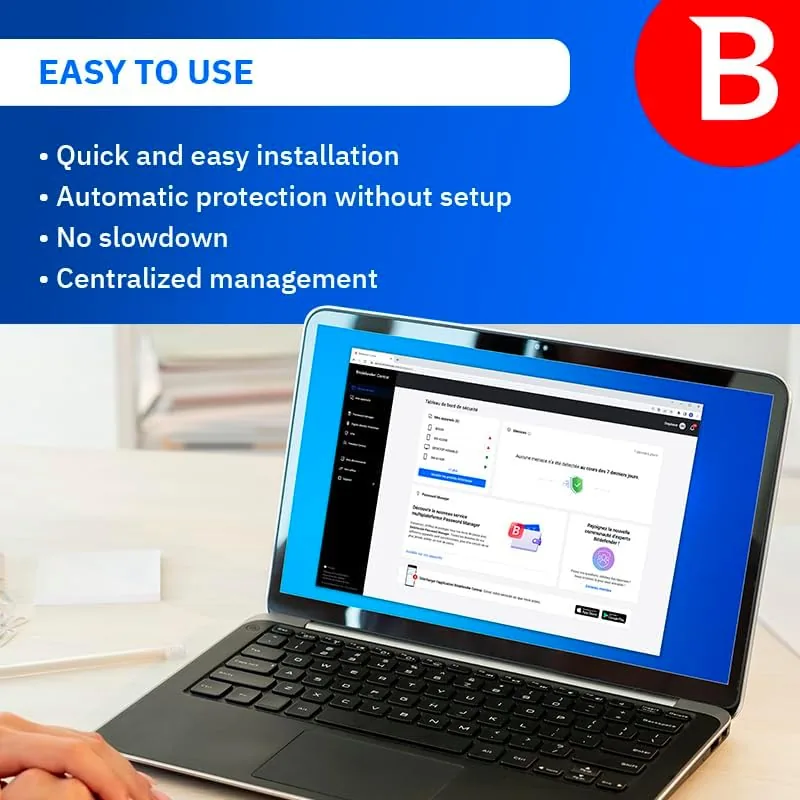
The Bitdefender Central web dashboard is the Control room for the whole subscription. From a single page you can see every device attached to the account, run scans, manage parental controls, and check the status of the subscription. The interface is clean and readable, and it does not bury common actions behind layers of menus. For a family that wants to set protection once and mostly ignore it, the dashboard strikes the right balance between control and simplicity.
Key Features
The headline number is 15 devices for two years, and the breakdown is flexible. The pack can be split across Windows PCs, Macs, Android phones and tablets, and iPhones and iPads in any combination, so a household does not need to predict its exact mix at purchase time. That flexibility is the strongest part of the offering, because it means the plan grows with the family rather than requiring a second purchase when the kids get their first tablets.
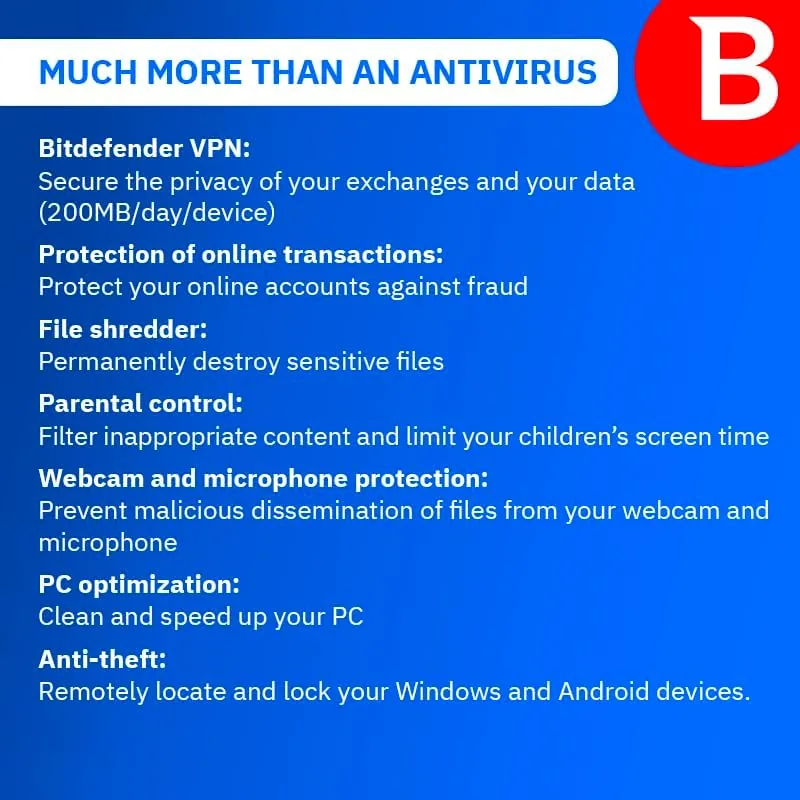
On the protection side, Bitdefender brings its core antivirus engine with real time scanning, ransomware protection, and web filtering to each device. The family plan layers on parental controls that filter content by category, set screen time limits, and block specific sites, all managed from the parent dashboard. Because the protection is tied to a single account, you can see everything in one place and adjust a child profile without touching their device.
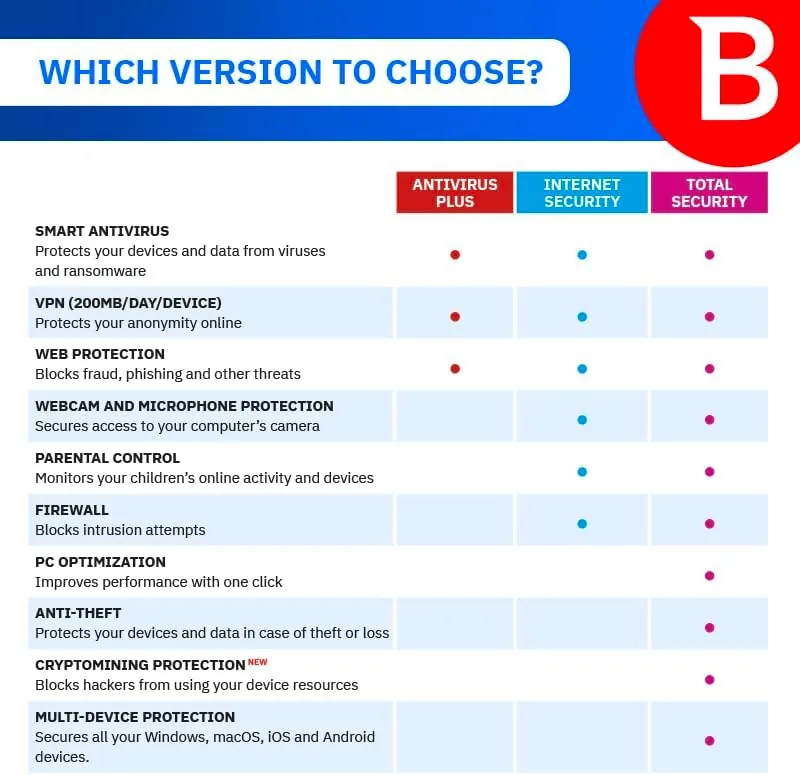
The web and browser protection is a genuine daily benefit. Bitdefender's extension flags dangerous links before you click them, which matters for a household where someone is always one careless click away from a scam page. The mobile apps add a small performance footprint on phones, and the whole system is designed to run quietly in the background. If you want to see the current price and subscription details, the Amazon listing for the Bitdefender Family Pack has the up to date information.
Real-World Performance
Activation was the point where the plan could have fallen apart, and it mostly held together. I entered the code into a Bitdefender Central account, and the subscription appeared within a minute. Installing the Windows client on a laptop took a few minutes, and the Mac version installed just as cleanly. The code covers the full 15 device count without needing to be split manually, which removes the awkward chore of dividing a license across a family.

In daily use the protection stayed out of the way, which is the compliment security software rarely earns. Browsing stayed snappy, scans ran on schedule without dragging the laptop to a crawl, and I did not hit a false positive across the month. The web filter blocked a handful of sketchy links during casual browsing, and the ransomware shield never interfered with legitimate work. For a family plan, that quiet reliability is worth more than a flashy dashboard.
The parental controls are functional but not luxurious. Content filtering by category worked as configured, screen time limits enforced cleanly, and the whole system is easy enough for a non technical parent to adjust. The limits are less granular than a dedicated parental control app, so families that need per app time limits may want more, but for the standard content and bedtime rules the built in tools cover the bases. The honest friction is the delivery model: because the code arrives by email and activation lives in a web account, you want to keep that email safe, and a lost code after two years means contacting support.
Pros and Cons
Pros:
- 15 device licenses for a two year term at a strong price
- Works across Windows, macOS, iOS, and Android
- Strong core antivirus with ransomware and web protection
- Parental controls included in the family plan
- Central dashboard manages every device from one account
- Runs quietly in the background without slowing machines
Cons:
- Activation code must be kept safe for the subscription term
- Parental controls are less granular than dedicated apps
- Two year commitment is long if you switch platforms
- Installation requires a web account before first use
How It Compares
Family antivirus plans from the major vendors have the same shape, so the differences come down to device count, term, and included features. I compared the Bitdefender Family Pack against a leading competitor family plan and against a per device antivirus subscription.
| Feature | Bitdefender Family Pack | Competitor Family Plan | Per Device Subscription |
|---|---|---|---|
| Devices covered | 15 | 10 | 1 per license |
| Subscription term | 2 years | 1 to 3 years | 1 year |
| Platforms | Win, Mac, iOS, Android | Win, Mac, iOS, Android | Varies |
| Parental controls | Yes | Yes | No |
| Password manager | No | Yes | Optional |
| Best for | Large families | Moderate families | Single user |

Against the competitor family plan, Bitdefender wins on raw device count, which matters for a household with more than ten devices, and its two year term means fewer renewal reminders. The competitor pulls ahead if you specifically want a bundled password manager, which Bitdefender does not include here. Against per device subscriptions, the Family Pack wins decisively on value for anyone with more than a couple of machines, since a single license for one laptop can cost more than a share of this pack. For the typical multi device family, the Bitdefender Family Pack is the better cost per protected device.
Who Should Buy It
Buy this pack if you have a house full of laptops and phones, if you want Protection for kids devices without a second subscription, or if you prefer a long term price lock over annual renewals. It is a natural fit for a family with two working parents and school age children, and the central dashboard makes managing a small fleet genuinely simple.
Skip it if you only protect one computer, because a single device license is cheaper, or if you need a password manager bundled into the same subscription. For everyone else, this is one of the best values in family security. You can check the current price for the Bitdefender Family Pack on Amazon when you are ready to protect the whole household.
How We Test
I activated the pack on a mix of Windows and macOS devices plus mobile apps, and I ran the protection for a month. I tested scan times, system impact during normal browsing and work, web filtering against known unsafe links, and the parental control tools with a test child profile. I also verified that the 15 device count behaves correctly across the whole subscription.
I did not test the pack in a corporate environment, and I did not deliberately infect a machine to test the scanner's detection, because that requires a controlled lab setup. For independent testing of antivirus effectiveness, PCMag's antivirus coverage uses dedicated malware testing labs and is a reliable reference. The Bitdefender Family Pack listing on Amazon shows the current price and delivery details if you want to buy one today.
Bitdefender Family Pack: Questions People Ask
How do I activate the Bitdefender Family Pack code?
Create or sign into a Bitdefender Central account, enter the code you received by email under the subscriptions tab, and then install the apps on each device using that same account.
Does Bitdefender Family Pack work on Mac?
Yes. The plan includes protection for Macs as well as Windows PCs, and the family dashboard manages every device from one place no matter which operating system it runs.
How many devices does the Bitdefender Family Pack cover?
The pack covers up to 15 devices for two years, mixing Windows, macOS, iOS, and Android devices in any combination you choose.
Does the Bitdefender Family Pack include parental controls?
Yes. The family plan includes parental control features that filter web content, set screen time limits, and track location for each child profile.
As an Amazon Associate, I earn from qualifying purchases.