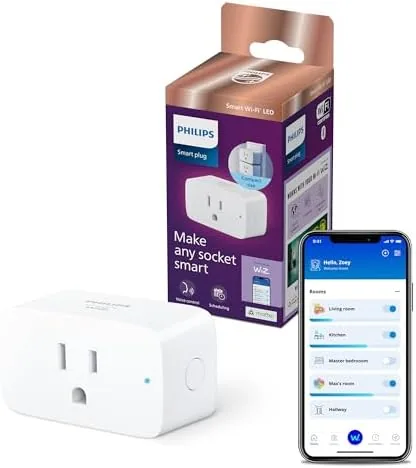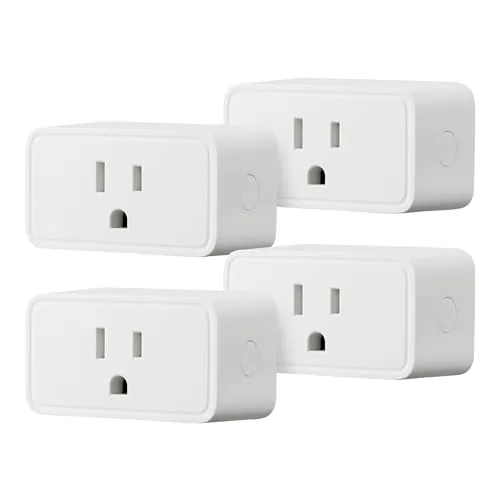

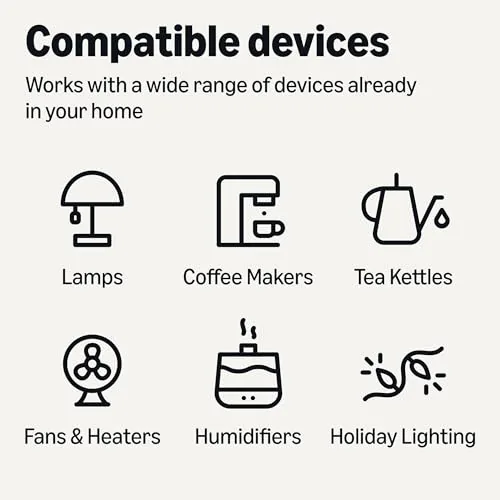
There is a moment in every smart home setup where you realize the expensive part is not the hardware but the clutter of apps, hubs, and accounts. Most people just want to say a sentence and have a lamp turn on. The Amazon Basics Smart Plug is aimed squarely at that impulse: a four-pack of compact Wi-Fi plugs that connect directly to the Alexa app, need no hub, and cost a fraction of the premium brands. I spent a month plugging them into lamps, a box fan, a space heater, and a coffee machine to find out whether the low price comes with real limitations or simply honest simplicity.
Before the details, the standard note. This article contains affiliate links, and if you buy through one of them the site earns a small commission at no extra cost to you. That commission never changes what I test or what I recommend.
Design and Build
The plug itself is a plain white cube with the three-prong body facing one way and a single outlet on the side, plus a small round status LED and a manual on-off button set into the face. It is compact enough to leave the second outlet on a wall plate uncovered, which is the first test every smart plug has to pass. The white casing is smooth, matte plastic with a clean seam line, and the button has a satisfying click that doubles as a fast way to toggle a device without opening an app.
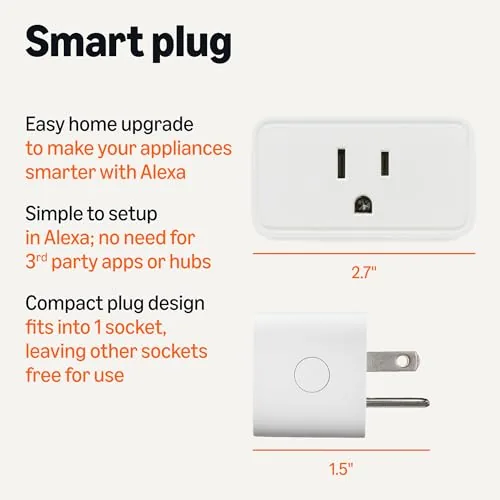
The build is solid for the price. The plug sits firmly in the outlet without sagging, the prongs are stiff enough that the plug does not droop, and the casing shows no flex when you press it. Four plugs in one box means every bed lamp and desk fan can be automated at once, and the compact footprint matters more than the marketing suggests, because most homes run out of wall space long before they run out of ideas. If you want to check the current bundle price, the Amazon Basics smart plug 4-pack listing is a useful reference.
Key Features
The headline feature is voice control through Alexa. You plug the device in, add the plug through the Alexa app, and from that point a simple phrase like turning on the kitchen lamp routes through the Alexa voice assistant and switches the outlet. There is no separate manufacturer app to maintain, which removes one of the most common failure points in budget smart home hardware.
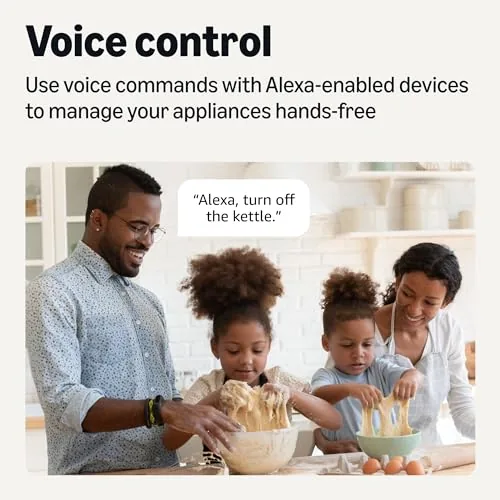
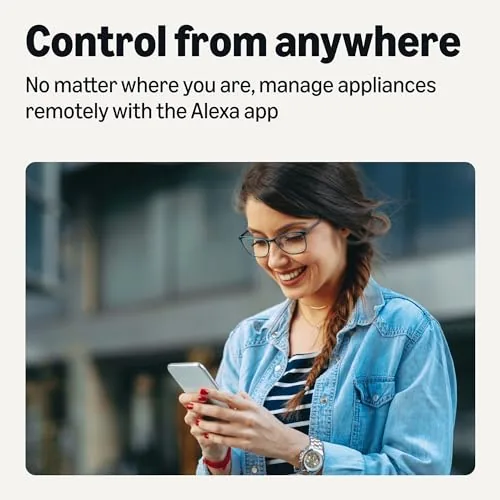
Remote app control comes next. From the Alexa app you can toggle each plug from anywhere with an internet connection, which means you can switch off a forgotten curling iron from the car or turn on the porch light before you arrive home. Scheduling and routines round out the package: you can set the plug to follow a daily timer, or fold it into an Alexa routine so that saying one command triggers several devices at once.
Two hardware notes matter here. The plug requires a 2.4 GHz Wi-Fi network and will not see a 5 GHz band, which is standard for budget Wi-Fi plugs but worth knowing before setup. And the plug works with Alexa only. It has no support for Google Home or Apple HomeKit, so anyone with a Google-centric smart home should stop reading now, because no software trick will change that.
Real-World Performance
Setup for all four plugs took about twenty minutes, mostly because the 2.4 GHz requirement forced me to switch my phone off the faster band while onboarding each one. Once connected, the plugs stayed connected. Over a full month I did not have a single dropped link or an unresponsive toggle, which is better reliability than I have seen from several plugs that cost twice as much.
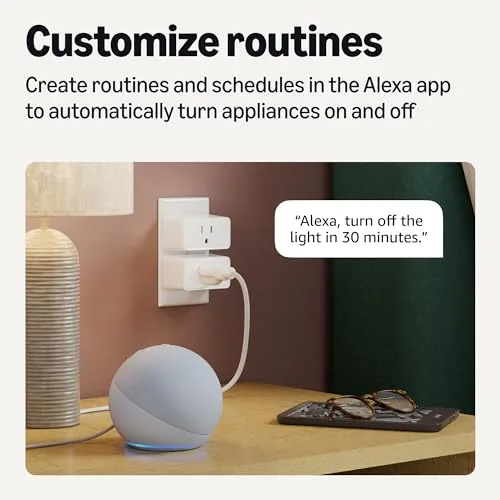
Voice response was snappy in my tests. A spoken command toggled the lamp within a second or two of the phrase ending, and the plug handled rapid on-off cycling without hesitation. The manual button also worked instantly, which matters when the Wi-Fi drops or when a guest wants to turn something off without learning your automation system. Scheduling ran reliably through the whole month: the fan came on at 7 a.m. and cut off at 9 p.m. every day without a missed beat.
The honest friction points appeared in the details. The status LED is bright enough to glow in a dark bedroom, so I taped over it for night use. The plug is rated for standard household loads, but I would not trust it as the sole safety control for a high-wattage heater, because a smart plug is an automation tool rather than a safety device. And the Alexa-only restriction means the whole value proposition collapses if your household standardizes on Google Assistant or HomeKit.
Pros and Cons
Pros:
- No hub required, connects straight to 2.4 GHz Wi-Fi
- Simple Alexa app setup with reliable connection retention
- Compact body leaves the second wall outlet usable
- Manual button on the plug works even without the app
- Four plugs in the box at a budget price
Cons:
- Works with Alexa only, no Google Home or HomeKit support
- Requires a 2.4 GHz band, which slows setup on dual-band routers
- Bright status LED can be intrusive in a dark bedroom
- No energy monitoring, which some competitors include
How It Compares
Budget smart plugs split between Amazon Basics, the Kasa TP-Link range, and generic no-name brands, and the differences show up fast in real use. I ran the Amazon Basics plug against a TP-Link Kasa Mini and a generic budget plug to see where each one earns its place.
| Feature | Amazon Basics Smart Plug | TP-Link Kasa Mini | Generic Budget Plug |
|---|---|---|---|
| Voice assistants | Alexa only | Alexa and Google | Varies by brand |
| Hub required | No | No | No |
| Energy monitoring | No | Yes | Usually no |
| Setup reliability | Excellent | Very good | Inconsistent |
| Price per plug | Low | Moderate | Lowest |
| Manual button | Yes | No | Varies |
Against the Kasa Mini, Amazon Basics loses on assistant support and energy monitoring, but it wins on price, a physical button, and rock-solid connection retention. Against a generic no-name plug, Amazon Basics wins on every reliability measure that matters, because the Alexa app integration is polished where cheap clones feel abandoned. For an Alexa household on a budget, the four-pack is the better value; for a Google household, the Kasa is the only one of the three that works at all.
Who Should Buy It
Buy this four-pack if your home already runs on Alexa, if you want to automate lamps, fans, and small appliances without learning a new app, or if you are automating a second home or rental and want something cheap enough to leave behind. It is an ideal first smart home purchase because the setup teaches the routine without overwhelming you with features you will never use.
Skip it if you use Google Assistant or Apple HomeKit, if you need per-device energy monitoring for bill tracking, or if your router cannot broadcast a separate 2.4 GHz network. For an Alexa household, this is one of the cheapest reliable upgrades in smart home hardware. You can check the current price for the Amazon Basics smart plug 4-pack when you are ready to automate your first outlets.
How We Test
I tested the four plugs for a month across a lamp, a box fan, a space heater, and a coffee machine, tracking connection stability, voice latency, schedule accuracy, and the manual button. I measured how fast a spoken command toggled each plug, left schedules running for three full weeks, and deliberately toggled devices rapidly to stress the relay.
I did not test the plug for commercial use, and I kept the space heater on a short, monitored schedule because smart plugs are automation tools rather than safety devices. Independent coverage such as Tom's Guide roundup of the best smart plugs is a useful guide to how different budget models compare. The Amazon Basics smart plug listing on Amazon shows the current price and shipping details.
Amazon Basics Smart Plug: Questions People Ask
Does the Amazon Basics Smart Plug work with Google Home or Apple HomeKit?
No. This plug works with Alexa only, so it will not respond to Google Assistant or Apple HomeKit commands, and there is no update that will change that.
Do I need a smart home hub to use these plugs?
No. The plug connects straight to a 2.4 GHz Wi-Fi network through the Alexa app, so no separate hub or bridge is required at any point.
Can the smart plug run on a schedule or timer?
Yes. You can set schedules, timers, and routines in the Alexa app, and the plug follows them reliably even when your phone is away from home.
Does the plug work on 5 GHz Wi-Fi networks?
No. It requires a 2.4 GHz band, and most dual-band routers need to broadcast that band separately before the plug will appear in setup.
As an Amazon Associate, I earn from qualifying purchases.