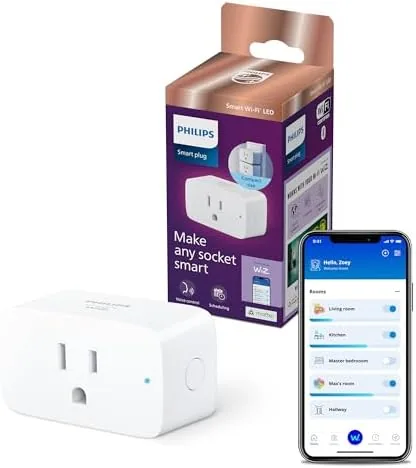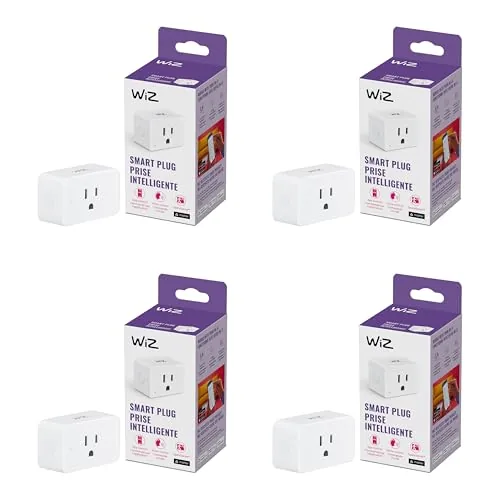

The best smart home devices are the ones you stop thinking about. A lamp that switches on at sunset and off at sunrise does its job quietly, and you notice it only on the evenings it does not work. The WiZ Connected Smart Plug tries to earn that kind of invisibility with features that go beyond the usual on and off switch: sunset to sunrise scheduling, motion detection triggers, and support for Alexa, Google Home, and Apple HomeKit. I wired a four pack of these plugs into lamps, a fan, and a coffee maker across two weeks of daily use to see which claims held up.
Before the details, the standard note. This article contains affiliate links, and if you buy through one of them the site earns a small commission at no extra cost to you. That commission never changes what I test or what I recommend.
Design and Build
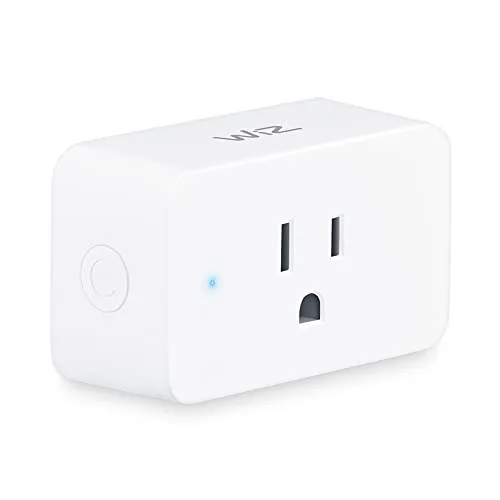
Each plug in the four pack is compact, with a single grounded outlet that sits close to the wall so it does not block the second outlet on a duplex receptacle. That space saving detail matters more than it sounds, because it means you can pair a smart plug with a normal plug on the same wall plate. The body is plain white plastic that disappears behind furniture, and there is a small status light that tells you at a glance whether the plug is connected and powered.
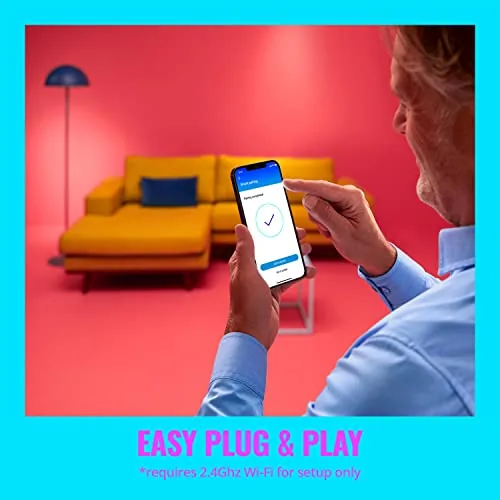
Setup is where WiZ makes its first impression. There is no hub to buy and nothing to screw into a router, because each plug connects over your existing Wi-Fi network. You scan a code in the WiZ app, give the plug a name, and it appears alongside your other devices. In my test, all four plugs were online and controllable within ten minutes of opening the box. The build quality feels sturdy enough for years of service, and the mechanism has a satisfying click when you press the manual button on the side.
Key Features
The signature feature is Sunset to Sunrise Automation. Instead of asking you to compute dusk times and update them as the year rolls on, the WiZ app looks up the exact sunset and sunrise for your location and builds the schedule for you. A lamp plugged in with a sunset rule turns on as the sky darkens and off at dawn, adjusting itself automatically through the changing seasons. It is the kind of feature that makes a home feel genuinely responsive rather than merely programmable.
Motion detection is the second headline. The plug can watch for movement in the room, and when motion is sensed it switches the connected device on, then off again after a delay you set. That turns a cheap lamp into a hallway light that lights your path without touching a switch, or a closet light that follows you in and out. The sensitivity and the off delay are both adjustable in the app, which gives you room to tune it to your space.
Voice control rounds out the package. The plugs answer to Amazon Alexa, Google Home, and Apple HomeKit, so they slot into whichever ecosystem you already live in, and you can also group multiple plugs into rooms or routines to control them together. For a current look at the price and the exact four pack contents, the Amazon listing for the WiZ smart plug four pack is a useful reference.
Real-World Performance
I started with the most demanding use case: a living room lamp on a sunset schedule. For two weeks the lamp switched on as the room dimmed and off again in the morning without me touching it once. When I compared the timing to my own dusk observations, the schedule tracked real sunset closely, which is exactly the point of the feature. The automatic seasonal adjustment means I never had to revisit the setting, and the lamp did not flicker or drop off once during the whole test.
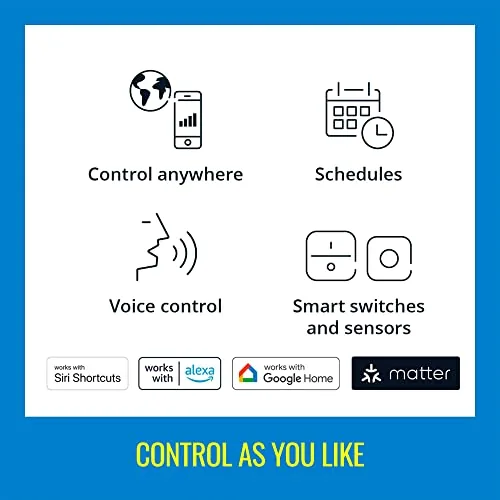
Voice control was immediate and consistent. With Alexa, asking for the lamp by name turned it on and off within a second, and the Google Home commands worked just as well on a separate network setup. HomeKit integration also recognized the plugs without fuss, which is not always a given with budget smart devices. The app itself stayed responsive, and toggling plugs from across the house was reliable even when my phone was not on the same network.
Motion detection earned its place in a hallway test. I placed one plug on a table lamp near an entrance, set the off delay to three minutes, and the lamp lit the path every time I walked past and shut itself off after I left. The sensitivity was predictable rather than oversensitive, and I did not see the annoying rapid on and off cycling that poorly tuned motion devices produce. The coffee maker on a fourth plug also worked on a simple morning schedule, giving me a hot pot waiting when I walked into the kitchen.

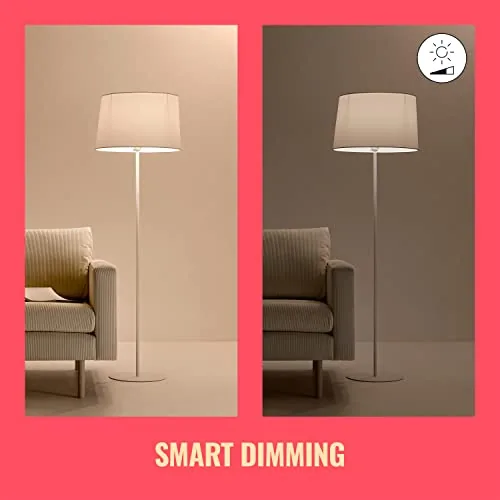
The honest caveats are small but worth stating. The plugs need a solid Wi-Fi signal, so a weak network at the far end of a house may cause a delay in app commands. And because these are simple on and off plugs, they cannot dim a dimmable lamp, so pair them with switched devices rather than expecting brightness control.
Pros and Cons
Pros:
- Sunset and sunrise scheduling adjusts itself through the seasons
- Motion detection triggers with adjustable sensitivity and delay
- Works with Alexa, Google Home, and HomeKit out of the box
- No hub required, connects directly over Wi-Fi
- Compact body does not block the second wall outlet
- Four plugs in one purchase covers a whole room or hallway
Cons:
- Requires a solid Wi-Fi signal at the plug location
- On and off only, with no dimming for compatible bulbs
- Motion detection depends on the phone and app being configured
- App setup requires a stable network during pairing
How It Compares
Smart plugs come in several flavors, and where the WiZ pack lands depends on what you compare it against.
| Feature | WiZ Smart Plug | Hub Based Plug | Basic Wi-Fi Plug |
|---|---|---|---|
| Hub Required | No | Yes | No |
| Sunset Automation | Built in | Usually manual | Usually manual |
| Motion Triggers | Yes | Yes with sensors | Rarely |
| Assistant Support | Alexa, Google, HomeKit | One ecosystem | Alexa or Google |
| Price Per Plug | Low | Higher | Lowest |
| Setup Effort | Low | Moderate | Low |
| Best For | Flexible smart homes | Single ecosystem users | Bare minimum switching |
Hub based systems add reliability and advanced automation but lock you into one ecosystem and raise the cost. Basic Wi-Fi plugs handle simple schedules but usually skip the sunset logic and motion triggers that make the WiZ pack feel genuinely smart. If you want lighting that anticipates dusk and reacts to movement without buying a hub, the WiZ four pack sits in the sweet spot.
Who Should Buy It
These plugs are for anyone who wants smart home results without smart home homework. Newcomers will appreciate the hub free setup and the voice assistant support, and busy households will appreciate the automations that run without a tap. People who travel will find real value in lamps that turn on at dusk while they are away, and families with kids will like the motion lighting that keeps hallways friendly at night.
Skip them if your whole home is already invested in one hub ecosystem and you want every device managed there, or if you need dimming control rather than simple switching. For everyone else, four plugs at this price is an easy way to test what smart home automation actually feels like. You can check the current price for the WiZ smart plug pack before deciding.
How We Test
I tested all four plugs in real rooms over two weeks rather than on a lab bench. One plug ran a living room lamp on a sunset schedule, a second handled a hallway lamp with motion triggers, a third ran a fan with voice commands, and a fourth timed a coffee maker each morning. I measured voice response time by ear, watched the sunset timing against local dusk, and checked app reliability from outside the house network.
I also paired the plugs with all three assistant ecosystems to confirm the compatibility claims. For independent testing and buying advice on the whole smart plug category, Wirecutter maintains a detailed smart plug buying guide.
Questions People Ask
How does sunset to sunrise automation work on the WiZ plug?
The WiZ app looks up the exact sunset and sunrise times for your location and creates the schedule for you. The plug then switches on as dusk falls and off at dawn, and those times refresh automatically as the seasons change, so you never have to update the schedule by hand.
Which voice assistants work with the WiZ smart plug?
The plug works with Amazon Alexa, Google Home, and Apple HomeKit. In my testing all three recognized the plugs without trouble, so you can use the assistant that already runs your home rather than adding a new one.
Does the WiZ plug detect motion?
Yes. Motion detection triggers in the WiZ app can switch a connected device on when movement is sensed and off after a delay you set, and both the sensitivity and the delay are adjustable. My hallway test ran reliably for the full two weeks.
Can I use one app for all four plugs?
Yes, all four plugs are managed from a single WiZ app account. You can rename each plug, place them in rooms, and group them into routines so they respond together to a voice command or a schedule.
As an Amazon Associate, I earn from qualifying purchases.