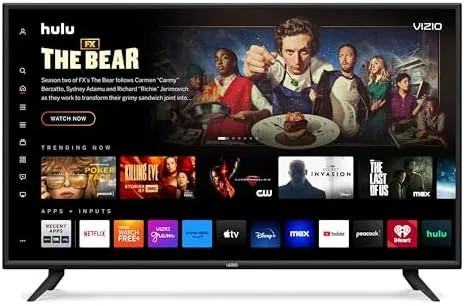
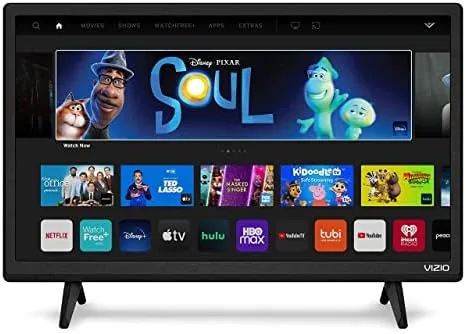
 24-Inch TV set up on a kitchen counter" width="1200" height="800" loading="lazy" style="height:auto">
Most living rooms have a main television that does the heavy lifting, and most homes have a second spot where a big screen makes no sense: a kitchen counter, a home office desk, a bedroom wall, or a workout corner. For those spaces, a 24-inch 1080p set with real smart features is often the better tool, and the VIZIO D24f-J09 fits that exact job. This is the 2021 model sold in renewed condition, and I spent a few weeks running it as a kitchen counter screen and an office companion, testing the picture, the casting features, and the free streaming channels that come with the platform.
Before the details, the standard note. This review contains affiliate links, and a purchase through one of them supports the site at no extra cost to you. The renewed unit here was tested exactly as a buyer would receive it.
Design and Build
The D24f-J09 is a plain and functional panel. A thin black bezel surrounds the 24-inch screen, with a small chin along the bottom that hides the IR receiver and a single power button. The included stand is a simple flat base that clicks into the panel with no tools, and it holds the TV steady on a countertop or desk. The set is light enough to carry in one hand, which is exactly what you want for a second screen that may move between rooms.
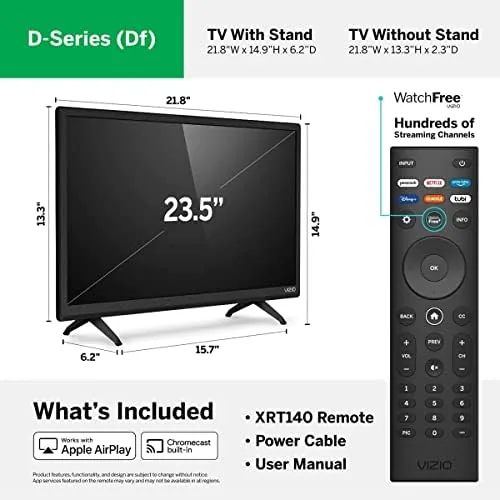
Input selection is practical for the size: two HDMI ports, one USB port, and a headphone jack. The renewed unit arrived clean with the ports intact, and the VESA mount holes on the back let you hang it on an arm above a desk if you prefer not to use the stand. It is not a premium chassis, and it does not pretend to be, but for the job of a secondary display it feels appropriately built.
Key Features
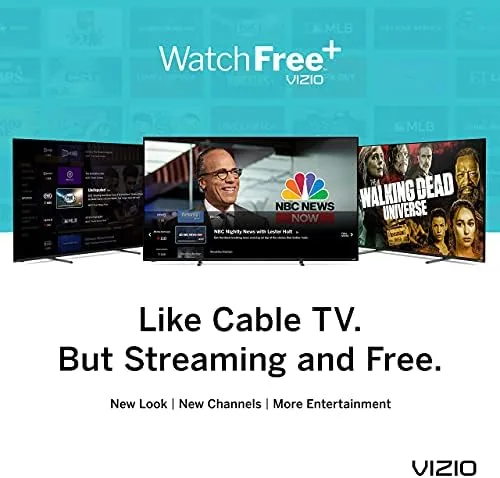
The smart platform is the reason to pick this TV over a cheap monitor. VIZIO's system runs its own app store plus the built-in WatchFree+ service, which streams more than 150 free channels over Wi-Fi. That means news, weather, old movies, cooking shows, and music channels flow from the box with no antenna and no subscription, which is a real convenience for a kitchen set you want on in the background.
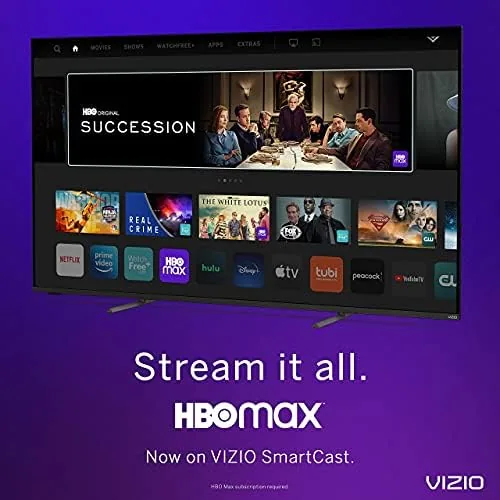
AirPlay 2 and Chromecast are both built in, which is the feature set that makes this small TV genuinely useful. An iPhone user can mirror a recipe video to the screen with one tap, and an Android user can cast from Chrome or YouTube the same way. The same apps cover the big streaming services, from Netflix to Prime Video to Hulu, so the panel works as a full streaming TV, not just a mirrored display.
The panel itself is 1080p with a 60Hz refresh rate, and at 24 inches that resolution is all it needs. VIZIO includes its usual picture modes, and the panel handles standard cable, streaming, and gaming input without complaint. For a bedroom or kitchen set, this is the right balance of size and cost.
Real-World Performance
Setup was fast. The renewed unit booted to the VIZIO setup flow, connected to Wi-Fi in about a minute, and pulled in the free channel guide almost immediately. The remote is simple and responsive, and the TV wakes from standby quickly, which matters for a set you flip on for ten minutes at a time while cooking.
Picture quality at 24 inches is pleasingly sharp. From a few feet away, 1080p content looks crisp and colorful, and the panel handles bright kitchen light well enough, though it is not a high-brightness set. Dark scenes in movies show the limits of the modest panel: blacks lean toward gray, and there is no local dimming, which is exactly what you expect at this size and price. Sports and daytime TV look clean and smooth.
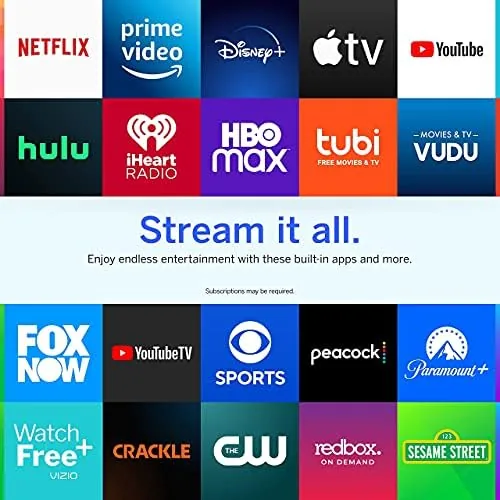
Casting was the standout experience. I mirrored a cooking video from an iPhone over AirPlay and it appeared on the screen within seconds, staying in sync with no stutter. The same flow worked from an Android phone over Chromecast, and the screen mirroring made the TV feel like an extension of the phone rather than a separate device. The free channels streamed reliably over Wi-Fi, with only occasional buffering on a congested network.
As a computer display, the TV worked well in a pinch. Text on a 24-inch 1080p panel at a desk is readable, and the HDMI input handled a laptop with no negotiation issues. The one quirk is the audio: the built-in speakers are small and a little thin, fine for background TV but not for music or dialogue-heavy movies, so a soundbar or headphones help if you watch seriously.
Pros and Cons
Pros:
- AirPlay and Chromecast built in for easy phone mirroring
- 150-plus free channels with no subscription or antenna
- 1080p is sharp at this 24-inch size
- Light and easy to move between rooms
- Simple setup and a responsive remote
- Two HDMI ports cover a streaming box and a console
Cons:
- Renewed unit carries the risk of prior wear
- Built-in speakers are thin for music and movies
- Modest contrast in dark scenes
- 2021 model has an aging smart platform
How It Compares
Small televisions compete with three things: budget 32-inch TVs, desktop monitors, and streaming sticks plugged into an old display. I compared the VIZIO D24f-J09 against a 32-inch budget 1080p set and a standard 24-inch computer monitor to see where each one belongs.
| Feature | VIZIO D24f-J09 | 32-Inch Budget 1080p TV | 24-Inch Computer Monitor |
|---|---|---|---|
| Screen size | 24 inches | 32 inches | 24 inches |
| Resolution | 1080p | 1080p | 1080p |
| Smart features | AirPlay, Chromecast, free channels | Varies | None |
| TV tuner | No | Often yes | No |
| Best use | Kitchen and desk second screen | Small main room | Computer work |
| Speakers | Small built-in | Small built-in | None |
Against a 32-inch budget TV, the VIZIO loses on raw size but wins on casting convenience. The 32-inch set may have a tuner for antenna channels and a larger picture, but few budget models match the built-in AirPlay and Chromecast that make this set so easy to drive from a phone. For a countertop or a small office, the 24-inch panel fits where a 32-inch screen will not.
Against a computer monitor, the VIZIO is the better all-rounder. A monitor has no speakers, no smart apps, and no TV tuner, so it sits useless when the computer is off. The VIZIO plays free TV when idle, streams apps, and still works as a computer display over HDMI. If you want one screen that does both jobs, the TV wins by a wide margin.
Who Should Buy It
Buy the VIZIO D24f-J09 if you need a compact second screen for a kitchen, a bedroom, or a home office, especially if you already cast a lot of content from your phone. The built-in AirPlay and Chromecast make it the easiest small TV to drive, and the free channels mean it is never a dead screen even when you have nothing queued up.

Skip it if you need a large picture for a main living area, if you watch a lot of dark, cinematic content where the modest contrast will show, or if you are uncomfortable buying renewed electronics. For a secondary screen, this is a capable and affordable pick. You can check the current price for this renewed VIZIO 24-inch smart TV on Amazon if you want one for your own second screen spot.
How We Test
I ran the TV in two real locations: a kitchen counter for background viewing and casting, and a home office desk as a computer display. I tested AirPlay from an iPhone, Chromecast from an Android device, the free WatchFree+ channel guide, and the HDMI input from a laptop, and I noted startup speed, buffering, and audio quality in each use.
I judged the picture across streaming content, daytime sports, and a dark movie scene, and I confirmed that the 1080p panel at 24 inches is limited mainly by its contrast rather than its resolution. Independent coverage such as PCMag's guide to budget televisions helps put this size class in context. The Amazon listing for the VIZIO D24f-J09 shows the current renewed pricing and condition details.
VIZIO 24-Inch Smart TV: Questions People Ask
Is a renewed VIZIO TV worth buying?
Yes for a second screen. Renewed units are inspected and restored, and they cost far less than new, though you should confirm the return window in case of issues.
Can I cast my phone to this VIZIO TV?
Yes. Chromecast is built in for Android devices and AirPlay is built in for iPhones, so you can mirror video from most phones without extra hardware.
Does the TV need a cable subscription?
No. The smart platform offers more than 150 free channels and connects to streaming apps over Wi-Fi, so no cable box or subscription is required.
How does a 24-inch TV look in 1080p?
At 24 inches, 1080p is sharp and detailed, especially from normal viewing distance, which is why the smaller screen does not need 4K.
As an Amazon Associate, I earn from qualifying purchases.