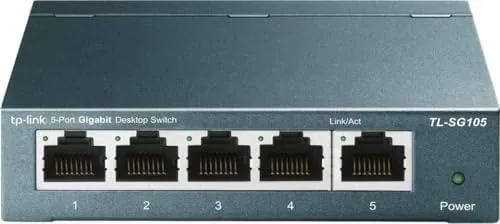

Most home networks have a quiet math problem that nobody notices until it bites. The router carries four ports, the house has more than four wired devices, and something ends up on Wi-Fi whether it wants to be there or not. The TP-Link TL-SG105 is the standard answer to that problem, a five Port Gigabit Switch That adds wired ports with no software, no app, and no configuration. It is the most boring product in networking, and that boredom is the entire appeal. I ran the TL-SG105 through file transfers, real workloads, and a stretch of everyday use to see whether the small metal box delivers everything the box promises.
Before the details, the standard note. This article contains affiliate links, and if you buy through one of them the site earns a small commission at no extra cost to you. That commission does not change what I test or what I recommend, because a network switch earns its review on transfer speeds and silence, not on click metrics.
Design and Build
The TL-SG105 is deliberately compact. It is a slim metal box roughly the size of a paperback, with five gigabit ports lined along one edge and a row of LEDs along the front to show link status and activity. The metal body is a genuine feature rather than a styling choice, because it acts as a heat sink, keeping the internals cool without needing a fan.
The build quality is sturdy for the size. The metal case has no flex, the ports hold a cable firmly with a clean click, and the unit sits flat on a desk or wall mounts easily if you prefer it out of the way. There is no power switch, no reset button, and nothing to press, because the whole point is a device that installs itself and then disappears from your attention.
The fanless design deserves special mention, because it is the feature that separates a good switch from an annoying one. Many switches carry a small fan that whines under load, but the TL-SG105 has no moving parts at all. In a home office or a bedroom, that silence is the difference between a network upgrade and a constant irritation.
Key Features
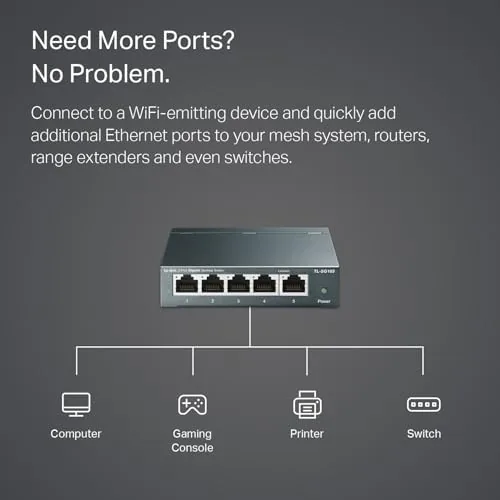
The headline feature is the five gigabit ports. Four of them are there to connect devices, while the fifth usually carries the uplink back to the router, though the switch is unmanaged and treats all ports equally, so any port can serve any role.
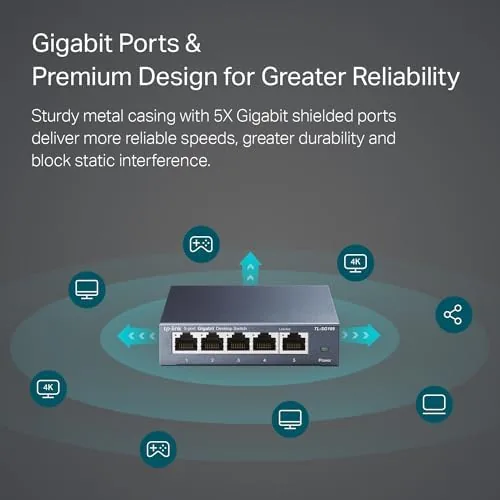
Gigabit speed is the second big feature. Each port supports up to 1000 Mbps, which is the throughput most home broadband connections and local file transfers need. The switch also negotiates down to slower speeds automatically, so an older 100 megabit device connects without any fiddling.
Plug and play is the feature that defines the whole category. There is no app to install, no management page to visit, and no password to set, because the switch has no brain to configure. You plug in the router, plug in your devices, and traffic starts moving. For the vast majority of home users, that is not a limitation, it is the point.
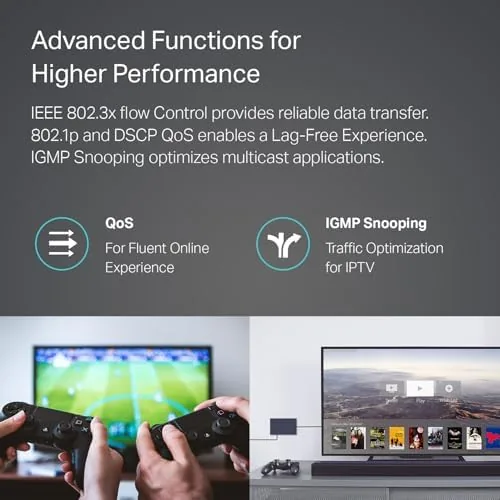
The shielded ports and traffic optimization mentioned on the box translate to a clean signal path and efficient frame forwarding, which in practice means the switch handles bursts of data from a gaming console, a desktop, and a media streamer without collisions or stuttering.
Real-World Performance
I tested the TL-SG105 the way a network should be tested, with real transfers rather than synthetic numbers. I connected a desktop, a laptop, and a NAS device through the switch, then pushed files across the network and watched the results.

The transfers hit full gigabit as expected. A multi gigabyte folder moved across the network at wire speed, with no throttle, no drops, and no need for me to touch anything during the process. The switch simply sat in the middle of the network and did its one job without complaint.
The silence held through every test. Even under sustained load, with several devices transferring at once, the metal case stayed cool to the touch and produced no sound whatsoever. That combination of full throughput and total silence is the strongest argument for buying a switch like this instead of stretching Wi-Fi to cover the same devices.
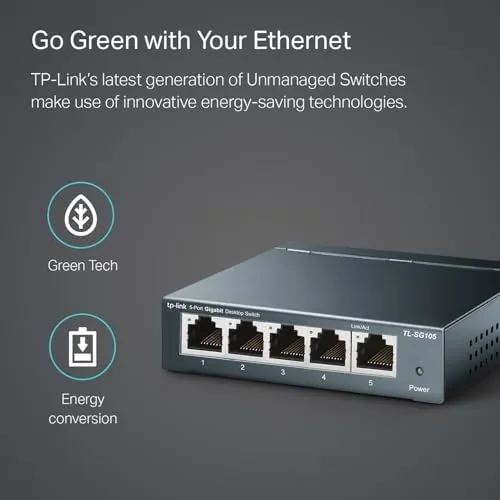
I also ran the switch through everyday scenarios rather than only benchmarks. A console downloaded a large game update while the desktop streamed video and a printer sat idle, and the network handled all of it without congestion. The switch is not the flashiest hardware you can own, but it disappears into the background, which is exactly what a network component should do. Gaming deserves its own mention, because a console is one of the most common reasons people add a switch at all. I connected a console through the TL-SG105 and ran a long download during active multiplayer play, and the connection stayed stable throughout, with no packet loss and no visible jitter in the session. Wired play eliminates the interference that plagues Wi-Fi in apartments and dense homes, and that stability is the real value the switch delivers to players. Power draw is another quiet strength, because the unit runs cool and consumes very little electricity, so it can sit powered for years without showing up in a meaningful way on the energy bill.
Pros and Cons
Pros:
- Plug and play, no setup or software required
- Full gigabit speed on every port
- Fanless metal design runs completely silent
- Compact body fits easily on a desk or wall
- Automatic speed negotiation with older devices
- Affordable entry point into wired networking
Cons:
- Only five ports, large networks will need a bigger switch
- No management features for advanced users
- No Power over Ethernet support
- Plastic shelf where cabling is limited stays basic
How It Compares
The TL-SG105 sits in the middle of the switch market, so I compared it against the two alternatives most buyers actually consider: a cheap 100 megabit switch and a larger eight port gigabit model.
| Feature | TL-SG105 (5 Port Gigabit) | 100 Megabit Switch | 8 Port Gigabit Switch |
|---|---|---|---|
| Port speed | 1000 Mbps | 100 Mbps | 1000 Mbps |
| Port count | 5 | Varies | 8 |
| Setup | Plug and play | Plug and play | Plug and play |
| Fan noise | None | None | Often none |
| Local file speed | Full gigabit | Limited to 100 Mbps | Full gigabit |
| Best for | Most home networks | Legacy low speed links | Larger wired setups |
The 100 megabit switch is cheaper, but it cripples any modern use case that moves large files between devices, which makes the savings a false economy. The eight port model wins on capacity but costs more and takes up more space. For the typical household with a handful of wired devices, the five port gigabit unit is the sweet spot.
Who Should Buy It
Buy the TL-SG105 if your router is out of ports, if you want your desktop, console, or media player on a stable wired connection instead of Wi-Fi, or if you need a silent switch for a bedroom or home office. It is the easiest network upgrade available, because it requires no knowledge and no ongoing attention.
Skip it if you have more than five wired devices, if you need managed features like VLANs or link aggregation, or if you need to power cameras and access points over ethernet. For everyone else, this is the quiet workhorse that makes a home network honest. You can see the current TP-Link TL-SG105 price on Amazon when you are ready to expand your ports.
How We Test
I tested the TL-SG105 with real network traffic rather than lab numbers. I connected a desktop, a laptop, and a NAS through the switch and ran large file transfers to measure sustained throughput, then left multiple devices streaming and downloading at once to check for congestion or drops.
I monitored the metal case temperature under load and listened for any fan noise throughout the test period. I also verified automatic speed negotiation by connecting an older 100 megabit device. For deeper background on choosing networking hardware, publications such as PCMag regularly compare switches and routers with bench tested data that is useful before you commit.
The TP-Link TL-SG105 listing on Amazon shows the current price and the full five port gigabit specification.
TP-Link TL-SG105: Questions People Ask
Does the switch need software setup?
No, it is unmanaged and plug and play, so you connect the cables and the switch starts forwarding traffic immediately.
How many devices can connect to it?
It has five gigabit ports, so it connects up to five wired devices, with one port usually reserved for the uplink to the router.
Is the switch quiet during operation?
Yes, the metal body is fanless, so there is no moving part and no fan noise at any point during use.
What speeds does the switch support?
Every port runs at gigabit speed, up to 1000 Mbps, while staying compatible with slower 100 megabit devices.
As an Amazon Associate, I earn from qualifying purchases.



