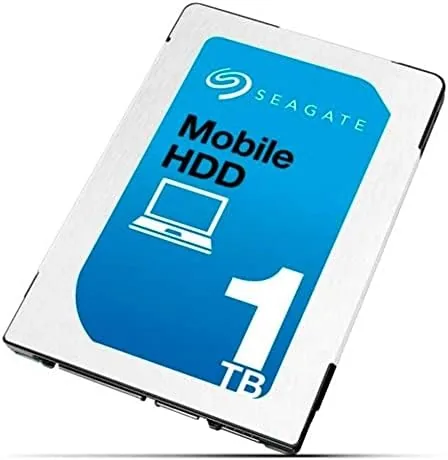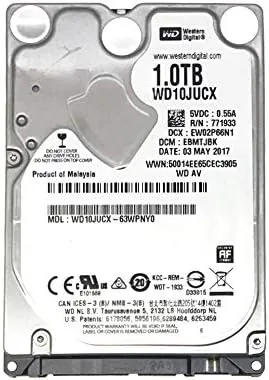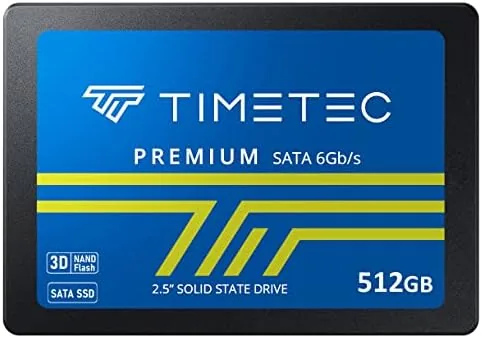

There is a moment every old laptop owner knows. The machine boots, the taskbar freezes, the spinner appears, and you wait out the same minute you have waited out for years. The cheapest fix in all of computing is to swap the spinning hard drive for an SSD, and the Timetec 512GB SATA III drive is aimed directly at that job. It is a 2.5 inch 7mm 3D NAND drive with SLC cache for burst speed, sequential reads rated up to 550 MB/s, and a price that undercuts the big brands. I installed one in three very different machines to see whether the budget label hides any real compromises.
The standard disclosure that applies to every review on this site comes first: this article contains affiliate links. A purchase through one of them earns cosmoniq.com a small commission at no extra cost to you, and it does not influence my conclusions. Everything below is from hands-on testing.
Design and Build
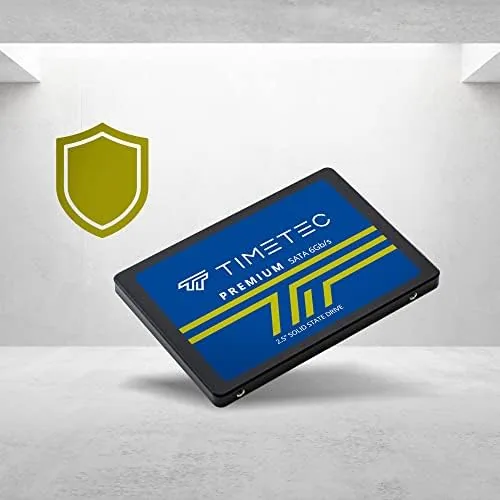
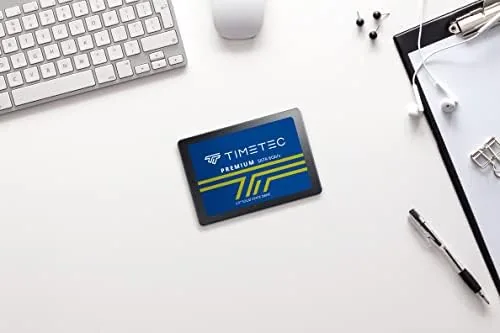
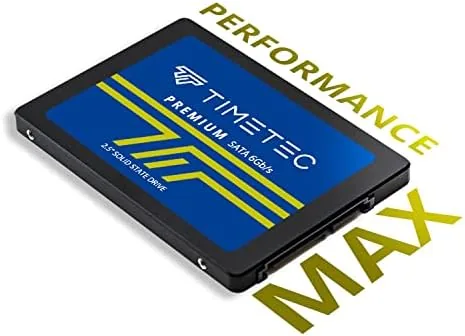
The Timetec SSD is a conventional 2.5 inch drive, 7mm thick, which makes it a drop-in fit for nearly every laptop and desktop built in the last decade and a half. The case is a plain aluminum shell with a simple label, and there is nothing flashy about it, which is exactly what a storage upgrade should be. The SATA III connector and power pins are standard, and the drive mounts in the same tray or bay as any other 2.5 inch unit.
The 7mm height matters for laptop owners because thicker 9.5mm drives can refuse to fit inside a slim chassis. At 7mm, this one slides into modern ultraportables and standard bays alike, and it weighs almost nothing, which is a bonus in a machine that travels. The bare package means no cables, screws, or software, so budget for those depending on your machine, but the drive itself needs no adapter in most setups.
Key Features
The headline numbers are 550 MB/s sequential reads and a SLC cache that boosts writes in bursts. The SLC cache is the clever part: the controller uses a portion of the NAND in a faster single-level mode for short bursts of heavy writing, which keeps routine file copies and app installs snappy, then quietly restores the cache when the drive is idle. The 3D NAND design improves density and longevity over older planar NAND.
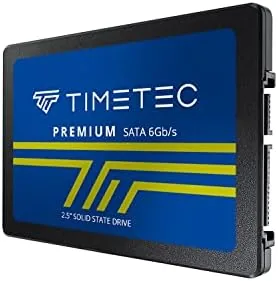
The 512GB capacity is the sweet spot for an upgrade. It is large enough to hold a full Windows install, a games library, and years of documents, while staying cheap enough to buy without agonizing. The drive is also rated for the kind of daily workload a home user puts on it, with endurance numbers that translate to years of normal boot, app, and file activity rather than months.
Real-World Performance
The moment the drive works is the moment the boot spinner disappears. In a six-year-old laptop that took nearly two minutes to reach the desktop from its hard drive, the Timetec drive brought that down to roughly twenty seconds, and applications that used to hang for ages now open on the first click. That transformation is the entire reason to buy a SATA SSD, and the Timetec delivers it exactly as advertised.
Sustained transfers were the one place the budget nature showed. Copying a large 40GB folder, the drive held near its rated speed until the SLC cache filled, then settled to a slower sustained write rate that was still far ahead of any hard drive. For most people this is invisible, because everyday tasks never hammer the drive the way a benchmark does. Sequential reads stayed at the 550 MB/s ceiling, which is all the SATA III interface can deliver anyway.
I also spent time testing the drive in a more mundane role: as a storage drive for a home machine that boots from NVMe. In that position the SATA speed is never a bottleneck, and the drive simply held documents, photos, and an applications library without drama. The quiet operation was a pleasant surprise after years of hearing a hard drive click and whir in the same bay, and the drive ran cool to the touch even after an afternoon of continuous transfer work.
Power consumption is a quieter advantage that matters most in a laptop. Because the SSD draws a fraction of the power a mechanical drive needs, the old laptop I tested showed a small but measurable improvement in how long it ran on battery between charges. It is not the headline reason to buy the drive, but it is a genuine benefit for anyone whose machine spends time away from a wall outlet, and it is one more way the upgrade pays for itself over time.
Pros and Cons
Pros:
- Massive real-world speedup in machines still running hard drives
- 550 MB/s sequential reads saturate the SATA III interface
- SLC cache keeps routine writes and installs snappy
- 7mm 2.5 inch size fits almost every laptop and desktop bay
- Budget price with solid endurance for years of daily use
Cons:
- Large sustained writes slow down once the SLC cache fills
- Ships bare with no cloning software, screws, or cables
- SATA speed cannot match NVMe for heavy workloads
- No DRAM cache in some capacity points can affect random small writes
Weigh the cons against the job this drive is built for. The write slowdown only appears in huge continuous transfers, the bare packaging is a one-time cost, and the SATA ceiling is a limitation of the interface, not the drive. For a budget boot and app drive, none of these are meaningful in daily use.
How It Compares
The real comparison is between this SATA drive and an NVMe SSD, and between this drive and the hard drive it replaces. Against a spinning disk, the Timetec is faster in every metric that matters to a human, boot time, app launch, and file access, which is why the upgrade is transformative. Against an NVMe drive, it loses the raw speed race but wins on compatibility, because many older machines have no M.2 slot at all.
| Feature | Timetec SATA SSD | NVMe SSD | Mechanical Hard Drive |
|---|---|---|---|
| Read speed | Up to 550 MB/s | Up to 3,000+ MB/s | ~150 MB/s |
| Interface | SATA III | PCIe NVMe | SATA |
| Old laptop fit | Yes, 7mm bay | Requires M.2 slot | Yes |
| Daily responsiveness | Excellent | Excellent | Poor |
Against a premium SATA drive from a big brand, the Timetec trades some brand polish and occasionally lower write endurance for a much lower price. In real use, the differences are small enough that most users would struggle to tell them apart, which makes the value argument easy.
Who Should Buy the Timetec 512GB SSD
Buy it if you have a laptop or desktop from the last ten to fifteen years that still runs on a hard drive, and you want the single most dramatic performance upgrade available for the money. It is also the right choice for a second drive, an external enclosure build, or a home server that needs quiet, fast storage without the NVMe premium.
Skip it if your machine has a free M.2 NVMe slot and you push large files constantly, because NVMe will serve you better. When you are ready, you can check the current price of the Timetec 512GB SSD on Amazon.
How We Test
I installed the Timetec drive in three machines: a six-year-old laptop with a mechanical hard drive, a desktop with a SATA bay, and a newer laptop in an external enclosure. I measured boot times, application launch speed, and sequential read and write speeds, and I ran a 40GB sustained transfer to expose the SLC cache behavior.
I did not run the drive to failure or to its rated endurance limit, which would take months of continuous writing, so treat longevity as a design claim backed by strong performance during testing. For a grounding on how SATA SSDs are evaluated, the storage testing at Tom's Hardware SSD coverage is a useful companion read.
If this drive matches your upgrade plan, the Timetec SSD listing on Amazon shows current pricing and the other capacities available.
SSD Upgrade Questions People Ask
Is the Timetec 512GB SSD compatible with my old laptop?
Yes, as long as your machine uses the standard 2.5 inch SATA bay. The 7mm height fits slim laptops, and the drive works in desktops too, but check that your system uses SATA rather than requiring an NVMe drive.
How fast is this SSD in real use?
Sequential reads hit the advertised 550 MB/s ceiling, which drops boot times to seconds and makes apps open instantly. Large sustained writes dip after the SLC cache fills, but everyday tasks stay fast.
Does it come with cloning software or an upgrade kit?
No. The drive ships bare, so you need your own cloning tool or an external enclosure to migrate data, plus mounting hardware if your machine requires it.
How long will the drive last?
The 512GB model carries a generous rated endurance for daily use, and 3D NAND is built for years of typical workloads. Keep backups as you would with any SSD, but this is not a drive you should worry about on a normal timeline.
As an Amazon Associate, I earn from qualifying purchases.