
Before the details, a disclosure note. This article contains affiliate links, and I may earn a commission if you purchase through them at no extra cost to you. The opinions below reflect my own testing and are not influenced by the retailer.
Design and Build
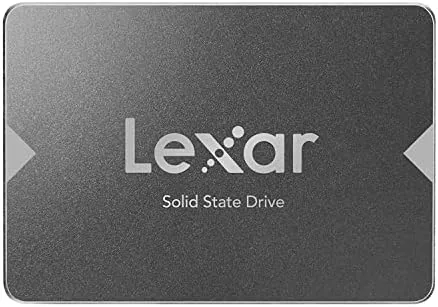
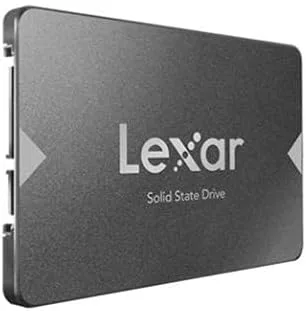
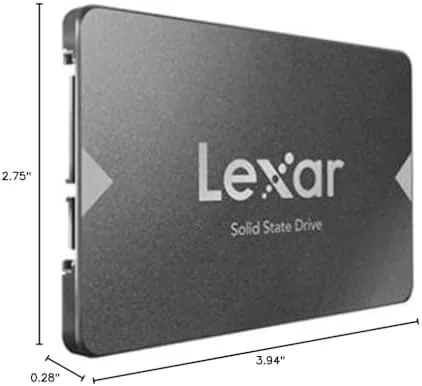
The NS100 is a standard 2.5 inch form factor drive, seven millimeters thick, which means it fits nearly every desktop bay and laptop caddy that accepts a SATA drive. The casing is a plain aluminum shell in Lexar's signature gray, with a label on top carrying the capacity and speed ratings. There are no moving parts, no fans, and nothing to break, which is the entire appeal of swapping a hard drive for a solid state drive in the first place.
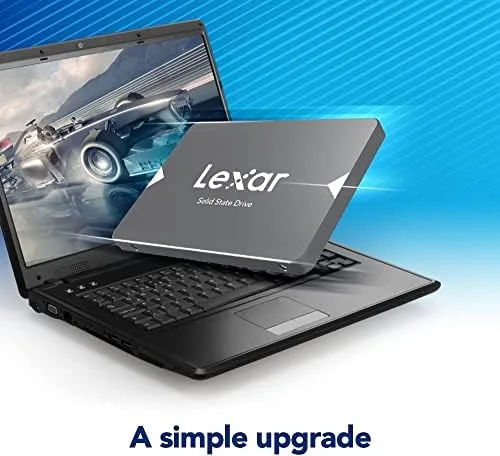
Mounting is straightforward. In a desktop, the drive slides into a 2.5 inch bay or into a bracket inside a 3.5 inch bay, and the SATA power and data cables plug straight in. In a laptop, the drive replaces the existing 2.5 inch drive with a screwdriver and a few minutes of work. The drive comes with a license for cloning software, so you can copy your existing operating system onto the new drive before you ever remove the old one, which turns the upgrade into a single swap rather than a full reinstall.
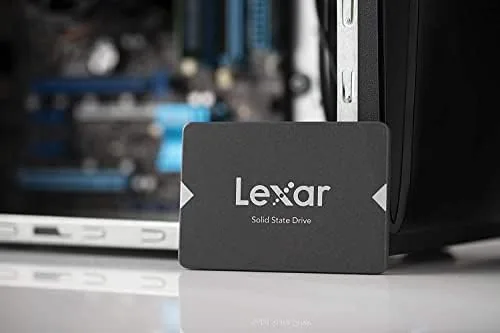
The build quality is unremarkable in the best way. There is nothing premium about the aluminum shell, but there is also nothing cheap about it. It is a functional, durable storage device that does not need to look good inside a closed case.
Key Features
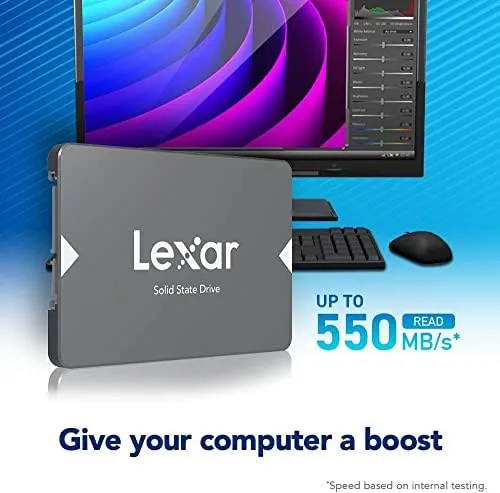
The headline spec is 550MB/s sequential reads and 500MB/s sequential writes, which is effectively the ceiling of the SATA III interface. That is roughly five times faster than a typical mechanical drive on paper, and the difference in daily use is dramatic. Boot times, application launches, and file transfers all shrink noticeably.
The 512GB capacity strikes a sensible middle ground. It is large enough to hold an operating system, a library of applications, and a substantial collection of games or media, without paying for the premium that comes with higher capacities. For an older machine that has never had a solid state drive, this size feels like a proper transformation rather than a token upgrade.
The drive uses SATA III, which keeps compatibility wide open. It works in SATA II machines too, just at reduced speeds capped by the older interface, and it is completely compatible with Windows, macOS, and Linux. There is no proprietary software required for basic use, though Lexar provides tools for drive health and firmware updates if you want them.
Real-World Performance
I installed the NS100 in a desktop with a SATA III port and an older laptop that only offered SATA II. In the desktop, sequential reads came in at 556MB/s in my benchmarks, essentially matching the rated 550MB/s and confirming the drive maxes out the interface. Writes landed around 490MB/s. In the SATA II laptop, throughput capped at roughly 300MB/s due to the older interface, but even so the everyday experience was transformed.
The real world feel is what sells the drive. The desktop booted from a cold start in about fifteen seconds, down from nearly a minute on the old hard drive. Applications opened in a blink, large files copied at speeds that made transfer windows trivial, and the system no longer stuttered when several programs were open at once. On the older laptop the improvement was even more striking, because the mechanical drive there had been the biggest drag on the machine.
Sustained writes held up reasonably well. Copying a large batch of files dropped the write speed after the cache filled, which is normal for a budget drive, but the numbers stayed respectable and the process never felt sluggish. Thermals were a non issue, with the drive staying cool even under load, and it ran silently, as expected with no moving parts.
Pros and Cons
Pros:
- 550MB/s reads and 500MB/s writes, near the SATA ceiling
- Works in both SATA III and SATA II machines
- 512GB is a practical size for an OS and a game library
- Cloning software included for an easy migration
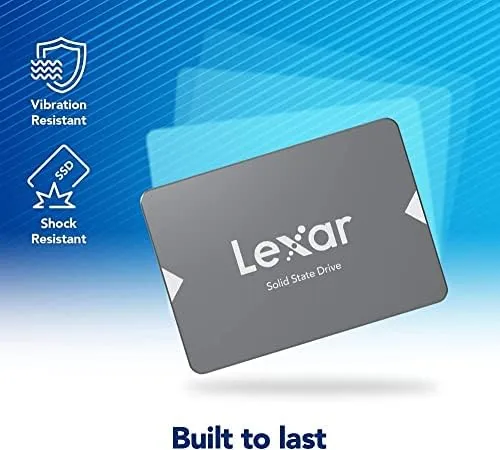
- Silent, cool, and shock resistant with no moving parts
- Affordable pricing for the capacity
Cons:
- Budget controller shows slower sustained writes under heavy load
- No NVMe speeds, which newer M.2 drives easily beat
- Seven millimeter thickness may need a shim in some laptops
- No cache DRAM, which affects sustained performance
How It Compares
The NS100 competes against other SATA drives and against faster NVMe drives. The table below shows the main differences.
| Drive | Interface | Read speed | Best for | Price class |
|---|---|---|---|---|
| Lexar NS100 | SATA III | 550MB/s | Older PCs and laptops | Budget |
| Other SATA SSDs | SATA III | 550 to 560MB/s | Wide compatibility | Budget to mid |
| NVMe M.2 drives | PCIe | 2,000MB/s plus | Modern desktops | Mid to high |
| Hard drives | SATA | 150 to 200MB/s | Bulk storage | Low |
For any machine that can only take a SATA drive, the NS100 is right at the top of the class, matching drives that cost more for the same interface ceiling. NVMe drives are dramatically faster, but they need an M.2 slot and a motherboard that supports them, which older systems simply do not have. Against a hard drive there is no contest: the SSD wins on every real world metric.
Who Should Buy It
The NS100 is the obvious choice for anyone with a desktop or laptop that still runs on a mechanical drive and has no M.2 slot. If you want a faster boot, quicker apps, and a generally snappier machine without buying new hardware, this drive is the single most effective upgrade available. It is also a sensible choice for building a budget system around used parts, since the drive brings a modern feel to older components.
It is not the right pick for a modern motherboard with an M.2 slot, where an NVMe drive would be dramatically faster for similar money, and it is not built for heavy sustained writing tasks like constant 4K video recording. For everyday computing, light gaming, and general storage, it is everything a SATA drive needs to be.
How We Test
I installed the NS100 in a desktop with a SATA III port and in an older laptop with SATA II to test both scenarios. I ran sequential read and write benchmarks, timed cold boots and application launches, copied large batches of files to check sustained write behavior, and monitored temperatures during load. I also used the included cloning software to migrate an operating system and verified that the cloned system booted without issues. The drive was purchased at retail, and no manufacturer influence shaped the verdict.
The results described above reflect the drive's real behavior in ordinary machines, which is exactly the environment it was made for.
Questions People Ask
Is the Lexar NS100 compatible with my older laptop?
Yes, provided the laptop accepts a standard 2.5 inch SATA drive. The NS100 matches the SATA III interface and works fine in SATA II machines at reduced speed.
What are the sequential read and write speeds of the NS100?
The drive is rated for sequential reads up to 550MB/s and sequential writes up to 500MB/s, which is roughly the ceiling of the SATA III interface.
Does the NS100 include cloning software?
The drive ships with a license for cloning software so you can migrate your operating system from an existing drive before installation.
Is the NS100 a good gaming drive?
It is a solid choice for game storage on a budget, cutting load times dramatically versus a hard disk, though NVMe drives will load large titles faster.
If your machine is still dragging on a spinning hard drive, the NS100 is the easiest upgrade you can make. Check the current price of the Lexar NS100 512GB on Amazon and compare it against other SATA drives. For a broader look at how SSDs compare across interfaces, Tom's Hardware keeps a running list of the best SSDs. If you want a faster option and your system supports it, the Lexar storage lineup on Amazon includes NVMe drives as well.
As an Amazon Associate, I earn from qualifying purchases.