
Every household accumulates digital clutter: family photos, school projects, music libraries, tax documents, and the occasional video that refuses to fit on a phone. Cloud storage can hold some of it, but for people who want a single drive they can see and touch, an external hard drive remains the simplest answer. The Seagate One Touch 2TB is built squarely for that audience. It promises easy setup, one button backup, and enough space for a typical family's files, all at a price that undercuts solid state rivals by a wide margin. I spent a month using it as my main backup and archive drive.
One note before the details. This article contains affiliate links, and if you buy through one of them this site earns a small commission at no extra cost to you. My assessment reflects my own testing, not any sponsorship arrangement.
The One Touch name is the product in a nutshell. Seagate designed this drive around the idea that backing up should not require reading a manual, and its Toolkit software handles the whole job with a single button. That simplicity is the appeal, and for the majority of people who back up rarely or never, a drive that makes the task effortless is more valuable than one with marginally faster transfer speeds.
Design and Build
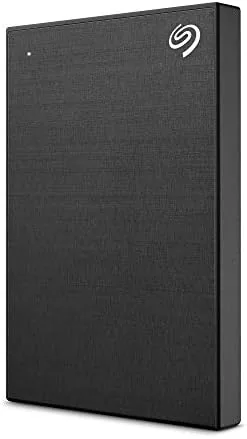
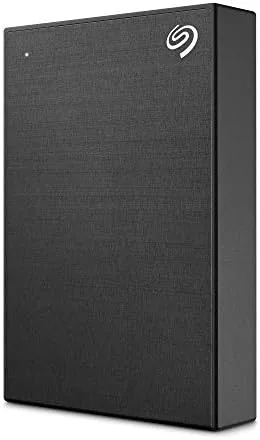
The One Touch is a slim portable drive about the size of a paperback, wrapped in a fabric finish that gives it a softer, more modern look than the glossy plastic of older external drives. The fabric texture adds grip and hides fingerprints, which matters for a drive that travels between a desk and a bag. The black colorway is subtle enough to sit anywhere.
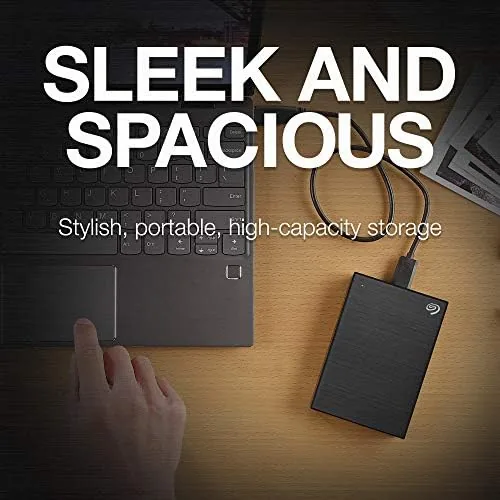
The drive connects over USB 3.0 through a standard USB Type A port on the drive itself, with a cable included in the box. Construction is solid for the price point, and the drive survived daily handling and a few trips in a backpack without issue. One design note: the drive is powered through the USB connection, so it draws power from the computer and does not need a separate wall adapter, which keeps the travel kit light.
Key Features
The standout feature is Seagate Toolkit, the bundled software that enables one button backup. With a single press you can back up a folder, a photo library, or an entire system partition, and the mirror mode keeps a live copy of a selected folder updated as you work. The same software handles password protection through Seagate Secure, so you can lock the drive's contents against prying eyes.
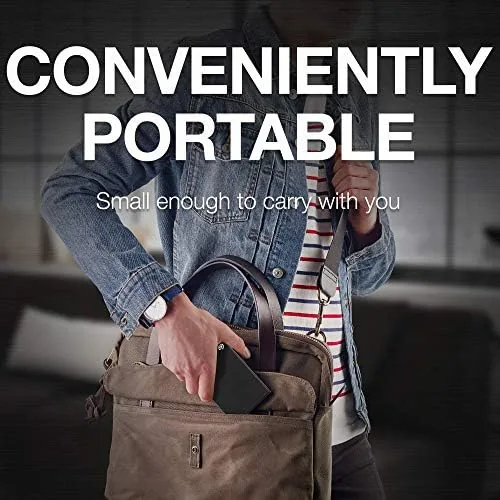
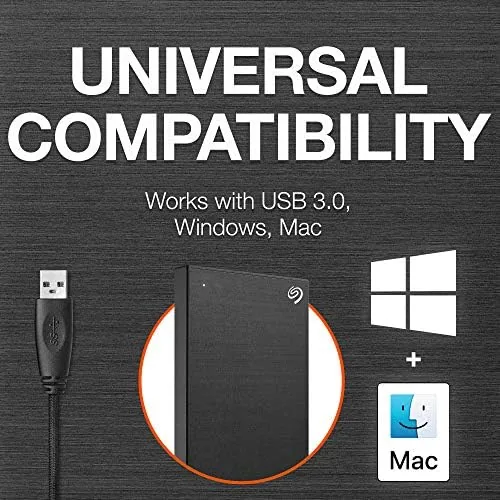
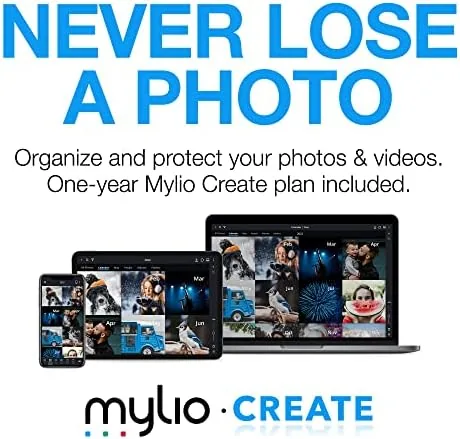
The bundle adds genuine value. It includes one year of MylioCreate, a photo organization service, and four months of the Adobe Creative Cloud Photography plan, which covers Lightroom and Photoshop. For someone who keeps a growing photo collection, those inclusions offset part of the drive's price. The drive also works out of the box with both Windows and Mac, with Toolkit offering a simple way to switch formatting between NTFS and exFAT for cross platform use. A small carry pouch would have been a welcome addition, but the drive survives normal bag travel on its own.
Real-World Performance
As a traditional hard drive over USB 3.0, the One Touch delivers real world transfer speeds in the range of 130 to 150 MB/s on large files. My first backup of roughly 600GB of photos and documents took several hours, but that is the nature of hard drive backup, and the one button process meant I did not have to babysit it. Restoring a single folder or file was quick and painless.
Day to day use is where the drive shines. Opening a backup library, transferring photos from a phone, or archiving old projects all worked without drama, and the drive stayed quiet and cool during extended transfers. For a casual user who mostly stores rather than edits, the speed is completely adequate, and the capacity means years of photos before the drive fills up. The USB cable that ships in the box is long enough to reach a desktop tower on the floor without straining, which removes a small but common frustration with bundled accessories.
Setup itself takes about five minutes. Plug in the drive, install Toolkit, and the software walks you through naming the drive, choosing a backup folder, and scheduling automatic backups. I set mine to run nightly at the end of the day, and after the initial full backup, each session completed in seconds because only the changes were copied. For people who have tried and failed to maintain a backup habit, that automation is the whole point, and it worked without a single reminder on my end. The honest caveat is that a hard drive cannot match an SSD for heavy creative work. If you plan to edit large video projects directly from the drive, the 140 MB/s ceiling will feel sluggish, and a solid state drive is the better tool for that job. The One Touch is built for storage and backup, not as a scratch drive for editing, and judged on that role it performs exactly as intended.
Pros and Cons
Pros:
- Simple one button backup with the bundled Toolkit software
- 2TB of storage at a much lower price than SSD rivals
- Works with Windows and Mac with easy format switching
- Password protection option for sensitive files
- Useful bundle includes Mylio and Adobe Creative Cloud access
Cons:
- Hard drive speeds lag far behind portable SSDs
- USB Type A port on the drive itself rather than a detachable cable
- Not suited to editing directly from the drive
How It Compares
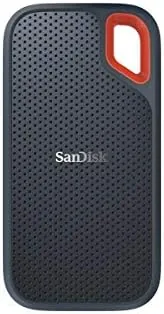
The main rivals are the WD My Passport, the Toshiba Canvio, and the portable SSD segment like the SanDisk Extreme. The WD My Passport is the closest competitor, offering similar capacity, price, and software. Portable SSDs cost more per gigabyte but transfer files several times faster, which matters for heavy users.
| Feature | Seagate One Touch | WD My Passport | SanDisk Extreme SSD |
|---|---|---|---|
| Type | Portable HDD | Portable HDD | Portable SSD |
| Capacity | 2TB | 2TB | 1TB |
| Transfer speed | About 140 MB/s | About 140 MB/s | Up to 1,050 MB/s |
| Software | Seagate Toolkit | WD Backup | None required |
| Bundle extras | Mylio and Adobe | Dropbox offer | None |
For a family or casual user who wants the most capacity per dollar and an effortless backup routine, the One Touch beats an SSD on value. If your work involves editing large video or photo files, the SanDisk and similar SSDs justify their higher price. The right choice depends entirely on whether you store files or live inside them. There is also a durability angle worth stating plainly: a portable hard drive has moving parts, so it should be treated with more care than a solid state drive, kept away from heavy drops, and stored with a padded sleeve or a safe spot in a bag.
Who Should Buy It
Buy the One Touch 2TB if you want a simple, affordable way to back up a family computer, a growing photo library, or school and work documents, or if you want a second drive for archiving without spending SSD money. The bundled photo software makes it especially attractive to someone who shoots with a phone or a camera and wants those images organized.
You can check the current price of the Seagate One Touch 2TB on Amazon to compare capacities. If you edit large media files, consider a portable SSD instead, but for everyday backup this drive is hard to beat.
How We Test
I connected the One Touch 2TB to a Windows desktop and a MacBook and used it for a month as my primary backup target. I ran full library backups, restored individual files, tested the mirror folder mode, and verified the password protection. I measured transfer speeds with large mixed file sets to establish real world performance.
I also checked the bundled Mylio and Adobe offers and confirmed the drive worked on both operating systems without reformatting. For guidance on building a solid backup routine and choosing storage, the storage guides at Wired storage reviews offer a helpful perspective.
The Seagate One Touch 2TB listing on Amazon shows the current price and available colors.
Seagate One Touch 2TB: Questions People Ask
Does the Seagate One Touch work with both Mac and PC?
Yes, the drive works with both platforms out of the box, and the included Toolkit software lets you switch between NTFS and exFAT formatting for cross platform use.
How fast is the Seagate One Touch 2TB?
As a traditional hard drive over USB 3.0, it reaches roughly 140 MB/s on large file transfers, which is fine for backups but slower than an SSD for heavy editing.
What backup software does the One Touch include?
Seagate Toolkit provides one button backup and mirror options, and the bundle also includes a year of MylioCreate plus four months of Adobe Creative Cloud Photography.
Can I password protect the Seagate One Touch?
Yes, the drive supports Seagate Secure user enabled password protection through the Toolkit software to lock the drive contents.
As an Amazon Associate, I earn from qualifying purchases.