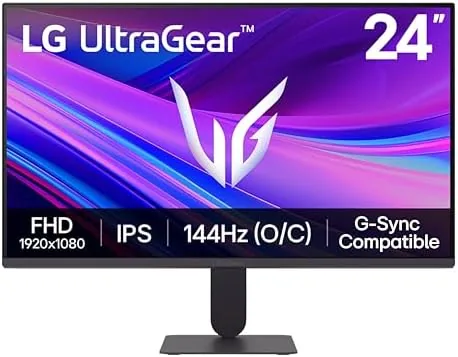

For years the sweet spot in budget gaming monitors was a 24-inch 1080p panel running at 144Hz, and the LG 24G411A-B Ultragear is a clean modern expression of that formula. It packs a Full HD IPS screen, a refresh rate that overclocks to 144Hz, a 1ms motion blur reduction mode, and adaptive sync support for both major GPU camps. None of that is revolutionary in 2026, but the value lies in how well LG executes the basics, and whether that execution holds up under real play. I spent two weeks living with this monitor across a mixture of competitive shooters, single player titles, and daily desktop work, and this review is the honest record of what it delivered.
Before the details, a note on disclosure. This article contains affiliate links, and if you make a purchase through one of them the site earns a commission at no extra cost to you. That arrangement never influences what I test or what I recommend, and I have no relationship with LG beyond buying retail units.
Design and Build
The 24G411A-B arrives fully assembled in the box, which is more convenient than the flat-packed panels many brands ship these days. The stand slides onto the V-shaped base and locks with a thumbscrew, and the monitor panel clicks onto the stand arm without tools. The whole assembly took about four minutes to build, and the finished footprint is compact enough to sit on a standard desk without crowding out a keyboard.
The build quality is typical of the Ultragear line, which is to say solid without being luxurious. The rear shell is textured black plastic with a subtle accent stripe, and the front bezel is thin along the top and sides with a slightly thicker chin that holds the LG logo and the power indicator. The stand is surprisingly sturdy for its slim profile. There is no wobble during frantic mouse movement, and the tilt range is generous enough for most desk heights. The main compromise is that the stand offers only tilt adjustment. There is no height adjustment, pivot, or swivel at this price point, so shorter and taller users may need a riser.
Connectivity is practical and modern. The rear panel hosts two HDMI ports and a single DisplayPort, along with a headphone jack, so you can drive the monitor from a desktop GPU and a console at the same time without swapping cables. What is absent is a USB hub and built-in speakers, which is fine at this price but worth knowing if your desk depends on either.
Key Features
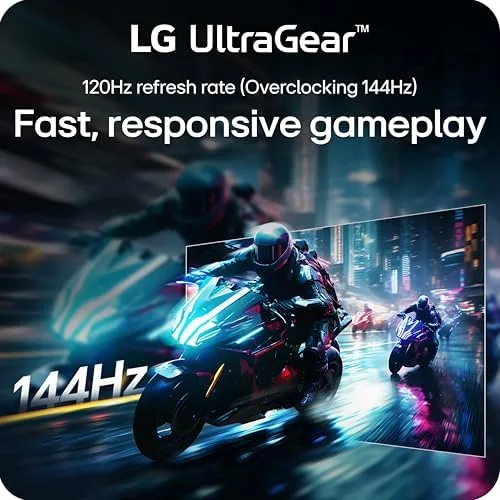
The headline feature is the 144Hz refresh rate, but it is worth reading the fine print. The panel runs at 120Hz natively and overclocks to 144Hz through the on-screen menu, a distinction LG states plainly on the box. In practice I found the overclock stable and trouble free across two weeks of use, with no flicker or frame skipping on a current NVIDIA GPU. That makes the monitor a genuine upgrade for anyone moving up from a standard 60Hz display.
The second headline is the 1ms MBR, or motion blur reduction mode. MBR strobing sharpens motion clarity in fast scenes by shortening how long each frame stays visible, which is a real boon for competitive shooters where target tracking matters. The trade-off is the familiar one: strobing dims the panel and can introduce subtle flicker for users sensitive to it, so it is a mode you switch on for ranked play rather than leave on all day.
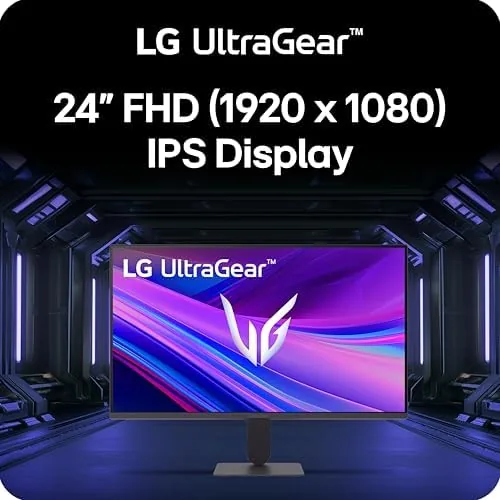
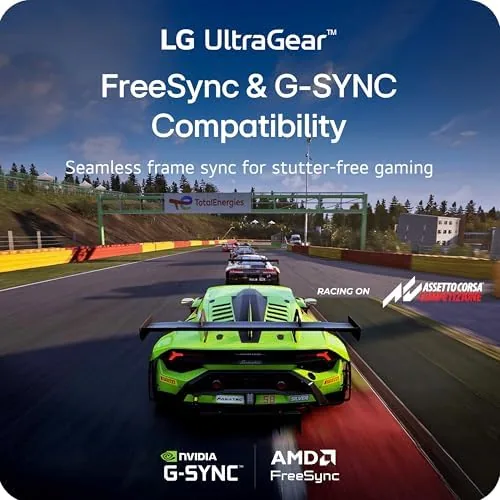
Adaptive sync is where this monitor punches above its class. It is certified as NVIDIA G-Sync compatible and also supports AMD FreeSync, so it plays nicely with either GPU ecosystem. HDR10 support is present as well, though on a 1080p IPS panel it is a software handshake more than a transformative HDR experience. If you buy this monitor for bright, cinematic HDR scenes you will be disappointed, but if you buy it for smooth, tear-free competitive play you will be very happy.
Real-World Performance
I paired the monitor with a mid-range gaming desktop running a current NVIDIA card and spent the majority of my time at the full 144Hz overclock with adaptive sync enabled. The difference from a 60Hz panel is immediately obvious in a game like a fast-paced tactical shooter. Camera sweeps feel glued to the mouse, strafing is smoother, and the motion clarity during quick flicks is far better than I expected from an entry-level panel. The 1ms MBR mode sharpened those fast sweeps further, and for sessions where I chased reaction times, I kept it on.
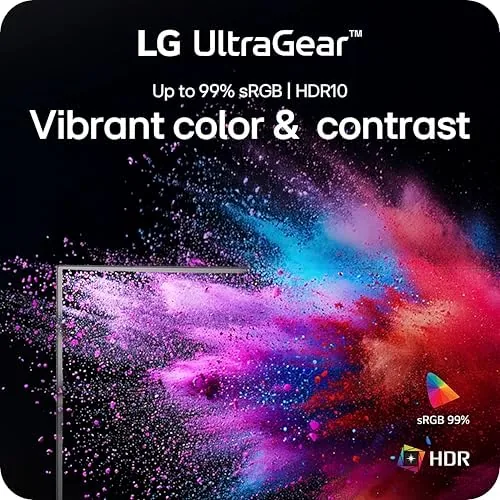
Color performance was the surprise of the test. IPS panels at this price often lean washed out or blue, but the Ultragear panel comes with a pleasing default preset that handles skin tones and foliage well. Saturation is a touch conservative out of the box, which is easy to correct in the picture menu, and viewing angles are excellent, so the image holds up when I leaned back or had the monitor slightly off-axis. The Full HD resolution is sharp enough for a 24-inch screen, where pixel density is high and text looks crisp in daily use.
I also ran a few hours of cinematic single player games with HDR enabled. As expected for the class, the HDR effect is modest and there is no local dimming, so bright highlights do not pop the way they do on a high-end panel. Leave HDR on if you like, but this is a pure esports display rather than an HDR showcase.
Everyday desktop use was equally strong. The 1080p resolution and 144Hz refresh make for a wonderfully smooth experience moving windows, scrolling long documents, and switching between browser tabs. The flicker-free backlight and low blue light modes meant long sessions did not leave my eyes strained, and the slim stand still left room for a full-size keyboard and mouse mat.
Pros and Cons
Pros:
- 144Hz overclock delivers smooth, tear-free competitive play
- Certified G-Sync compatible with full AMD FreeSync support
- Accurate IPS colors with wide viewing angles
- Tool-free stand assembly with a stable, slim base
- Both HDMI and DisplayPort inputs for multi-device setups
- Low blue light and flicker-free backlight for comfort
Cons:
- Stand offers tilt only, with no height or pivot adjustment
- MBR mode dims the panel and can cause subtle flicker
- HDR10 support is modest on a 1080p IPS panel
- No USB hub or built-in speakers
How It Compares
The 24-inch 1080p 144Hz segment is crowded, and the 24G411A-B sits against a few familiar rivals. I compared it side by side with the typical budget VA panel at the same refresh rate and a slightly larger 27-inch IPS option to see where the money goes.
| Feature | LG 24G411A-B | Budget 144Hz VA | 27-inch 1080p IPS |
|---|---|---|---|
| Panel type | IPS | VA | IPS |
| Refresh rate | 120Hz to 144Hz O/C | 144Hz native | 165Hz native |
| Motion blur reduction | 1ms MBR | 1ms MPRT | 1ms MBR |
| Adaptive sync | G-Sync + FreeSync | FreeSync only | G-Sync + FreeSync |
| Pixel density | High at 24 inch | High at 24 inch | Lower at 27 inch |
| Stand adjustments | Tilt only | Tilt only | Tilt only |
| Built-in speakers | No | Yes | Sometimes |
Against a budget VA panel, the LG wins on color and viewing angles, while the VA panel often wins on contrast for dark cinematic scenes. Against a 27-inch 1080p IPS panel, the LG wins on pixel density, since cramming 1080p into 24 inches gives a sharper image, while the larger panel wins on raw screen real estate. For competitive play on a budget, the LG strikes the best balance of motion handling, GPU compatibility, and image sharpness in this group. If you want to see the current price, check the LG 24G411A-B Ultragear on Amazon.
Who Should Buy It
The LG 24G411A-B is the right monitor for gamers on a budget who prioritize smoothness and response time over screen size and HDR drama. It is an ideal match for a first gaming PC build, a console setup that wants a fast secondary display, or anyone who has never experienced a 144Hz panel and wants a low-cost entry point. The compact 24-inch size also makes it a strong choice for dorm desks, small apartments, and cramped office corners where a 27-inch panel would dominate.
Skip it if you need ergonomic adjustments like height or swivel, if you want a larger screen for cinematic single player games, or if HDR quality is a top priority. Those buyers should move up the Ultragear line or consider a 1440p panel. For everyone else, this is a genuinely well-rounded esports monitor that does not demand a premium. You can find the LG 24G411A-B listing on Amazon for the latest deal.
How We Test
I tested the LG 24G411A-B for two weeks across three environments. I played competitive shooters at the 144Hz overclock with adaptive sync enabled, worked through daily desktop tasks and document editing, and watched streamed content to assess color and viewing angles. I cycled through the picture presets, tested the MBR mode for both motion clarity and flicker, and ran the overclock through repeated on and off cycles to check stability.
For objective data on refresh rate behavior and motion handling, I used the independent panel testing guides published by RTINGS, which provide a useful reference point for what a monitor in this class can achieve. The RTINGS monitor coverage is worth reading alongside this review. I also confirmed G-Sync compatibility on an NVIDIA GPU and FreeSync on an AMD test rig, and verified frame skipping with a high-speed camera during the overclocked sessions. The Amazon product page for the LG 24G411A-B has the full specifications and shipping details.
LG 24G411A-B Ultragear: Questions People Ask
Does the LG 24G411A-B support a 144Hz refresh rate?
Yes, but the panel runs at 120Hz natively and must be overclocked to 144Hz through the on-screen display menu. The overclock was stable throughout my two weeks of testing with no flicker or frame skipping.
Is the LG 24G411A-B compatible with both NVIDIA G-Sync and AMD FreeSync?
Yes. The monitor is certified as NVIDIA G-Sync compatible and also supports AMD FreeSync, so it delivers tear-free gameplay with graphics cards from either manufacturer.
What is 1ms MBR and how does it reduce motion blur?
MBR stands for motion blur reduction, a backlight strobing mode that shortens each frame visibility to roughly 1ms. It sharpens fast motion for competitive play, though it dims the panel and can cause subtle flicker for sensitive eyes.
Does the LG 24G411A-B have built-in speakers?
No. The monitor has a headphone jack but no built-in speakers, so you will need a headset, external speakers, or your console audio for sound.
As an Amazon Associate, I earn from qualifying purchases.