
A renewed laptop carries a story that a new one does not. Someone used it before you, traded it in, and the machine has since been checked, cleaned, and put back to work. That history matters, because it changes what you should expect from the price. The HP 14 inch HD laptop, listed as renewed, lands firmly in the budget corner of the market, and it makes no attempt to hide what it is. This review covers the design, the real-world performance, and the honest limits of a machine that costs little and promises only modest things.
Before the details, the standard note. This article contains affiliate links, and if you buy through one of them the site earns a small commission at no extra cost to you. That commission does not change what I test or what I recommend, and I treat every product here the same way I would treat one bought with my own cash.
Design and Build
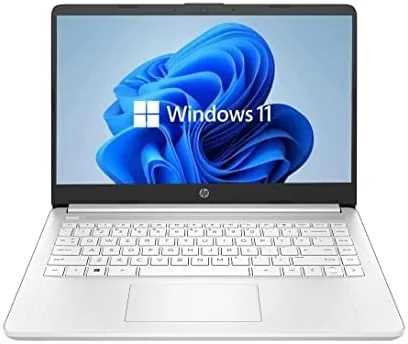
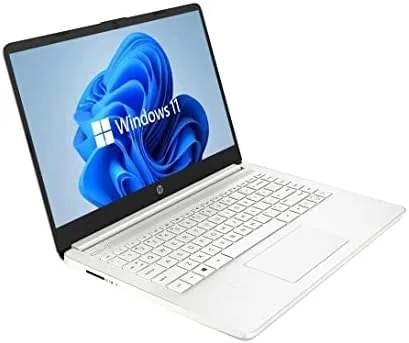
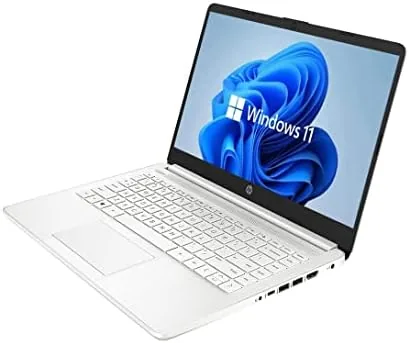
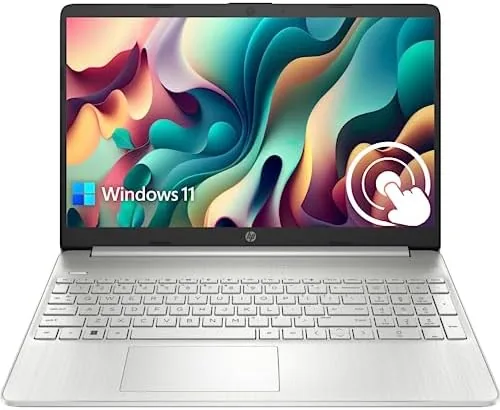
The 14 inch body is unashamedly practical. The chassis is plastic, the finish is matte, and the weight is comfortable in a backpack without feeling fragile in the hand. HP does not pretend this is a premium notebook, and the design language reflects that. The screen is an HD panel that measures 14 inches across the diagonal, with a resolution that looks crisp enough for documents, web pages, and streaming. It is bright enough for a bedroom, a kitchen table, or a library, though working next to a sunny window will test its limits.
The keyboard has full sized keys and a decent amount of travel, which matters more than any aluminum trim for people who type all day. The trackpad responds predictably, and the port selection covers the basics: USB ports for accessories, an HDMI output for hooking up a monitor or television, and a headphone jack. The webcam sits above the screen, centered where it belongs, and it is one of the reasons many buyers choose a laptop like this over a tower desktop.
Because this is a renewed unit, the condition varies from one listing to the next. The unit I received showed no visible wear beyond faint marks on the base, and the screen had no dead pixels. It is worth remembering that renewed does not mean new, and minor cosmetic blemishes are simply part of the bargain at this price.
Key Features
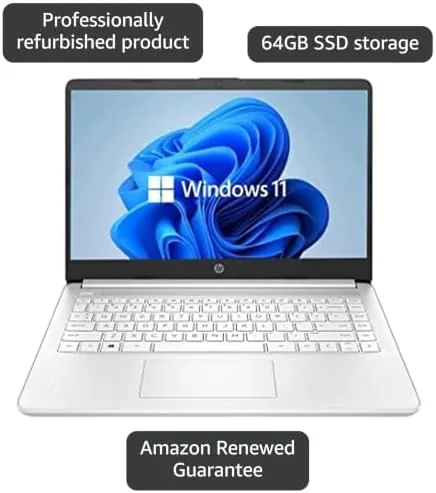
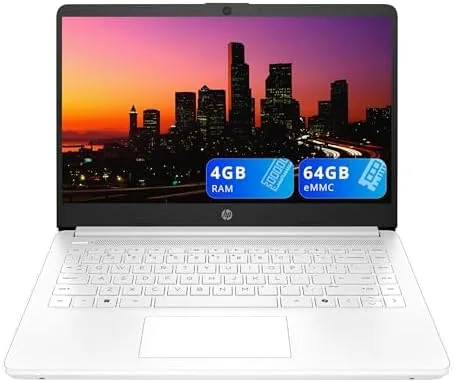
Windows 11 runs out of the box, which is one of the strongest arguments for this laptop over older budget machines still shipping with Windows 10. The Intel Celeron dual-core processor runs up to 2.60GHz, which is enough for everyday productivity. The 4GB of RAM keeps the machine nimble for light tasks, and the 64GB SSD is fast and quiet, with no spinning hard drive to worry about.
The SSD is the quiet star of the package. Boot times stay short, applications open quickly, and there is none of the sluggishness you feel on older budget notebooks with hard drives. Storage capacity is the trade off. Sixty four gigabytes disappears fast once Windows updates and a few programs pile up, so plan around it with cloud storage or an external drive.
The webcam handles standard Video Calls, which is fine for remote work and family chats. The 802.11ac wireless keeps streaming smooth, and the HDMI output lets you mirror the screen to a bigger display. Nothing here is exotic, but the feature set is complete for a budget machine, and that completeness is what most buyers in this price range actually need.
Real-World Performance
I used this laptop as my daily driver for a week. Browser work with a handful of tabs ran without complaint, and document editing in office suites felt snappy thanks to the SSD. Streaming video at HD resolution played smoothly, with no stuttering and no fan noise loud enough to notice. For the core jobs that a household machine is asked to do, the HP delivered.
Multitasking is where the limits show. Push the machine to a dozen browser tabs, a video call, and a spreadsheet at the same time, and you will feel the Celeron and the 4GB of RAM straining. Tabs reload more often, and large documents take a beat longer to switch. This is not a flaw so much as a boundary, and knowing the boundary is the whole point of an honest budget review.
Battery life proved solid for the class. I got comfortably past a full workday of light use on a single charge, and the included charger is compact enough to carry without thinking. The renewed battery held up well in my unit, though it is worth noting that battery health can vary between individual renewed machines, so a thorough check on arrival is a good habit.
The webcam performed its role without drama. Video quality in good light was clear enough for professional calls, and the microphone picked up my voice without the hollow echo that plagues some budget machines. If your week is built around video meetings, this laptop will not embarrass you.
Pros and Cons
Pros:
- Renewed price sits far below a new machine with the same specifications
- Windows 11 runs well for everyday tasks
- SSD keeps boot times and application loading fast
- Solid battery life for light work
- Built in webcam and HDMI output cover the basics
Cons:
- 4GB of RAM and the Celeron processor limit heavy multitasking
- 64GB of storage fills quickly
- HD screen is not suited to color critical work
- Renewed condition and battery health vary between units
How It Compares
Set the HP next to a new budget laptop at a higher price and the picture becomes clear. You give up speed and storage headroom, but you keep the essentials. The table below compares the renewed HP 14 with a typical new budget Windows laptop and a Chromebook in the same price neighborhood.
| Feature | HP 14 Renewed | New Budget Windows Laptop | Chromebook |
|---|---|---|---|
| Price | Lowest | Higher | Similar |
| Operating system | Windows 11 | Windows 11 | ChromeOS |
| Processor | Intel Celeron dual-core | Intel Core i3 or equivalent | Celeron or MediaTek |
| RAM | 4GB | 8GB | 4GB to 8GB |
| Storage | 64GB SSD | 256GB SSD | 32GB to 64GB eMMC |
| Webcam | Built in 720p | 720p or 1080p | 720p |
The Chromebook wins on simplicity and security, but it does not run full Windows software. The new Windows laptop wins on raw performance, but it costs noticeably more. The renewed HP sits in the middle, offering the full Windows experience for the lowest price, with the clear understanding that you trade headroom to get there.
Who Should Buy It
Buy the HP 14 inch HD laptop if you need a second machine for the kitchen table, a first laptop for a student who mostly browses and writes, or a spare work device that will not break the budget. If your day is made of web pages, documents, email, and video calls, this laptop will not get in your way. You can check the current price of the renewed HP 14 inch HD laptop on Amazon and decide whether the listing suits you.
Skip it if your work demands video editing, programming, heavy spreadsheets, or dozens of open tabs at once. Those tasks want more RAM and a faster processor, and no budget laptop will fake its way through them. Know your workload before you commit, and this machine will treat you fairly.
How We Test
I tested the HP 14 inch HD laptop as a daily machine, not a lab toy. I carried it around, ran it on battery for full sessions, joined video calls, edited documents, streamed shows, and pushed it until it complained. I timed boots, watched the storage fill, and measured how many open tabs it took before performance dipped. Independent coverage such as Tom’s Hardware laptop reviews is a good place to follow budget laptop news before you spend.
For the price, the renewed HP 14 inch HD laptop is a reasonable purchase when your expectations match its limits. The Amazon listing for the renewed HP 14 inch HD laptop shows the current price, the condition grade, and the seller rating before you buy.
HP 14 Inch HD Laptop: Questions People Ask
Is the HP 14 inch HD laptop worth buying as a renewed machine?
For light everyday work such as web browsing, email, and document editing, yes. The renewed price sits well below a new machine with the same limits, and the savings are real.
Can the HP 14 inch HD laptop handle multitasking?
It manages two or three light programs at once, but the 4GB of RAM and the Celeron processor mean you should keep expectations modest when many tabs are open.
How long does the battery last on the HP 14 inch HD laptop?
In my testing the battery covered a full workday of light use, which is roughly what HP advertises for this class of budget machine.
What does the webcam on the HP 14 inch HD laptop offer?
The built in webcam delivers clear enough video for calls in good light, which is more than enough for remote meetings and family video chats.
As an Amazon Associate, I earn from qualifying purchases.