
Smart TVs age poorly. The interface that felt snappy on day one slows down after a year of updates, the app store stops supporting your model, and the streaming services you actually use keep getting buried behind the ones you do not. A dedicated streaming box fixes that, and the Android 14 TV box in this review goes a step further by bundling a mini keyboard with a quad core processor, 4GB of RAM, 64GB of storage, and WiFi 6. After a month of replacing my built in TV apps with this box, I can report on whether it earns the upgrade.
This article contains affiliate links. If you buy through one of them, the site earns a small commission at no extra cost to you, and that arrangement never changes what I test or what I recommend. With that note aside, here is the full record of a month with the Android 14 TV box.
Design and Build
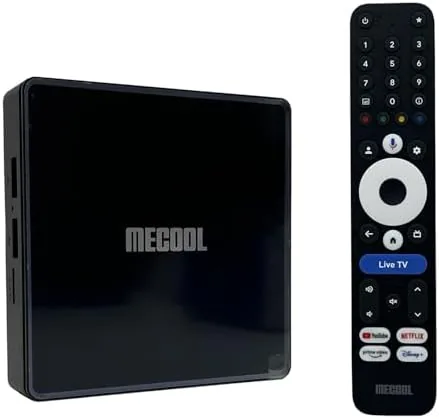
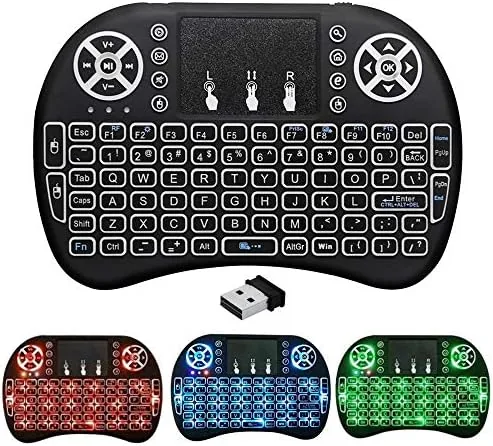
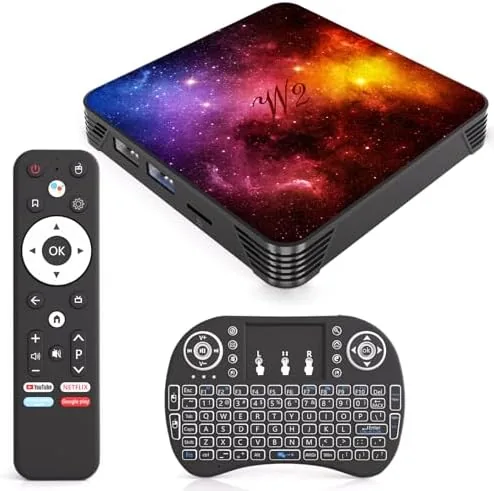
The box itself is a compact black slab, roughly the size of a paperback book, with a matte finish that does not show dust. It sits unobtrusively on a media console or tucks behind a TV on a mount. Around the back are HDMI, LAN, USB 3.0, and an AV port, plus a power jack, and the front has a small status light. The bundled mini keyboard is the interesting part: a palm sized unit with a QWERTY layout, a trackpad, and shortcut keys for volume and media control, all connected over Bluetooth or a USB dongle.
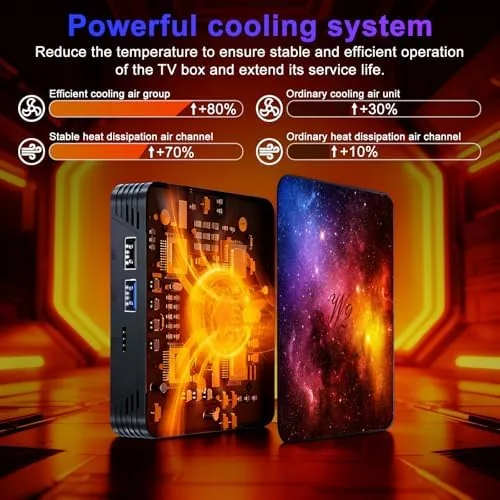
The build quality is typical for the price class: plastic, light, and functional. The box runs cool in normal use, which is more than I can say for some budget streamers that turn into heat sinks. The included remote covers basic navigation, but the mini keyboard is the control method you will actually use, because typing a search into Netflix with a D-pad is a punishment that the keyboard mercifully removes. Both the box and keyboard feel like they will survive a normal living room life without complaint.
Key Features
The headline is Android 14, which brings a modern interface, broad app compatibility, and the full Google ecosystem to a TV. You get the Play Store, YouTube, Netflix, and the full catalog of streaming apps, plus the freedom to sideload apps that a locked down smart TV would never allow. The 4GB of RAM and 64GB of storage are generous for the class, keeping multiple apps in memory and leaving room for downloaded content.
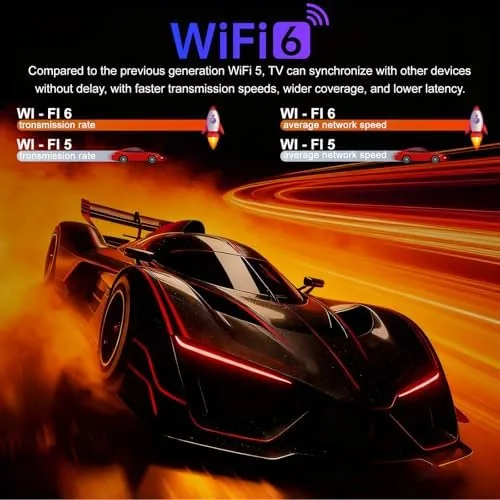
The quad core processor handles 4K UHD at 60Hz with HDR, and H.265 decoding means high bitrate files and streams play smoothly. WiFi 6 on both 2.4GHz and 5GHz bands provides strong wireless throughput, with the LAN port as a fallback for wired purists, and Bluetooth handles the keyboard, remotes, and game controllers. If you want to check the current price and any bundle options, the Android 14 TV box listing on Amazon is a useful reference.
Real-World Performance
The most immediate difference from my TV's built in apps was speed. Menus opened instantly, apps launched without the two second wait my smart TV imposed, and switching between Netflix, YouTube, and a browser felt like using a modern phone rather than a budget appliance. The 4GB of RAM is the reason: apps stay loaded in the background instead of reloading every time you return to them, which is the single biggest quality of life upgrade a streaming box can offer.
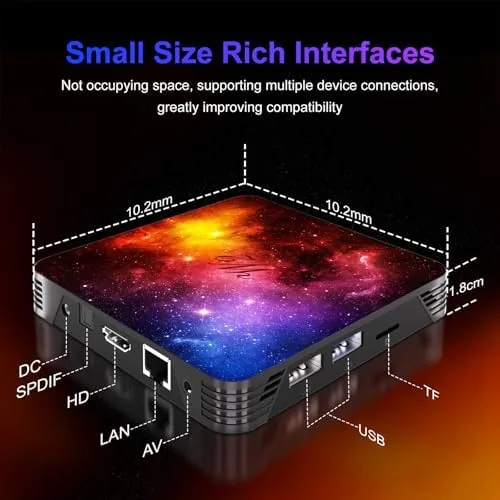
Video quality matched my expectations for a modern streamer. 4K HDR content from the major services looked sharp and bright on my panel, and 1080p content was upscaled cleanly. A local 4K H.265 file played back without stutter over both WiFi 6 and the wired connection. The mini keyboard transformed the typing experience: searching for a show, entering a password, and browsing the web were all fast, and the trackpad served as a usable mouse for sideloaded apps that assume a cursor.
The box is not without flaws. The included remote is basic, and the stock Android TV launcher is plain compared to the custom home screens on premium boxes. Some sideloaded phone apps run in a stretched, awkward layout, which is a limitation of the platform rather than the hardware. I also noticed that with heavy multitasking, the box warmed up slightly, though it never stuttered. For the price, these are minor tradeoffs against a device that transforms an aging TV.
Pros and Cons
Pros:
- Full Android 14 with the Play Store and sideloading freedom
- 4GB RAM keeps apps loaded and navigation instant
- Smooth 4K UHD 60Hz HDR playback with H.265 decoding
- WiFi 6 plus LAN and USB 3.0 for flexible connectivity
- Bundled mini keyboard makes typing and browsing fast
Cons:
- Included remote is basic and plasticky
- Stock launcher is plain compared to premium boxes
- Some sideloaded apps run in awkward layouts
- Box warms up under heavy multitasking
How It Compares
Streaming boxes today span budget Android devices like this one, mid range options like the Fire TV and Roku, and premium boxes that cost three times as much. I compared this Android 14 box against a popular brand streamer and a premium Android box to see what the money buys at each level.
| Feature | Android 14 TV Box | Brand Streamer | Premium Android Box |
|---|---|---|---|
| Operating system | Android 14 | Proprietary | Android or Google TV |
| RAM and storage | 4GB and 64GB | 2GB and 16GB typical | 4GB and 128GB |
| Keyboard included | Yes, mini keyboard | Remote only | Often remote only |
| 4K HDR output | Yes | Yes | Yes |
| Sideloading | Yes, free | Restricted | Yes, free |
| Price | Low | Low to mid | High |
Against a proprietary brand streamer, the Android box wins on app freedom, storage, and the included keyboard, while losing on the polished simplicity of a closed ecosystem. Against a premium box, it loses on build polish and launcher refinement but costs a fraction of the price for nearly the same streaming performance. For most living rooms, the value is decisive, and you can check the Android 14 TV box on Amazon for current pricing.
Who Should Buy It
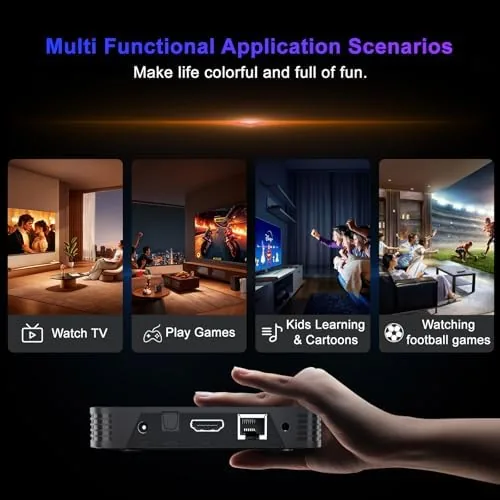
Buy this box if your smart TV interface is slow, if you want to sideload apps your TV blocks, or if you want a streaming device with real storage and a proper keyboard for browsing. It is also ideal for turning a secondary TV without smart features into a full streaming screen, and the USB port lets you play local files from a flash drive.
Skip it if you want a dead simple remote only interface and never sideload apps, or if you need the fastest possible premium hardware. For everyone else, this box delivers a dramatic improvement over aging built in TV software at a budget price.
How We Test
I used the Android 14 box as my primary streamer for a month on a 4K TV, replacing the built in apps for streaming, local file playback, and web browsing. I measured app load times, tested 4K HDR streams and local H.265 files over WiFi 6 and Ethernet, used the mini keyboard for search and browsing, and sideloaded several apps to confirm the freedom Android offers.
I did not test the box for years of daily heavy use, and I did not run formal latency benchmarks, because real world streaming performance is what buyers care about. Independent coverage such as the CNET guide to the best streaming media players is a useful reference for how Android boxes fit into the wider market.
Android 14 TV Box: Questions People Ask
Does the TV box run the full Android 14 operating system?
Yes. The device boots a full Android 14 build, so it supports the Google Play store, sideloaded APK files, and most streaming and gaming apps available for the platform.
Can it stream 4K HDR content smoothly?
Yes. The quad core processor with 4GB of RAM handles 4K UHD at 60Hz with HDR, and H.265 hardware decoding keeps high bitrate files and app streams fluid.
What is the mini keyboard for?
The bundled mini keyboard adds a QWERTY layout, a touchpad, and shortcut keys, which makes text entry, web browsing, and app search much faster than a remote alone.
Does the box connect over WiFi 6?
Yes. Dual band WiFi 6 covers both 2.4GHz and 5GHz networks for strong throughput, and an Ethernet LAN port offers a stable wired alternative.
As an Amazon Associate, I earn from qualifying purchases.