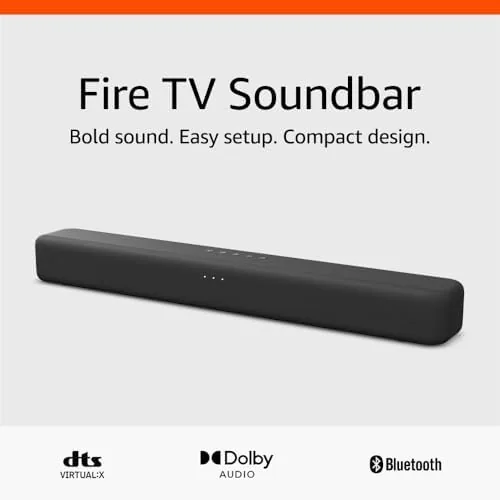

The speakers built into a television are almost always a compromise nobody asked for. This Amazon Fire TV Soundbar review is the record of three weeks spent with a slim 2.0 bar that aims to fix that in a living room, and the honest conclusion is that it delivers exactly the correct upgrade for most people: better dialogue, fuller tone, and one remote for everything. It is not a home theater for the price of the bar; it is the affordable, simple first step that makes a television worth watching again.
Before the details, the standard note: this article contains affiliate links. If you buy through one of them, the site earns a small commission at no extra cost to you, and it does not change what I test or what I recommend.
Design and Build
The Fire TV Soundbar is a modest, low-profile bar that sits cleanly in front of most televisions without blocking the panel or making the coffee table awkward. It is long enough to look right under a 50 inch set, shallow enough to keep out of the way of the screen, and the fabric grille gives it a cleaner look than a plain plastic slab.
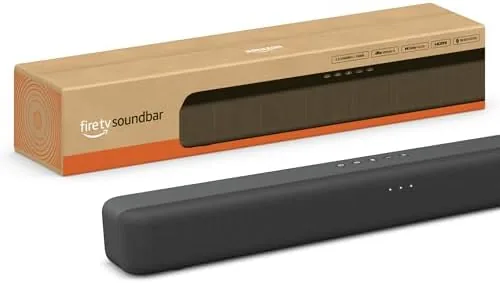
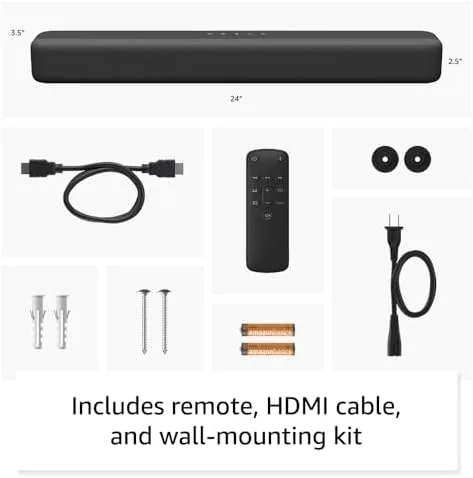
Build quality is exactly what the price suggests: solid, competent, and simple. The top mounted buttons are legible, the bar does not flex in the hand, and it is light enough to move comfortably. A standard wall mount bracket fits if you would rather hang it, and the unit sits stably on narrow furniture because its width spreads the load.
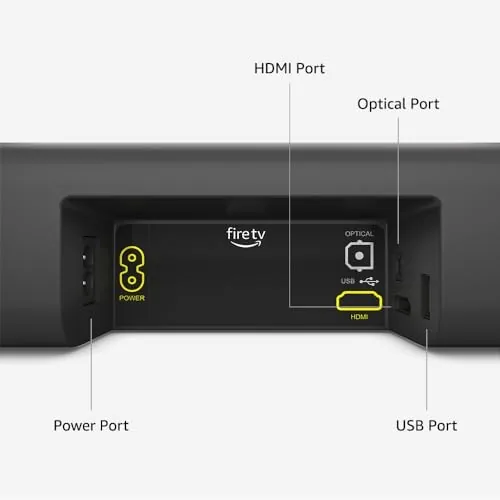
Setup is a genuinely one cable affair. The always welcome HDMI port with ARC is the recommended route, because it lets the television remote control the soundbar volume, which removes a second remote from the sofa entirely. Optical, Bluetooth, and a line in cover the rest of the connections, and none of that is complicated to assemble.
Key Features
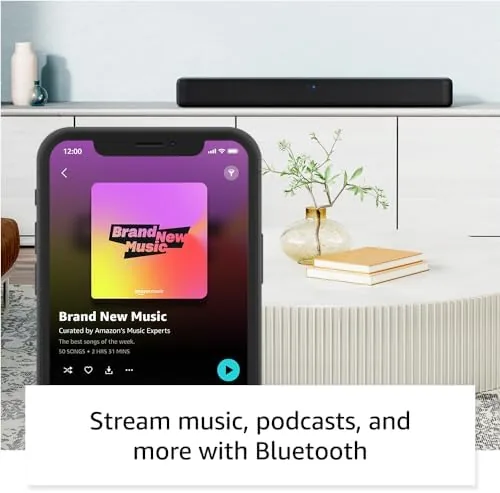
Inside the bar is a 2.0 speaker setup driving the left and right channels with no separate subwoofer, and DTS Virtual produces a simulated surround and height field from just those two drivers. Dolby Audio is supported on the inputs, and Bluetooth lets you point a phone or laptop at the bar when you are not watching the broadcast.
The most useful feature is the Fire TV tie-in. If you pair the bar with a Fire TV device, the same remote controls power and volume, so you never reach for a second handset. This is a small change in hardware terms, but it is the one that most changed the daily experience in my room.
There is also a speech or dialogue enhancement option and a few simple EQ presets for movies, music, and voice. None of it is new technology; the whole product succeeds by being calm, priced sensibly, and covered with the standard one strong integration. It does not try to be everything, and that restraint is part of the appeal.
Real-World Performance
Here is where the bar earns its price. The single biggest improvement is conversation. I watched a drama scene with dialogue and music in the background; on the television speakers it was muffled, while on the bar the lines sat clearly forward and easy to follow. For news, series, and sports, that win alone justifies the bar to nearly everyone.
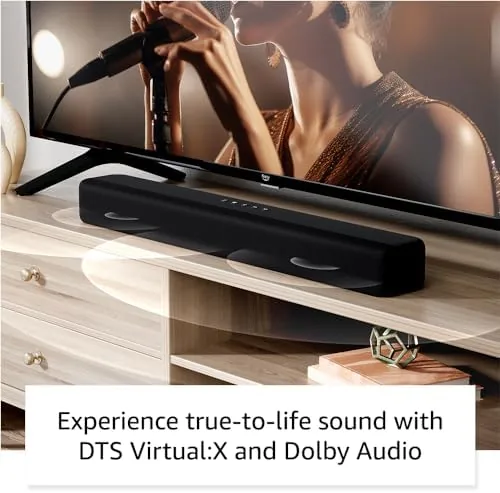
DTS Virtual:X is real but modest. It opens the soundstage a little and adds a sense of space to a big film, but a two driver bar cannot place sound around your head, and I would not buy it for genuine surround. Buy the soundbar for the clear dialogue and balanced tone, not for the loud bass.
Bass is present but shallow, which is the expected reality of a bar with no dedicated subwoofer. Action scenes have heft and a satisfying low-end hit, but if you mostly watch movies with heavy bass, you will eventually want the optional subwoofer, which can be added. For ordinary viewing and music it is more than enough, and the soundbar does not take up space reserved for a heavy set.
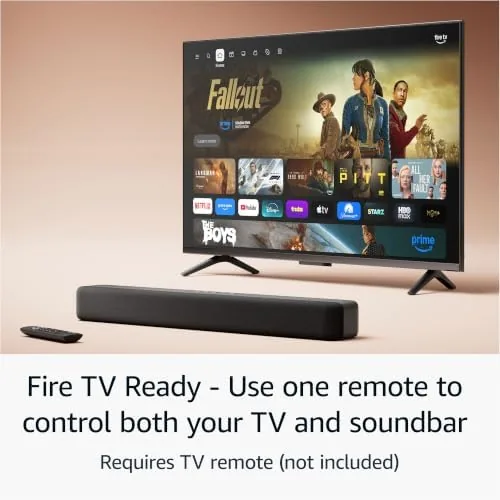
Bluetooth latency on music was acceptable, and the volume from a Fire TV remote worked without a hitch the entire time once connected via ARC. High frequencies were smooth, and there was no harshness in the mid, so long listening sessions did not fatigue me. It is a relaxed, balanced bar, exactly as a good daily driver should be.
Pros and Cons
Pros:
- Clear, well voiced dialogue over TV speakers
- Fire TV remote handles the whole volume from one hand
- Clean low profile design that hides under a display
- ARC, optical, Bluetooth, and line in all covered
- Affordable and simple, no tricky setup
Cons:
- Bass is shallow without a subwoofer
- DTS Virtual X is subtle, not real surround
- Fire remote needs a separate Fire TV device
- Only 2.0 speakers, so no deep center channel
How It Compares
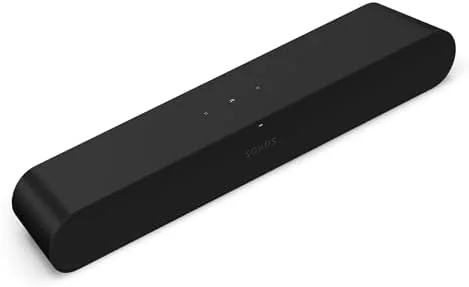
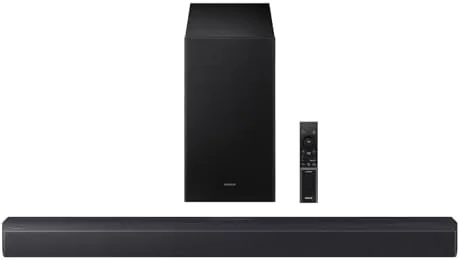
Two comparisons are worth making. The first is a step up bar with an included subwoofer, which costs more and adds real bass. The second is the Sonos Ray, a clean and respected two with stronger sound that asks you to pay more. The Amazon bar beats both on price, on the Fire integration, and on overall simplicity.
| Feature | Amazon Fire TV Soundbar | Sonos Ray |
|---|---|---|
| Speaker config | 2.0 bar | 2.0 bar |
| Subwoofer | Optional, separate | Optional, separate |
| Fire TV remote control | Yes, integrated | No |
| Bluetooth | Yes | No |
| Relative price | Lower | Higher |
If you live in the Amazon ecosystem, the clear integration of one remote makes the Fire TV Soundbar the sensible pick. If you do not need that and you want the best possible two speaker tone, the Sonos Ray is the more polished bar. For most people the Amazon unit makes sense at that price and with that simplicity and connection.
Who Should Buy the Amazon Fire TV Soundbar
Buy it if your main grumble with your television is that dialogue is hard to follow or that you juggle two remotes. This is the classic budget convenience upgrade: it solves the two biggest everyday annoyances without a big stack of new equipment or a steep learning curve.
Skip it if your true goal is theater scale with deep bass; then you want a bar that includes a subwoofer or a real 5.1 system, and that is a different purchase. If a clear, easy bar fits your room, you can check the Amazon Fire TV Soundbar on Amazon when you are ready.
How We Test
I ran the Fire TV Soundbar for three weeks in a living room with a 50 inch television, Streaming dialogue-heavy shows and occasional music. I judged it on dialogue clarity, music balance, setup ease, and the ARC remote volume, and I also tested it over Bluetooth and a plain optical cable.
I compared it against the television built in speakers and a larger speaker bar in the same room, so the verdict comes from side by side listening rather than a spec sheet. Room acoustics and personal taste vary. Independent testing, such as TechRadar soundbar coverage, is a useful second opinion.
If you are rounding out a small listening space, my JBL Flip 6 and Soundcore Q20i reviews can help with the smaller details. When you are ready to decide, the Amazon Fire TV Soundbar listing on Amazon shows the current options.
Amazon Fire TV Soundbar: Questions People Ask
Does it need a Fire TV to work?
No. It works as a plain Bluetooth or optical soundbar for any television. The extra convenience of the volume and power via the Fire TV remote only appears when it is connected to a Fire TV device in the same room.
Is there a subwoofer included?
No, this is a 2.0 bar. There is a matching optional subwoofer you can add, because the bar on its own brings clear dialogue and a modest low end rather than chest-thumping bass.
Which connections does it have?
It has HDMI with ARC for the best experience, an optical input, a 3.5mm line in, and Bluetooth. It does not have Wi Fi or a microphone, so it is not a smart assistant in any of that sense.
As an Amazon Associate, I earn from qualifying purchases.