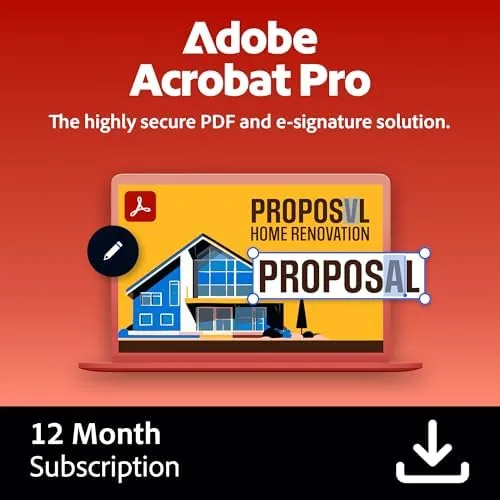

Every office has a file that refuses to cooperate. It is a PDF that was scanned in sideways, a contract that needs one line changed before it can be signed, or a form that arrived as a picture of a form rather than an actual document. Free readers can open all of those files, and then they stop, because reading a PDF and actually working inside it are two different activities. Adobe Acrobat Pro exists for the second activity. I spent a month editing contracts, converting scanned files, signing documents, and protecting shared copies, and this review covers whether the subscription and the activation code deliver enough power to justify the price.
Before the details, the standard note. This article contains affiliate links, and if you buy through one of them the site earns a small commission at no extra cost to you. That commission does not change what I test or what I recommend.
Design and Build
Acrobat Pro is a desktop application, so its design is a question of workflow rather than hardware. The interface centers on a document window with a right hand panel that holds the tools you actually use, edit text, edit images, organize pages, and the familiar cloud file list across the top. After a few hours it stops feeling like software and starts feeling like a desk with everything already laid out on it.
The purchase itself arrives as an online code, and activation is the one part of the experience that deserves honest attention. You redeem the code on an Adobe account and then sign in from within the application. It is not a single use serial number of the old software era; it is a login based subscription, which means the product is tied to your account and renews on the Adobe schedule. Anyone who remembers buying software once and owning it forever will feel the shift immediately.
The installation on both Windows and macOS was clean. I installed it on a Windows desktop and a MacBook Air, and the same account signed in to both, with settings and recent files following the login. The cloud document space is baked into the product, so files you save to Adobe cloud appear on every machine automatically.
Key Features
The editing tools are the heart of the product. Acrobat Pro can change text directly inside a PDF, move and resize images, adjust page order, rotate individual pages, and renumber a document in a few clicks. This is where the program separates itself from every free reader, because it treats a PDF as a document to be changed rather than a finished picture to be looked at.
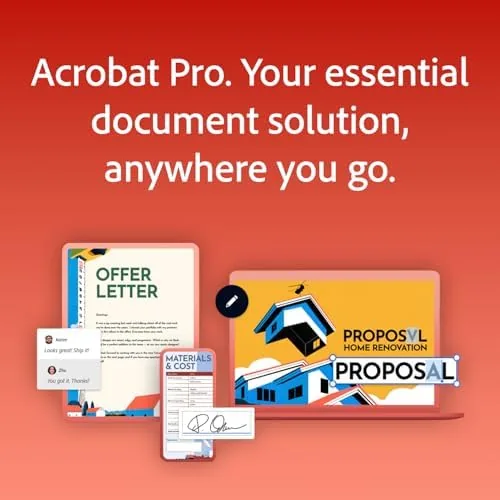
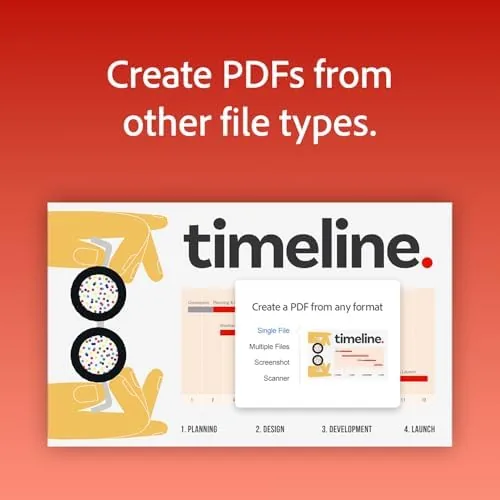
Conversion is the second pillar. Acrobat Pro exports PDFs into Word, Excel, and PowerPoint, and its optical character recognition makes text in scanned pages editable instead of trapped inside an image. In my testing a scanned contract converted to a Word file with readable paragraphs and workable tables, which is the single most useful trick for anyone drowning in old paper files.
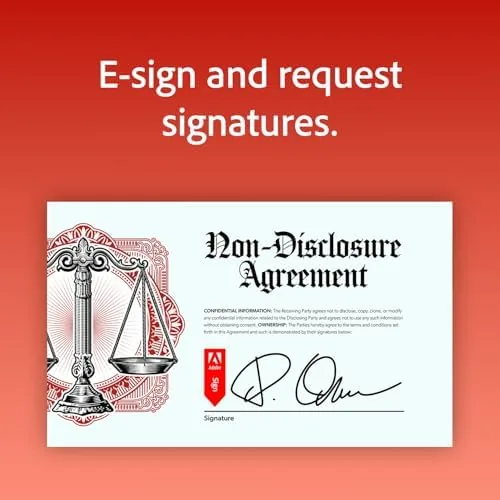
E-signature support is built in. You can prepare a document for signature, place signature fields, and send it for signing through Adobe cloud, with the signing experience handled on desktop and mobile. For a small business, that replaces an entire third party e-sign subscription for basic flows.
Protection rounds out the feature set. Password protection, permissions for printing and copying, and redaction tools let you black out sensitive sections permanently. The redaction tool is genuinely important for anyone handling legal or medical files, because it removes text rather than just covering it.
Real-World Performance
I put Acrobat Pro through a month of realistic work. The most stressful test was a twenty page scanned contract that needed a clause rewritten, the pages renumbered, and a redaction across one paragraph before sending. The OCR read the scan cleanly, the text edit landed in place without disturbing the layout, and the redaction blacked out the section with a visible confirmation that the content was permanently removed.

Conversion quality was the pleasant surprise. A PDF with mixed columns, embedded images, and a footer exported to Word with the structure largely intact, which is rare for conversion tools. A spreadsheet style report went to Excel with the tables recognizable, although complex formatting did need a tidy up afterward. The honest summary is that Acrobat Pro converts far better than its competitors, but no conversion tool is perfect on the first pass.
E-signing worked end to end. I prepared a two party agreement, set the signature fields, sent it from the cloud, and had it returned with both signatures within a day. The recipient did not need an Acrobat account to sign, which removes the friction that kills many signing workflows.
The weak points surfaced around cost and habit. The subscription nags are mild, but the price is real, and the account based activation means you cannot resell the software when you are done with it. For occasional users, those two facts make Acrobat Pro a harder sell than it is for someone who works in PDFs daily.
Pros and Cons
Pros:
- Deep PDF editing that no free reader can match
- High quality OCR and conversion to Word, Excel, and PowerPoint
- Built in e-signature workflow without a third party account
- Permanent redaction tools for sensitive documents
- Works on both Windows and macOS with one account
- Cloud documents sync across machines
Cons:
- Subscription pricing adds up over time
- Activation requires an Adobe account and online redemption
- Complex source layouts still need manual cleanup after conversion
How It Compares
Acrobat Pro competes with free editors and with cheaper one time PDF tools, so I compared it against a typical free PDF editor and a budget desktop editor to show where the money goes.
| Feature | Adobe Acrobat Pro | Free PDF Editor | Budget One Time Editor |
|---|---|---|---|
| Text and image editing | Full editing tools | Limited to annotations | Basic editing |
| OCR of scanned pages | Strong, built in | Usually not included | Limited |
| Export to Word and Excel | High quality | Not available | Basic export |
| E-signature workflow | Built in cloud signing | None | External tools needed |
| Redaction | Permanent removal | None | Occasionally simple cover |
| Pricing model | Subscription | Free | One time |
The free editors are fine for reading and adding a comment here and there, but they cannot rewrite a paragraph or rescue a scanned file. Budget one time editors cover basic edits yet stumble on OCR and conversion. Acrobat Pro charges a premium because it is the only option that handles the full lifecycle of a PDF in one place, and for people who live in documents, that difference shows up every single week.
Who Should Buy It
Buy Acrobat Pro if you regularly edit PDFs, convert scanned documents, or send files for signature, and buy it if those tasks are part of your income rather than a once a year chore. The subscription pays for itself quickly when it saves you from rekeying a contract or hunting for a conversion tool every month.
Skip it if you only read PDFs and fill in the occasional form, because a free reader will do that without cost, and skip it if you refuse subscriptions on principle. If you fall into the working group, this is the strongest PDF tool available. You can check the current Adobe Acrobat Pro pricing on Amazon before you commit.
How We Test
I tested Acrobat Pro across a month of realistic document work on both Windows and macOS. I edited live text in designed PDFs, converted scanned pages using OCR, exported documents to Word and Excel, prepared and sent an e-signed agreement, and redacted a sensitive paragraph to confirm the content was permanently gone.
I also compared results against a free editor and a budget one time tool using the same files, so the performance claims in this review are based on direct side by side output. For independent perspective on the subscription debate, the reviewers at PCMag have reviewed Acrobat at length, and their testing agrees that the editing and conversion power is best in class even as the pricing draws complaints.
The Adobe Acrobat Pro listing on Amazon shows the current activation code price and options.
Questions People Ask
How does the activation code work with Adobe Acrobat Pro?
The code is redeemed on an Adobe account, and you then sign in from inside the application. Activation follows your login, so the subscription is tied to your Adobe account rather than to a single computer.
Can Acrobat Pro convert a PDF back into a Word document?
Yes. Acrobat Pro exports PDFs to Word, Excel, and PowerPoint, and its OCR makes scanned pages editable so that even old paper files convert into working documents.
Is Acrobat Pro A One Time purchase or a subscription?
Acrobat Pro is a subscription. The code covers a set term, and you renew when it ends to keep the full feature set active.
Does Acrobat Pro work on both Windows and Mac?
Yes. The same subscription and account work on Windows and macOS, and cloud documents sync across both platforms.
As an Amazon Associate, I earn from qualifying purchases.