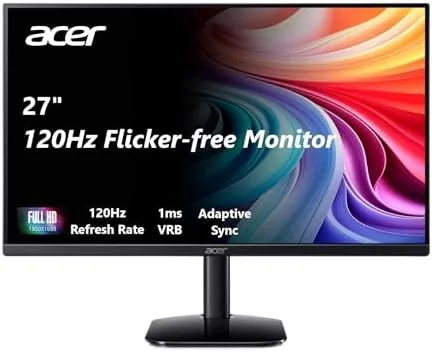

Office monitors used to be simple, boring things. You picked a 24 inch panel, checked that it was 1080p, and moved on with your life. The Acer KB272 G0bi interrupts that habit by offering a 27 inch IPS display at 1920x1080 with a 120Hz refresh rate, a specification that used to belong to gaming screens, at a price that suits a normal office. I used this monitor as my primary work display for a month to find out whether the refresh rate actually matters for daily tasks or is just a marketing line.
Before the details, the standard note. This article contains affiliate links, and if you buy through one of them the site earns a small commission at no extra cost to you. That commission does not change what I test or what I recommend, and the monitor was used exactly as an office user would use it.
Design and Build
The KB272 G0bi is a clean, professional looking display with a thin bezel on three sides and a modest chin. The stand is a simple V-shaped base that holds the panel steady, though it only offers tilt adjustment, which is typical at this price. The construction is solid plastic with no creaks or flex, and the panel sits flush and true.
The rear of the display is tidy with the ports angled downward for clean cable routing. There is an HDMI input, a VGA input for legacy systems, and a headphone jack. The panel is VESA mountable, which means you can remove the stand and attach it to an arm or wall mount for a cleaner setup, a genuinely useful feature for a workspace.
Key Features
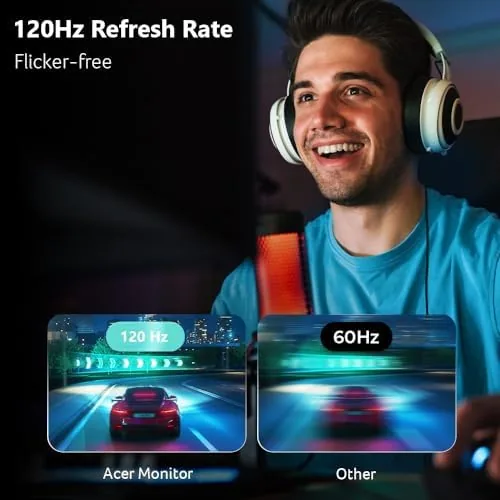
The headline feature is the 120Hz refresh rate on an IPS panel. At 120Hz the display refreshes twice as often as a standard 60Hz office monitor, and that translates to smoother cursor movement, less visible flicker when scrolling, and a generally more fluid feel to everything on screen. For an office monitor, this is an unexpected but welcome upgrade.
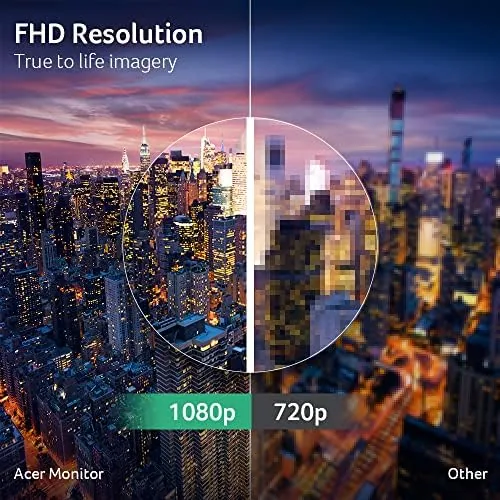
The panel also supports AdaptiveSync, which is FreeSync compatible, so when you connect a compatible graphics card the display can match its refresh rate to the output and reduce screen tearing. The 1ms response time is a figure usually associated with gaming, and the sRGB 99 percent coverage gives decent color for photo browsing and design work.
For eye comfort, Acer includes a blue light filter and flickerless technology, both of which reduce the strain of an eight hour workday. These are the kind of features you notice only by their absence, but after a month of daily use, my eyes were noticeably less tired at the end of the day than with my old monitor.
Real-World Performance
In daily use, the 120Hz refresh makes itself known immediately. Scrolling through long documents feels smoother, moving the cursor across the screen is more precise, and the general sense of polish is unmistakable compared with a 60Hz panel. For office work, this is the feature I grew to appreciate most, because it touches every single interaction with the computer.
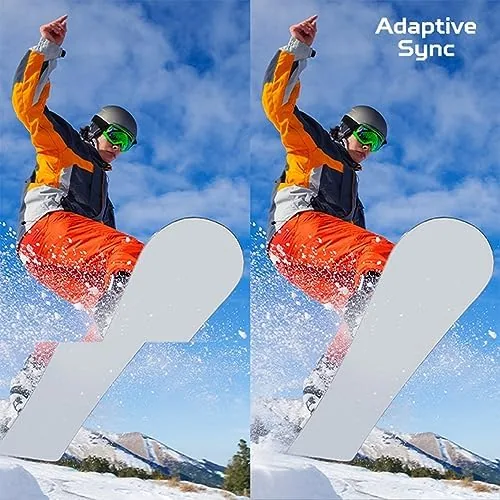
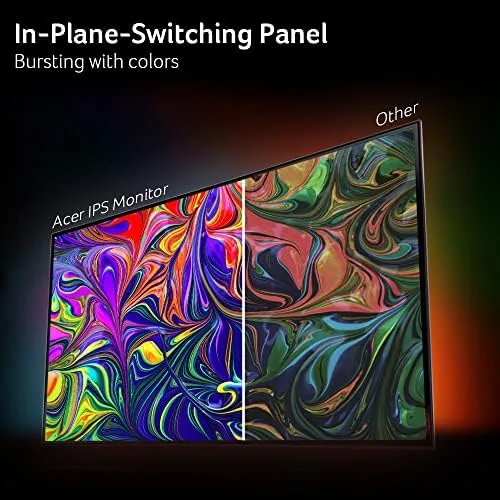
The image quality is very good for a 1080p panel. The IPS viewing angles are wide, so colors stay consistent when you shift position, and the brightness is ample for a typical office with windows. Text is crisp and easy to read at the native resolution, and the sRGB coverage shows in accurate, natural colors rather than the oversaturated look of some cheaper panels.
I also tested the gaming side of the monitor, since the 120Hz spec invites it. Connected to a PC with a compatible card, AdaptiveSync kept the image tear free in fast moving games, and the 120Hz refresh made motion feel smooth. This is not a competitive esports panel by any stretch, but as a bonus for light gaming after work, it performs far better than a typical office monitor.
The ergonomics are the one area where the price shows. The tilt only stand is serviceable, but if your desk and your eye height do not line up, you will want a monitor arm. Fortunately the VESA mount makes that an easy upgrade, and I would suggest budget for it if you sit for long hours. The good news is that once the panel is positioned well, the 120Hz refresh and the eye comfort features work together to make the long day noticeably less tiring. After a month of work, this is the monitor I reached for first in the morning, which is about as high a compliment as an office panel can earn.
I should also mention the color performance for the design minded. The sRGB 99 percent rating held up in practice: photos and web graphics looked natural and accurate, and editing a few images produced predictable results on screen. It is not a professional reference monitor, and it does not claim to be, but it is honest about color, which is more than many budget panels can say. For a designer who spends most of the day in a browser and a document editor, that accuracy makes the work look better without any calibration effort on your part.
Pros and Cons
Pros:
- 120Hz refresh makes daily work feel smoother
- IPS panel with wide viewing angles and accurate color
- AdaptiveSync reduces tearing when gaming
- Blue light filter and flickerless technology ease eye strain
- VESA mountable for arm or wall mounting
- Strong value for a 27 inch office display
Cons:
- Only 1080p resolution at 27 inches
- Stand offers tilt only, no height adjustment
- VGA input is dated, HDMI only has one port
How It Compares
This monitor competes with other 27 inch office displays, and the table below is based on panels I have used at the same desk.
| Feature | Acer KB272 G0bi | Standard 60Hz Office | Budget Gaming |
|---|---|---|---|
| Size | 27 inch | 27 inch | 24 inch |
| Refresh rate | 120Hz | 60Hz | 144Hz |
| Panel type | IPS | IPS | VA |
| AdaptiveSync | Yes | No | Yes |
| Eye comfort | Blue light filter | Varies | Minimal |
| Relative price | Low | Low | Moderate |
Compared with a standard 60Hz office monitor, the Acer wins clearly on the smoothness of daily work, and it costs about the same, which makes it the smarter choice. Compared with a budget gaming monitor, it trades a higher refresh rate for the superior IPS color and viewing angles, making it the better all rounder for mixed work and light play.
Who Should Buy It
Buy the Acer KB272 G0bi if you spend your workday in front of a screen and want a monitor that is easier on your eyes and smoother to use without paying a premium. It suits office workers, students, remote employees, and anyone who wants a single display that handles both work and light gaming well.

Skip it if you need 1440p or 4K resolution for detailed photo editing or spreadsheets with vast data, because the 1080p panel will not offer that sharpness. Skip it if you are a competitive gamer who needs a high refresh gaming monitor, because this is a work screen that happens to game, not the reverse. For everyone with a normal desk job, this is a genuinely good value. You can check the current Acer KB272 G0bi price on Amazon when you are ready.
How We Test
I used the Acer KB272 G0bi as my primary work monitor for a month, covering document work, web browsing, spreadsheets, video calls, and image viewing. I compared it side by side with a 60Hz panel to confirm the smoothness difference, and I ran a color and viewing angle check to verify the IPS performance.
I connected it to a PC with an AdaptiveSync capable card to confirm the tearing reduction in motion, and I assessed the eye comfort features over long workdays by timing how long I could work before noticing strain compared with my older monitor. I also checked the blue light filter at its various settings to find the balance between warmth and accuracy. Reviews from outlets such as PCMag guidance on office monitors help frame where this display sits in the wider market. The verdict here is based on that full month of daily work.
The Acer KB272 G0bi listing on Amazon shows the current price and availability.
Questions People Ask
Is the Acer KB272 G0bi good for gaming?
It is excellent for light and casual gaming thanks to the 120Hz refresh and AdaptiveSync, though competitive players will still prefer a higher native refresh panel.
Does this monitor support FreeSync?
Yes, the panel is AdaptiveSync compatible with AMD FreeSync, which reduces screen tearing when paired with a supported graphics card.
Can the Acer monitor be mounted on an arm?
Yes, the display is VESA mountable, so you can remove the stand and attach it to a monitor arm or wall mount with standard 100x100mm hardware.
What connections does the KB272 G0bi have?
The monitor ships with HDMI and VGA inputs, so it suits modern desktops, laptops with an adapter, and older systems alike.
As an Amazon Associate, I earn from qualifying purchases.



