
The fastest upgrade most people can make to an old computer is not a new processor or more memory. It is a solid state drive. A 1TB SSD turns a laptop that takes three minutes to boot into one that is ready before the coffee finishes, and it costs a fraction of a new machine. The TEAMGROUP AX2 sits at the value end of that market: a 2.5 inch SATA III drive built with 3D NAND TLC, rated for reads up to 540 MB/s, and priced to tempt anyone still running a mechanical hard drive. I installed one in a desktop and a laptop and used both for a month.
Before the testing notes, the standard disclosure. This article contains affiliate links, and if you buy through one of them the site earns a small commission at no extra cost to you. That commission never influences what I test or how I score a drive.
Design and Build
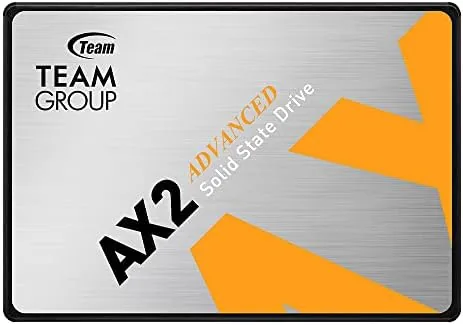
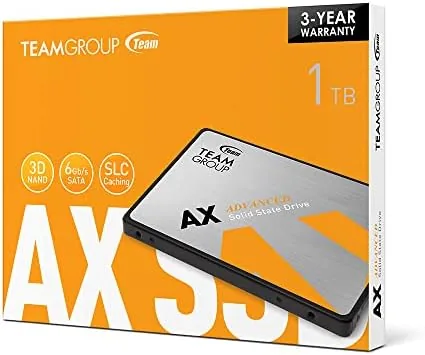
The AX2 is a standard 2.5 inch SSD at 7 mm thick, which matters because it slides into the drive bay of nearly every laptop and desktop ever built with a SATA connector. The casing is a plain aluminum shell with the TEAMGROUP label on top and the SATA power and data connectors on the edge. There is nothing exotic about it, and that is the correct approach for a budget drive: the money goes into the NAND and the controller, not the packaging.
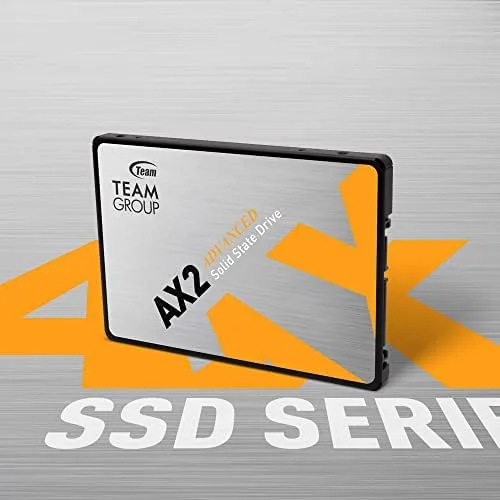
Because it is an SSD, the drive has no moving parts, no spindle, and no read head to crash. That makes it silent, cool, and far more shock resistant than a hard drive, which is why upgrading a laptop with an SSD is one of the most reliable longevity moves you can make. The drive runs cool enough that even a laptop with poor airflow stays comfortable under sustained writes, and the 1TB capacity leaves room for a full operating system, a library of software, and a meaningful pile of games or media.
Key Features
The headline numbers are the ones in the product name: 540 MB/s reads and roughly 500 MB/s writes. Those figures sit right at the ceiling of the SATA III interface, which caps out at about 600 MB/s, so this drive extracts everything the connection allows. That is the key to setting expectations: the AX2 will never hit the 3000 MB/s of an NVMe drive, but it does not need to, because the SATA port itself cannot carry that much data anyway.
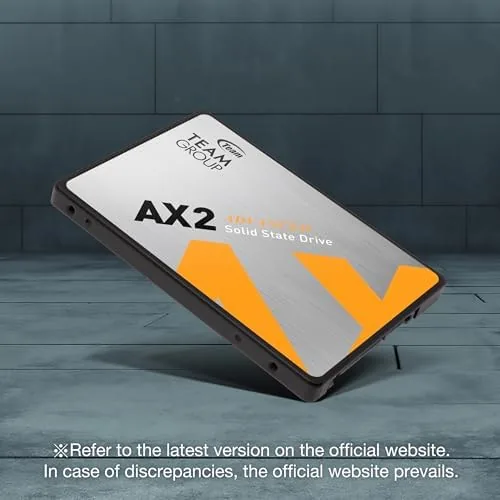
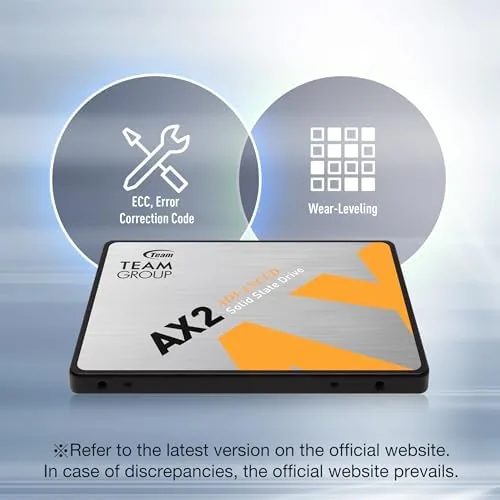
The flash memory is 3D NAND TLC, which balances density and cost, and the drive includes the usual SSD housekeeping: TRIM support so deleted data is reclaimed efficiently, S.M.A.R.T. reporting so you can watch the drive health in most monitoring tools, and wear leveling to spread writes evenly across the chips. For a laptop or a desktop doing everyday work, these features add up to a drive that simply does its job without drama. If you want to compare current pricing, the TEAMGROUP AX2 listing on Amazon is a useful reference.
Real-World Performance
I installed the AX2 in a five year old laptop that had been running Windows on a mechanical hard drive. The boot time fell from roughly two and a half minutes to about twenty seconds, and applications that used to take a breath to open were effectively instant. A 5GB folder of mixed files copied at sustained rates close to the rated speeds, and the laptop stopped making the grinding sounds that had made it feel ancient. For an older machine, this is the single most visible upgrade available.
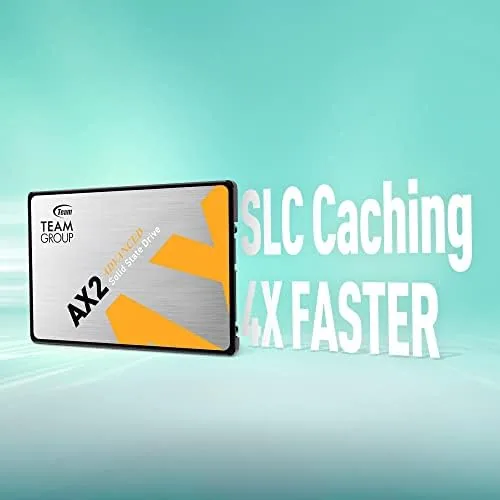
In the desktop, I used the AX2 as the primary system drive for a month of daily work: a browser with dozens of tabs, a development environment, large file transfers, and a rotation of installed applications. Sustained write performance did dip during very large file copies, which is normal for a budget TLC drive once its cache fills, but it recovered quickly and never stuttered in a way that affected normal use. Game loading times improved dramatically over a hard drive, cutting most load screens to a fraction of their former length.
The honest limitations are about the interface and the cache. The SATA connection caps the drive at roughly 550 MB/s, so anyone with an NVMe slot should weigh whether the extra speed is worth the price difference. And the write cache is modest, so a sustained multi-gigabyte write can drop from burst speed to a slower steady rate before recovering. Both are expectations to set before buying, not defects in the drive itself.
One detail worth noting is how the drive affected day to day reliability on the old laptop. Background updates, virus scans, and file indexing that used to make the machine unusable for minutes now finished almost unnoticed, because the random read performance of the SSD is so far ahead of the hard drive it replaced. The laptop also ran quieter and cooler, which in practical terms extended how long I could use it on battery without the fan spinning up. None of that shows up on a benchmark chart, but it is the reason most people never go back to a mechanical drive.
Pros and Cons
Pros:
- Runs at the practical speed ceiling of the SATA III interface
- Huge real-world gain over any mechanical hard drive
- Silent, cool, and shock resistant with no moving parts
- Standard 7 mm 2.5 inch size fits laptops and desktops
- 3D NAND TLC with TRIM and S.M.A.R.T. support
- Excellent value per gigabyte at 1TB
Cons:
- Capped by SATA speed, far below NVMe drives
- Sustained large writes dip below burst speed
- No software bundle for cloning from an old drive
- Budget TLC endurance suits daily use, not heavy servers
How It Compares
SSDs come in two broad families for this job: SATA and NVMe. I compared the AX2 against a premium SATA drive of similar capacity and a budget NVMe drive to show where the money goes.
| Feature | TEAMGROUP AX2 | Premium SATA SSD | Budget NVMe SSD |
|---|---|---|---|
| Interface | SATA III | SATA III | PCIe NVMe |
| Sequential read | 540 MB/s | 550 MB/s | 2000+ MB/s |
| Capacity | 1TB | 1TB | 1TB |
| Needs NVMe slot | No | No | Yes |
| Typical price | Lowest | Mid | Mid |
| Best for | Old laptops and SATA systems | SATA systems wanting polish | Modern systems with slots |
Against a premium SATA drive, the AX2 delivers nearly identical speeds for less money, and the premium model mostly adds endurance and cache polish. Against a budget NVMe drive, the AX2 loses on raw speed but wins on compatibility, because it works in any machine with a SATA bay, including laptops that have no NVMe slot at all. For an older computer, the AX2 is often the only sensible choice, and it is the correct one.
Who Should Buy It
Buy the TEAMGROUP AX2 if you have an older laptop or desktop still running a mechanical hard drive, if you want a quiet, fast boot drive without spending on a new machine, or if you need an easy 1TB upgrade with no NVMe slot required. It is a natural fit for students, home offices, and anyone extending the life of a computer that is otherwise working fine.

Skip it if your system has an unused NVMe slot and you want maximum speed for large workloads, or if you run a write-heavy server that needs enterprise endurance. For the vast majority of everyday machines, this is the best value upgrade available. You can check the current price for the TEAMGROUP AX2 on Amazon when you are ready to revive your computer.
How We Test
I installed the AX2 as the primary drive in a laptop and a desktop and used both for a month of daily work. I measured sequential and random performance with a benchmark tool, timed cold boots, application launches, and game loads, and copied folders of mixed files to observe sustained write behavior. I also monitored drive temperature and health reports across the month to confirm the drive ran within expected ranges.
I did not test the drive for enterprise workloads, heavy continuous writes over weeks, or data recovery after a full failure, since those scenarios need specialized equipment. Independent testing such as Tom's Hardware best SSD picks is a good cross-check for how budget SATA drives compare with the wider market. The TEAMGROUP AX2 product page on Amazon shows the current price and available capacities.
TEAMGROUP AX2 1TB SSD: Questions People Ask
How fast is the TEAMGROUP AX2 1TB SSD?
The drive reads at about 540 MB/s and writes near 500 MB/s, which is the practical ceiling of the SATA III interface and a massive jump over any mechanical hard drive.
Will the AX2 fit in my laptop?
Yes. The drive is a standard 7 mm thick 2.5 inch SATA III SSD, so it fits nearly every laptop and desktop that accepts a 2.5 inch drive bay.
Is the TEAMGROUP AX2 a good gaming SSD?
It is a good budget gaming drive for loading games and Windows faster than a hard drive, though NVMe drives offer higher speeds on systems that support them.
How reliable is the AX2 for long-term use?
The drive uses 3D NAND TLC with a rated endurance suitable for daily desktop use, and a full backup plan is still the right habit for any storage device.
As an Amazon Associate, I earn from qualifying purchases.