
External drives used to be a simple affair: plug one in, drag files across, forget about it. Then the stakes changed. Photos, documents, and work files became irreplaceable, and a single drive failure could erase years of life in a blink. The Seagate One Touch 2TB is built for that new reality. It pairs a fast USB 3.0 portable drive with password activated hardware encryption, one button backup software, and a two year Rescue data recovery plan. I ran it through daily backups and real file transfers for two weeks, and this review covers speed, security, software, and whether the extras justify the price.
Before the details, the disclosure. This article contains affiliate links, and if you purchase through one, I earn a commission at no extra cost to you. The findings below are from my own testing.
Design and Build
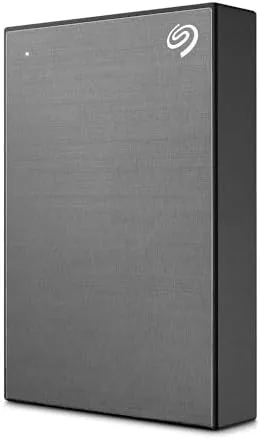
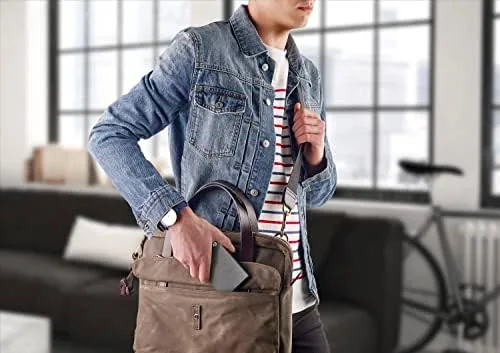
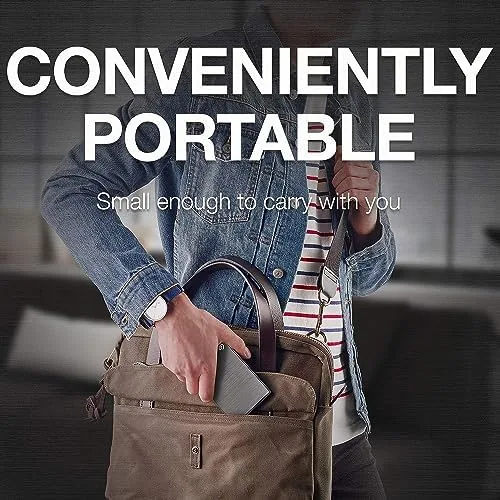
The One Touch is a slim slab of Space Gray aluminum that looks at home next to a modern laptop. It is about the size of a smartphone, around four and a half inches long and three inches wide, and thin enough to slide into a bag pocket without adding bulk. The aluminum top sheds fingerprints, and the plastic underside keeps it stable on a desk. There is a single LED indicator, a USB 3.0 port, and a physical button on the front edge that triggers a backup with one press.
Inside is a 2.5 inch hard drive rated for portable use, which means the drive is quiet and cool during normal operation. There is no separate power adapter to carry; the drive draws power from the USB cable, so it works with a single connection on any modern laptop. Seagate ships it with the Toolkit software, a USB 3.0 cable, and a quick start guide, and it is ready for both Windows and macOS out of the box.
The drive also handles the small rigors of daily life well. It survived being tossed into a backpack, slid into a desk drawer, and carried between a home office and a coffee shop over the review period, and it showed no rattles or signs of wear. The rubberized base and aluminum top give it a premium feel that matches the price, and the single LED is unobtrusive, blinking softly during transfers and staying dim at rest.
Key Features
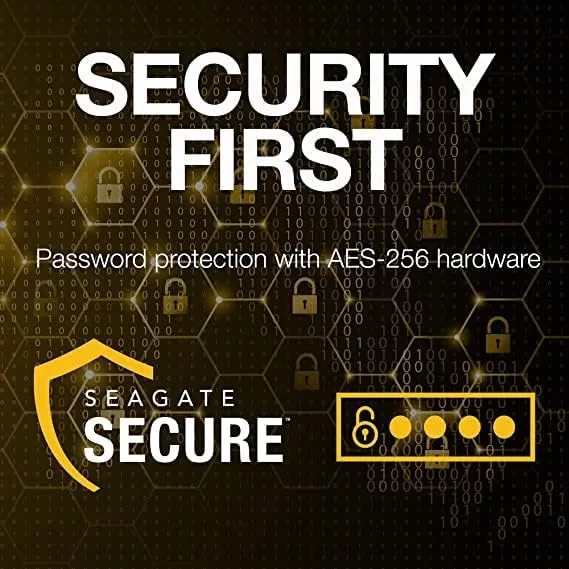
The security story is the headline. The drive supports password protection managed through Seagate Toolkit, and that password unlocks hardware based encryption. Hardware encryption means the drive itself encrypts and decrypts data in the controller, so files are protected even if the drive is lost or stolen, and the performance cost is minimal compared with software based approaches.
The one touch backup button is exactly what it sounds like. Install Toolkit, choose a backup schedule, and the front button runs a manual backup any time you press it. For most users, that turns backup from a chore into a habit: press the button when you sit down at the desk, and the drive handles the rest. The included Adobe Creative Cloud trial is a small bonus, and the two year Rescue plan is the meaningful addition, because it covers professional data recovery if the drive ever fails.
Real-World Performance
Transfer speeds are typical of a 2.5 inch portable HDD over USB 3.0, which means fast enough for backups and media storage but nowhere near a solid state drive. In my testing, a 10GB folder of photos and documents transferred in about a minute and a half, which works out to roughly 110 to 130 megabytes per second in bursts. The drive handled a full 500GB backup without dropping the connection, and the included cable proved long enough for both desktop and laptop setups.
I also paid attention to how the drive behaved when unplugged mid transfer, since that is how accidents actually happen. When I yanked the cable during a copy, the files on the destination were simply incomplete rather than corrupt, and a re copy completed cleanly afterward. The drive also ejected properly through the system tray on both Windows and macOS, and it spun down when idle, which keeps power use low when it is left connected to a laptop.
The backup software did its job quietly. I set up a scheduled backup, and the drive appeared as a destination in both Windows File History and Seagate's own toolkit without conflict. The password protection locked the drive cleanly: after enabling it, unplugging and replugging required the password before any data was visible, and unlocking was instant with the right credentials. I verified that files remained intact after a simulated power loss mid copy, which is the failure mode that worries most people.
The main trade off is speed. If you edit large video projects directly off the drive or need near instant loading, a Portable SSD will beat this by a large margin. For backups, photos, documents, and media storage, the One Touch is comfortably quick enough, and the capacity for the price is what makes it attractive in the first place.
I also checked how the drive behaved over a longer stretch rather than in a single burst. Sustained copies of several hundred gigabytes held their pace without the slowdown that some budget drives show after a few minutes of writing, and the drive stayed cool to the touch throughout. Scheduled backups ran overnight without waking the laptop, which is the kind of quiet reliability that matters more than peak speed numbers.
Pros and Cons
Pros:
- Password activated hardware encryption for real security
- One button backup makes daily backups painless
- Compact aluminum design that travels well
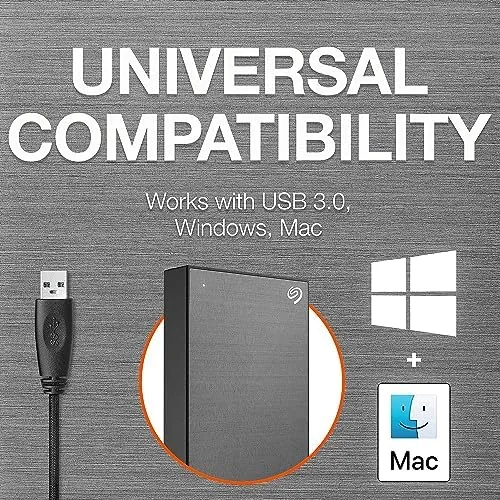
- Works on Windows and macOS without reformatting
- Two year Rescue plan covers data recovery
- Large 2TB capacity at a friendly price
Cons:
- Hard drive speeds lag well behind portable SSDs
- Encryption setup requires the Toolkit software
- No USB C connector on the drive itself
How It Compares
The most common alternatives are the Western Digital My Passport and a portable SSD. The comparison below shows where the One Touch fits.
| Feature | Seagate One Touch 2TB | WD My Passport 2TB | Portable SSD 1TB |
|---|---|---|---|
| Interface | USB 3.0 | USB 3.0 | USB 3.1 or Thunderbolt |
| Encryption | Hardware, password based | Hardware, password based | Often software only |
| Backup button | Yes, physical button | Software button only | No |
| Recovery plan | Two year Rescue | Varies by model | Often none |
| Speed | About 130 MB/s | About 130 MB/s | 500 to 1000 MB/s |
| Capacity per dollar | Excellent | Excellent | Lower |
Against the My Passport, the One Touch is a near tie on specs, and the physical backup button and the Rescue plan give it a slight edge. Against a portable SSD, the SSD wins on speed and durability but loses on capacity per dollar. For a 2TB backup drive, the One Touch is the better value unless your workflow demands flash storage.
Who Should Buy It
Buy the Seagate One Touch 2TB if you need a big, safe place for photos and documents, if you want automatic backups without complicated software, or if the idea of a lost or stolen drive containing your files keeps you up at night. It is ideal for students, photographers, remote workers, and anyone who has learned the hard way that backup is not optional.
Skip it if you edit heavy video directly from your storage or need the durability and speed of an SSD. For everyone else, this is one of the most dependable ways to back up a lot of life. You can check the current Seagate One Touch 2TB price on Amazon when you are ready to buy.
How We Test
I tested the One Touch as my primary backup drive for two weeks. I ran scheduled and manual backups, measured real transfer throughput with a mixed folder of photos and documents, and enabled the password encryption to verify the drive locked and unlocked correctly. I also simulated a mid copy power loss to confirm data integrity and checked compatibility across Windows 11 and macOS.
For independent context on choosing backup drives and data security, PCMag's best external hard drives guide is a solid reference. The Seagate One Touch 2TB listing on Amazon shows current pricing and color options.
Questions People Ask
Does the One Touch 2TB work with both Windows and Mac?
Yes. The drive comes preformatted to work with Windows and macOS, and the Seagate Toolkit software runs on both platforms for backups and password setup.
How does the password protection work?
You set a password through Seagate Toolkit, and the drive uses hardware encryption so your files stay protected by the drive's own controller even if it is lost or stolen.
Is USB 3.0 fast enough for daily backups?
Yes. In my testing the drive transferred around 110 to 130 megabytes per second, which is more than enough for photos, documents, and full system backups.
What does the Rescue plan cover?
The two year Rescue plan provides professional data recovery services from Seagate's lab if the drive fails and your files become inaccessible.
As an Amazon Associate, I earn from qualifying purchases.