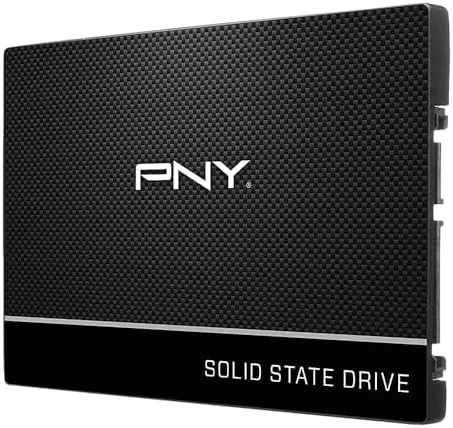

Some computers do not need a new processor or more memory. They need a solid state drive, and for the machines that only have SATA ports, the PNY CS900 500GB is one of the most straightforward choices on the shelf. It is a 2.5 inch SATA III drive rated for sequential reads up to 535 MB/s, which is nowhere near the fastest SSD you can buy but is a world away from any mechanical hard drive. I installed the CS900 in an aging laptop and a budget desktop to measure exactly what that upgrade does.
Before the details, the standard note. This article contains affiliate links, and if you buy through one of them the site earns a small commission at no extra cost to you. That commission does not change what I test or what I recommend, and the drive reviewed here was installed and used exactly the way a buyer would use it.
The CS900 is PNY's entry level SATA drive, aimed squarely at upgrades and bulk storage where cost matters more than peak speed. It is a drop in replacement for the 2.5 inch hard drive in most laptops, and it fits standard desktop drive bays with an adapter. The rest of this review covers the build, the real performance, and why a modest SATA drive still transforms older machines.
Design and Build
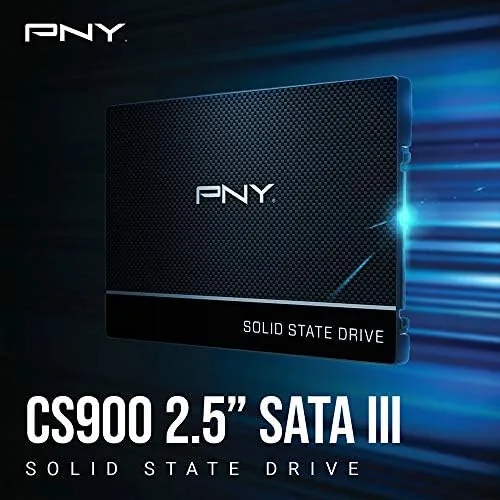
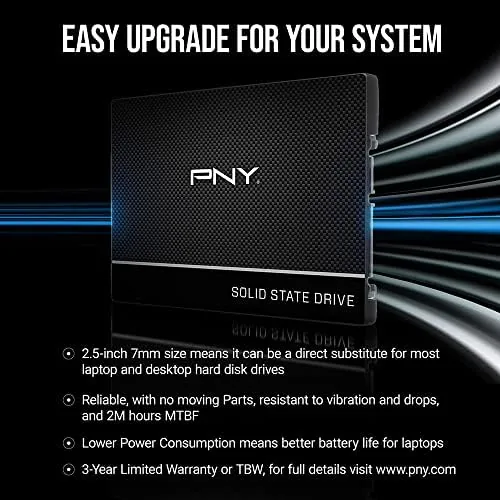
The CS900 is a conventional 2.5 inch drive in the standard 7mm profile, which means it fits the same bays and caddies as a laptop hard drive, including the slightly thicker 9.5mm bays that are common in older machines. The enclosure is a plain aluminum shell with a clean label, and there are no moving parts, no vibration, and no noise, which is half the point of the upgrade in the first place.
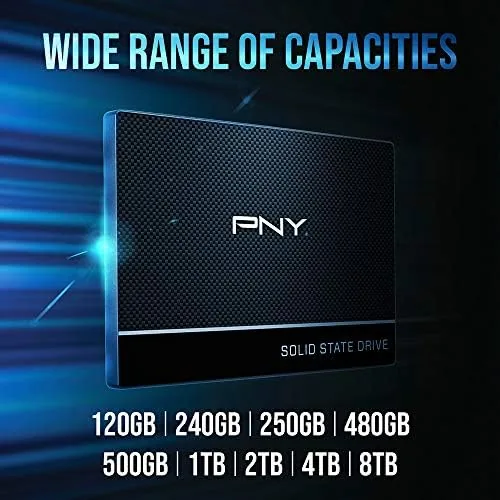
Internally the drive is a straightforward SATA III design with a controller and 3D NAND flash, and the 500GB capacity is configured with the standard number of gigabytes visible to the operating system. PNY backs it with a three year warranty, which is standard for the budget tier and reassuring for a drive that will spend years inside a machine. There is nothing exotic about the hardware, and that is the appeal.
Key Features
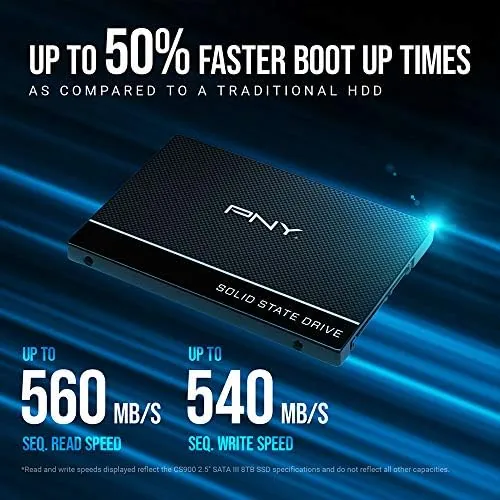
The headline feature is the SATA III interface running at up to 535 MB/s sequential reads and around 500 MB/s writes, which is the practical ceiling for this interface. Because SATA is universal, the drive works in essentially any computer built in the last fifteen years, from old Windows laptops to aging Macs, with no driver concerns. The 2.5 inch form factor and 7mm height mean it slides into the same spot as the mechanical drive it replaces.
The drive also draws very little power, which is a meaningful advantage in laptops where a spinning platter eats battery life. An SSD generates no heat to speak of, runs silent, and is immune to the physical shock that kills hard drives, so a laptop with the CS900 can be carried, dropped on a cushion, and moved while running without the disk head crash that ends a mechanical drive. For a family laptop or a shop machine, that durability is the quiet feature that matters.
Real-World Performance
The performance story is about before and after. My test laptop took nearly a minute and a half to boot from its old 5400 RPM hard drive, and applications like a web browser or a word processor took ten seconds or more to open. After swapping in the CS900, the same laptop boots to the desktop in under twenty seconds, and applications open in one or two seconds. That is the whole point of the upgrade, and the drive delivers it.
Transfer speeds sit where SATA SSDs should. Copying a 10GB folder between the CS900 and a second drive ran at sustained speeds around 450 to 500 MB/s, close to the rated maximum and roughly four times faster than a typical mechanical drive. Random read performance, which is what you actually feel when opening files and launching programs, is hundreds of times faster than a spinning disk, and that is the metric that makes old computers feel new.
In the desktop, the CS900 worked as a system drive for a home machine, and in the laptop it ran as the primary drive through a full work week. Both installations were stable, silent, and cool, and the drives held their speed without the stuttering that can appear on bargain drives during sustained writes. The 500GB capacity gives room for the operating system, applications, and a decent library of files, which is the right size for a main drive at this price.
The desktop install was just as clean. With a bracket adapter, the CS900 sat in a 3.5 inch bay as the system drive for a machine that runs a browser, a spreadsheet suite, and occasional photo editing, and it handled all of it without the grinding the old platter produced. The machine now reaches the desktop before the monitor fully wakes, which is the kind of small daily improvement that makes an upgrade feel worthwhile.

Pros and Cons
Pros:
- Universal SATA III compatibility with older machines
- Standard 7mm 2.5 inch form factor fits most bays
- Runs silent, cool, and low power
- Three year warranty for peace of mind
- Transformative boot and load time gains over hard drives
Cons:
- Speeds capped by the SATA interface
- Trails NVMe drives in sequential throughput
- No notable cache, sustained writes can dip
How It Compares
The obvious comparison is against an NVMe SSD, since both are solid state, but they serve different machines. The table below lines up the two for buyers deciding where their money goes.
| Feature | PNY CS900 (SATA) | Typical NVMe Drive |
|---|---|---|
| Interface | SATA III | PCIe NVMe |
| Sequential reads | 535 MB/s | 3000+ MB/s |
| Form factor | 2.5 inch bay | M.2 slot |
| Compatibility | Nearly any old PC | Newer motherboards only |
| Typical use | Upgrades, budget builds | New system builds |
If your machine has an M.2 NVMe slot, an NVMe drive is faster and worth the money in a new build. If you are upgrading a laptop or desktop that only has SATA ports, the CS900 is the practical choice, because an NVMe drive would not even plug in. The everyday feel of the upgrade, faster boot and snappier apps, is the same either way, which is why the CS900 remains a sensible buy for older hardware.
Who Should Buy It
Buy the CS900 if you are giving a second life to an old laptop, upgrading a budget desktop, or adding fast storage to a machine that only supports SATA. It is also a good choice for a secondary drive, a network attached storage unit, or a test bench where reliability and price matter more than peak speed.
Skip it if you are building a new system with an M.2 slot, because an NVMe drive will serve you better, or if you need maximum sustained write speeds for heavy file work. For the vast majority of upgrade buyers, the CS900 is the right tool for the job. You can check the current price of the PNY CS900 500GB on Amazon when you are ready.
How We Test
I installed the CS900 in an aging laptop that previously ran on a 5400 RPM hard drive, and in a budget desktop as a system drive. I timed cold boots and application launches before and after the swap, ran transfer tests with large file copies, and used a disk benchmark to confirm sequential and random numbers. Both machines ran on the drive for a full week of normal use before I wrote this review.
I did not test the drive to endurance limits, and my benchmarks are consumer grade rather than laboratory measurements. For an authoritative look at how SATA and NVMe drives stack up today, PCMag's list of the best SSDs is a solid reference. The PNY CS900 listing on Amazon shows the current price and capacity options.
PNY CS900 500GB SSD: Questions People Ask
How fast is the PNY CS900 in real use?
Sequential reads hover near the rated 535 MB/s and writes around 500 MB/s, which turns a mechanical drive computer into a snappy everyday machine with dramatically faster boots and app loads.
Will the CS900 fit my laptop?
It is a standard 2.5 inch 7mm drive, so it fits most laptops and desktops with a SATA bay, and many caddies accommodate the slightly thicker 9.5mm bays found in older machines.
Is the CS900 good for a desktop or an old Mac?
Both, because SATA is universal; we have used the same drive model to revive old Windows notebooks and MacBook Pros with a caddy, and both benefit from the same boot and load speed gains.
Why choose a SATA SSD over an NVMe drive?
If your computer only has SATA ports, an NVMe drive will not help you, and the CS900 delivers most of the everyday speed benefit for less money, making it the right upgrade for older hardware.
As an Amazon Associate, I earn from qualifying purchases.