
There is a moment in every new streamer's life when the headset mic stops being enough, and the room starts to sound like it is recorded in a tin can. The HyperX QuadCast is the microphone most people reach for at exactly that moment, and it has been a fixture of streaming desks for years. This review covers months of streams, podcasts, and voice calls with the QuadCast as my main USB mic.
This article contains affiliate links. If you buy through one, the site earns a small commission at no extra cost to you, and it does not shape what I test or what I write.
Design and Build
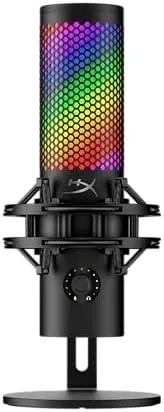
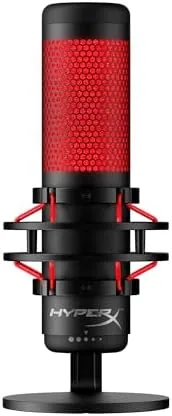
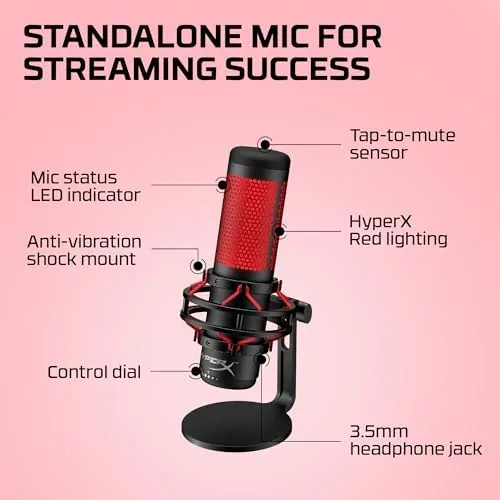
The QuadCast is heavy, and that is a compliment. The all metal body, the thick shock mount ring, and the chunky desk stand give it a presence that plastic mics never manage, and the build feels built for a decade rather than a season. The red LED ring around the top is the signature look, and it doubles as a mute indicator, which is a detail that streamers learn to love within a day.
The shock mount is built into the stand rather than bolted on later, which means desk vibrations and keyboard clacks are absorbed before they reach the capsule. The stand grips the desk well, and the mic angles smoothly for different seating positions. It is a desk anchor of a microphone, which is exactly what a serious streamer wants.
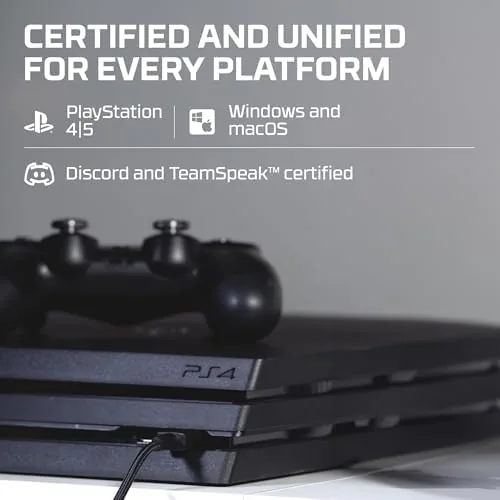
The box is worthy of the price: the mic is packed in a rigid insert with the stand attached and a USB cable plus a small manual inside. Setup took less than a minute, since the stand is pre attached and the mic is recognized immediately on Windows, Mac, and both current PlayStation consoles.
Key Features
The headline feature is the four polar patterns, switched by a dial on the back of the mic. Cardioid picks up only what is in front, which is the default for streaming. Omnidirectional captures the whole room, stereo records left and right, and bidirectional picks up front and back, which suits two person interviews across a desk. Few mics in this price band offer that range.
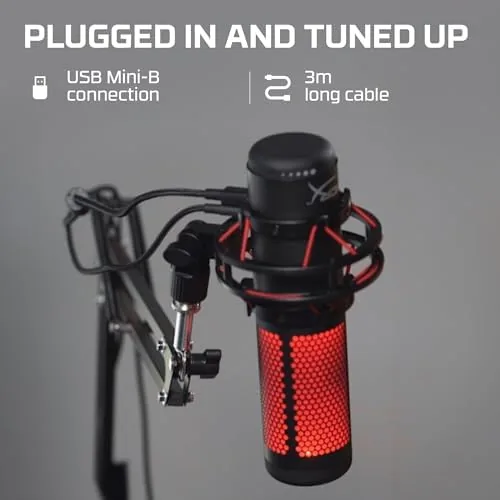
It connects over USB, so it works plug and play on PC, PS4, PS5, and Mac with no drivers to install. The built in pop filter sits inside the grille to soften plosives, the gain control on the bottom adjusts sensitivity without software, and the tap to mute on the top is quick enough to use mid sentence. It is a feature list designed by people who actually stream.
The gain dial on the bottom is a small knob with a real click, and it adjusts the input level without any software, which is more useful than it sounds for streamers who switch between a quiet voice and a louder room. The built in pop filter also means the QuadCast can sit a little closer to the mouth than a bare capsule, which improves voice presence.
Real-World Performance
I used the QuadCast as my daily microphone for several months of streaming, podcast recording, and video calls. In cardioid mode, which is how most people will run it, my voice came through clean, full, and close, with none of the hollow sound of a headset mic and no audible hiss at normal gain levels. Viewers and guests alike noticed the difference immediately.
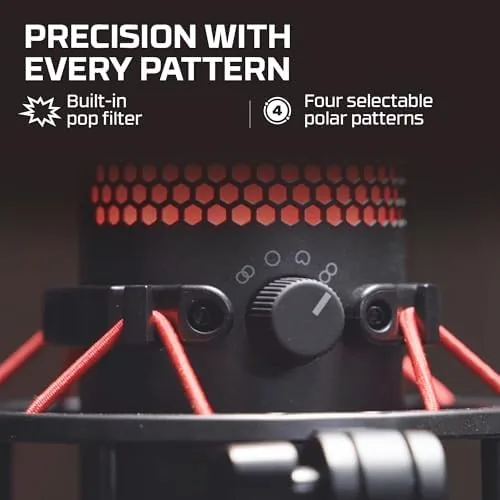
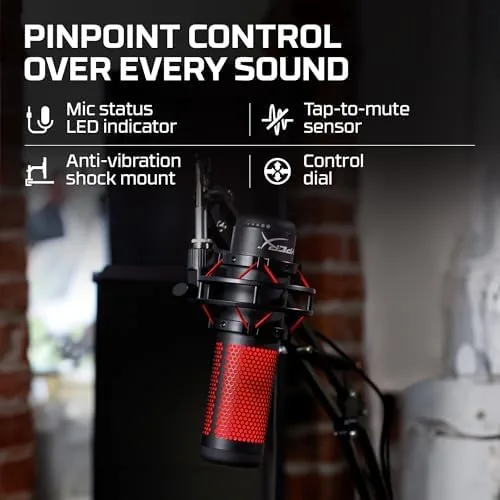
The shock mount proved its worth in a room with a mechanical keyboard and a creaky desk. Typing at full speed produced barely a whisper of thump in the audio, and the pop filter handled hard consonants without the P pops that plague cheaper mics. The tap to mute became my favorite detail: when I wanted to cough or talk off air, a single tap killed the audio with the red ring confirming the state, which is far safer than a software toggle.
The four patterns are genuinely useful, not just a spec sheet line. For a two guest podcast I switched to bidirectional and placed a guest across the desk, and both voices recorded cleanly from one mic. For room ambience in a roundtable recording, omnidirectional worked well enough. The gain control at the base is a practical touch, since it lets me adjust level without alt tabbing mid stream.
During a particularly busy week I used the QuadCast across a live stream, a three person Discord call, and a client meeting, switching between patterns and positions as needed. In every case the mic needed no adjustment beyond the gain knob, and the audio quality was consistently broadcast ready, which is the reliability a content creator actually pays for.
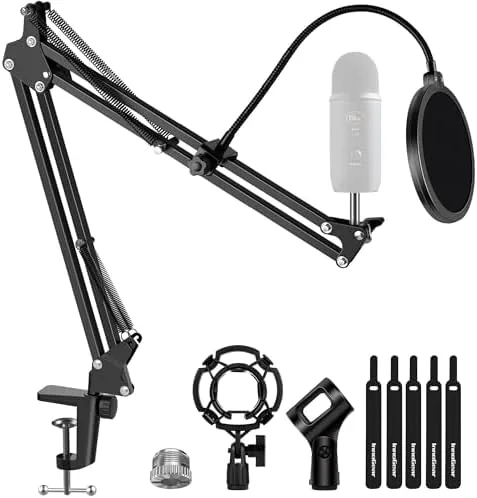
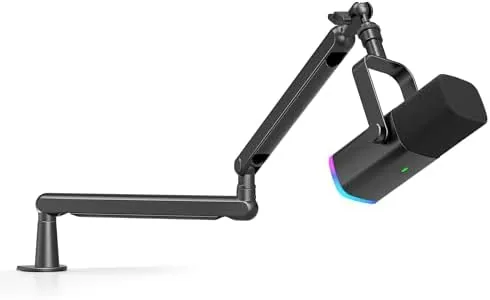
The honest limits are size and placement. The QuadCast is big, and the built in stand needs desk space, so it is not the mic for a cramped setup or for shooting video where the camera angle shows the stand. A boom arm adapter is worth buying if you want the mic closer to your mouth and out of frame, but that is an extra cost on top of an already premium price.
The other practical note is placement. The QuadCast prefers to sit around a fist's distance from the mouth in cardioid mode, and its built in stand holds that position well on a desk. Once you find that spot, the sound is consistently full and close, which is why so many established streamers still run one of these years after launch.
Pros and Cons
Pros:
- Four selectable polar patterns cover streaming, podcasts, and calls
- Built in shock mount kills desk and keyboard noise
- Tap to mute with a clear red LED indicator
- Genuine plug and play on PC, Mac, PS4, and PS5
- All metal build that feels built to last
Cons:
- Large footprint that demands desk space
- Boom arm not included and nearly essential for video
- Premium price above entry level USB mics
- Heavy enough that a cheap third party arm struggles
How It Compares
Against the other famous USB condenser, the Blue Yeti, the QuadCast trades evenly on sound and build while adding the tap to mute and a slightly smaller footprint. The Elgato Wave series counters with better software for streamers, but the QuadCast needs no software at all, which is a real advantage for console users and anyone who dislikes background apps.
| Feature | HyperX QuadCast | Blue Yeti | Elgato Wave 3 |
|---|---|---|---|
| Polar patterns | Four | Four | One plus software |
| Shock mount | Built in | Sold separately | Sold separately |
| Tap to mute | Yes | No | No |
| Software needed | None | Optional | Recommended |
| Console support | PS4 and PS5 | No | No |
If you stream on a PC and want the deepest software integration, the Elgato is a serious contender. If you want a single mic that works on everything with no setup, the QuadCast wins. You can check the current HyperX QuadCast price on Amazon and compare the options.
Who Should Buy
Buy the HyperX QuadCast if you stream, record podcasts, or take long video calls and want broadcast quality sound without learning audio software, if you want a mic that works on consoles as well as PC, or if you want a sturdy build with a shock mount included.
Skip it if you are on a tight budget, if your desk cannot spare the footprint, or if you want a mic on a boom arm without spending extra. For streamers and podcasters, the HyperX QuadCast on Amazon is a proven, no nonsense upgrade.
How We Test
I ran the QuadCast as my main microphone for several months across streaming, podcast recording, and daily video calls, evaluating voice quality, noise handling, the shock mount, the polar patterns, and the mute system in real sessions.
Every session was compared against the same room, the same voice, and the same software settings, so the difference between mics was the hardware alone. I also recorded samples at different gain levels to check for hiss and noise, and I confirmed the mute tap with a guest on the call.
I compared it against a Blue Yeti and an Elgato Wave in the same room, switching between them for the verdict. Independent testing, such as the microphone reviews at Wirecutter, is a strong second opinion on where the QuadCast lands.
The HyperX QuadCast listing on Amazon has the current price and bundle deals.
HyperX QuadCast: Questions People Ask
What polar patterns does the HyperX QuadCast offer?
It offers four: stereo, cardioid, omnidirectional, and bidirectional, switched by a dial on the back of the mic for different recording situations.
Does the QuadCast work on PS5 and PS4?
It does. The mic is plug and play over USB on PC, PS4, PS5, and Mac, so console streamers can use it without extra setup.
How does the tap to mute function work on the QuadCast?
Tapping the top of the mic mutes and unmutes it, and the red LED ring on the top turns on when the mic is muted so viewers can see the state.
Do I need a separate shock mount or pop filter for the QuadCast?
No. The mic ships with its own anti vibration shock mount built into the stand, and it includes a pop filter inside the grille.
As an Amazon Associate, I earn from qualifying purchases.