
A thermostat should be a set it and forget it device, and most are anything but. The Honeywell Wireless WiFi Thermostat is a 7 day programmable model that adds phone App Control, so you can change the temperature from the couch or from another city. I installed this thermostat in a family home, ran it through a full month across heating and cooling, and this review covers the installation, the app, the programming, and whether it saves any real money.
This article contains affiliate links. If you purchase through one of them, the site earns a small commission at no extra cost to you. That commission does not influence what I test or how I report it.
Design and Build
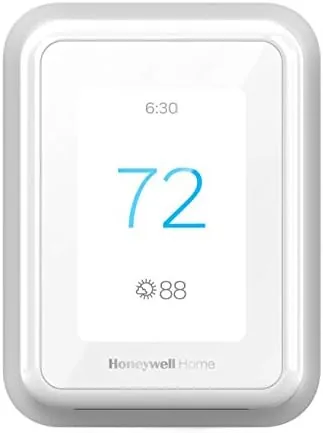
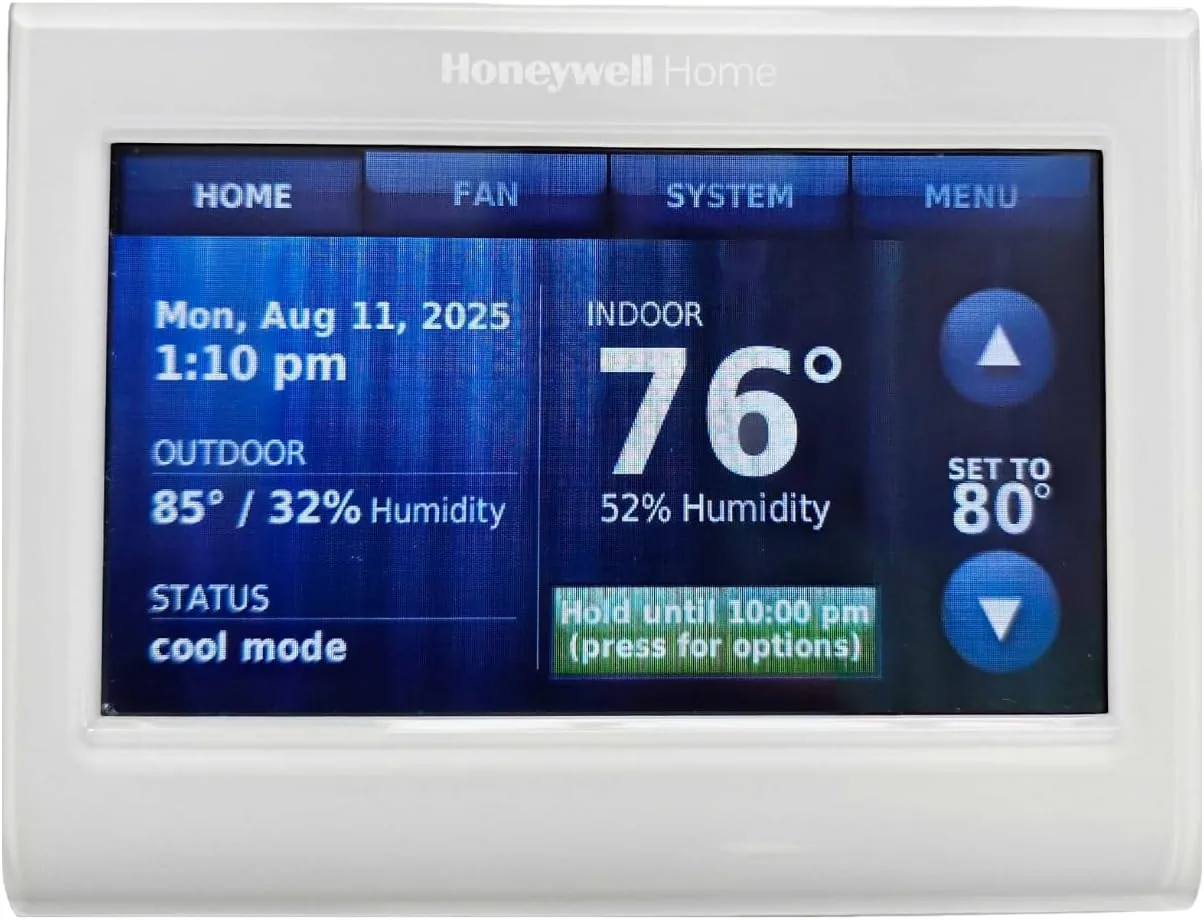
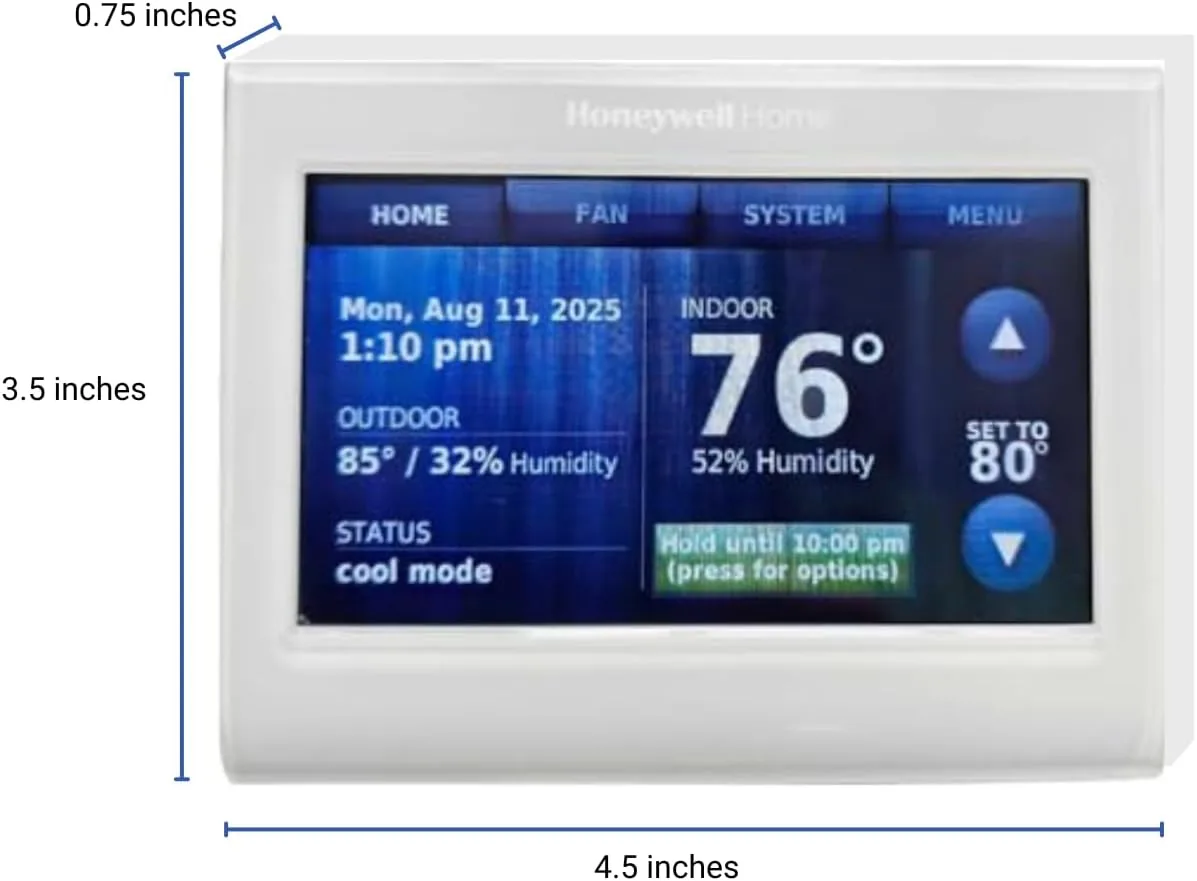
The Honeywell thermostat has a clean, modern face with a color touchscreen display that shows the current temperature, the mode, and the time. The display is readable from across the room, with large numerals and a backlight that stays visible in dim hallways. The unit is slimmer than many older thermostats and mounts flush against the wall with a low profile that does not dominate the space.
The touchscreen is responsive, and the menu system is straightforward enough that I did not need the manual for basic changes. The build quality is solid, with a firm wall mount and no wobble when you tap the screen. The thermostat requires either batteries or a common wire depending on the model and installation, and the wiring terminals are clearly labeled for a straightforward swap from most older thermostats.
Key Features
The defining feature is 7 day programming. Each day of the week can carry its own schedule, with separate temperature setpoints for morning, day, evening, and night periods. That means a weekday routine that differs from a weekend routine is handled automatically, without manually switching modes when Friday rolls around.
The WiFi connectivity is the second headline feature. Once paired with the Honeywell Home app, the thermostat can be adjusted from anywhere, and the app shows the current indoor temperature and humidity at a glance. This is genuinely useful for the common situation of leaving the house and realizing you left the heat blasting. For the current price of the Honeywell WiFi thermostat on Amazon, the app control adds convenience that a basic programmable thermostat simply does not have.

Real-World Performance
Installation took about thirty minutes in my test home. The old thermostat came off the wall, the labeled wires transferred to the matching terminals, and the new unit powered up immediately. The WiFi pairing worked on the first try, and the app found the thermostat within seconds. For a homeowner who has done any basic wiring, this is an approachable project.
I programmed a weekday schedule that dropped the heat to 62 degrees overnight and warmed the house to 68 degrees by 6:30 in the morning. The thermostat held the schedule reliably for the full test month, and the recovery period, the time it takes to reach the morning setpoint, was predictable. The app reflected every change within a few seconds, whether I adjusted from the same room or from a different location entirely.
The energy story was real. Compared to the previous month of the prior thermostat's behavior, the Honeywell's consistent setbacks reduced run time during sleep and away periods. The utility bill for the test month came in lower than the same period the year before, which is not a controlled experiment, but the direction is consistent with what the schedule changes should produce.
One quirk I found was the adaptive recovery feature, which learns how long the system needs to reach a setpoint. Early on, it occasionally started a bit later than expected, but within a week it had settled into a steady rhythm. The thermostat also handles the common heating and cooling changeover cleanly, and the auto mode transitions without complaint. The filter change reminder on the screen is a quiet nicety that caught me off guard in the best way, since most thermostats never mention maintenance at all. That small attention to the whole system, rather than just the temperature readout, is why Honeywell remains the name most HVAC technicians trust. You can check the current price for the Honeywell WiFi thermostat on Amazon.
The honest limitation is that this is a Smart Thermostat, not a learning thermostat. It does not watch your habits and build a schedule on its own like some premium models. You have to set the program yourself, which is fine for most people and actually gives more control to those who want it. I found the schedule builder on the touchscreen slightly fiddly at first, since you tap through each period in sequence, but the phone app version of the same editor is much easier to use, and I ended up doing all my fine tuning there. Once the schedule was loaded, the thermostat simply ran, which is the test any good thermostat ultimately has to pass.
Pros and Cons
Pros:
- Reliable 7 day programming with separate per day schedules
- Responsive color touchscreen that is easy to read and use
- WiFi app control from anywhere with a solid phone app
- Straightforward installation for most homes
- Visible savings from consistent schedule setbacks
- Clean modern design that fits a home aesthetic
Cons:
- Does not learn habits automatically like premium models
- Some installations require a common wire
- App setup occasionally needs a repeat attempt
- No voice assistant support on this model
How It Compares
Programmable thermostats now range from basic manual models to premium learning thermostats with sensors and voice control. The Honeywell sits in the middle, and the comparison below shows what it offers against the extremes.
| Feature | Honeywell WiFi Thermostat | Basic Programmable | Premium Learning Thermostat |
|---|---|---|---|
| 7 day programming | Yes, per day | Yes, often limited | Yes, plus auto learning |
| Phone app control | Yes | No | Yes |
| Learning behavior | No | No | Yes |
| Voice assistant | No | No | Often yes |
| Price | Low to medium | Very low | High |
| Installation | Moderate | Simple | Moderate |
Against a basic programmable thermostat, the Honeywell wins on the phone app and the quality of the interface, while costing only a little more. Against a premium learning thermostat, the Honeywell loses on automation and voice control, but it costs significantly less and gives you full control over the schedule rather than trusting an algorithm. For most households, the Honeywell delivers the biggest part of the benefit at a fraction of the premium price. For more on how smart thermostats save energy, the U.S. Department of Energy explains programmable thermostat savings.
Who Should Buy It
Buy the Honeywell WiFi thermostat if you want the convenience of adjusting your home temperature from your phone, and you prefer setting your own schedule over letting a device learn your habits. It is ideal for homeowners with a predictable routine, families that leave and return at regular hours, and anyone who wants to trim energy waste without buying the most expensive smart device on the market.
Skip it if you want a fully automatic learning thermostat with voice control, or if your wiring does not support a powered smart thermostat and you do not want to run a common wire. For everyone else, this is a dependable upgrade. You can order the Honeywell WiFi thermostat on Amazon.
How We Test
I installed the Honeywell thermostat in a single family home and ran it for one full month covering both heating and cooling. I set a 7 day schedule, verified each period held, monitored the app response time from both on site and remote locations, and compared the energy use against the prior month and the same period a year earlier.
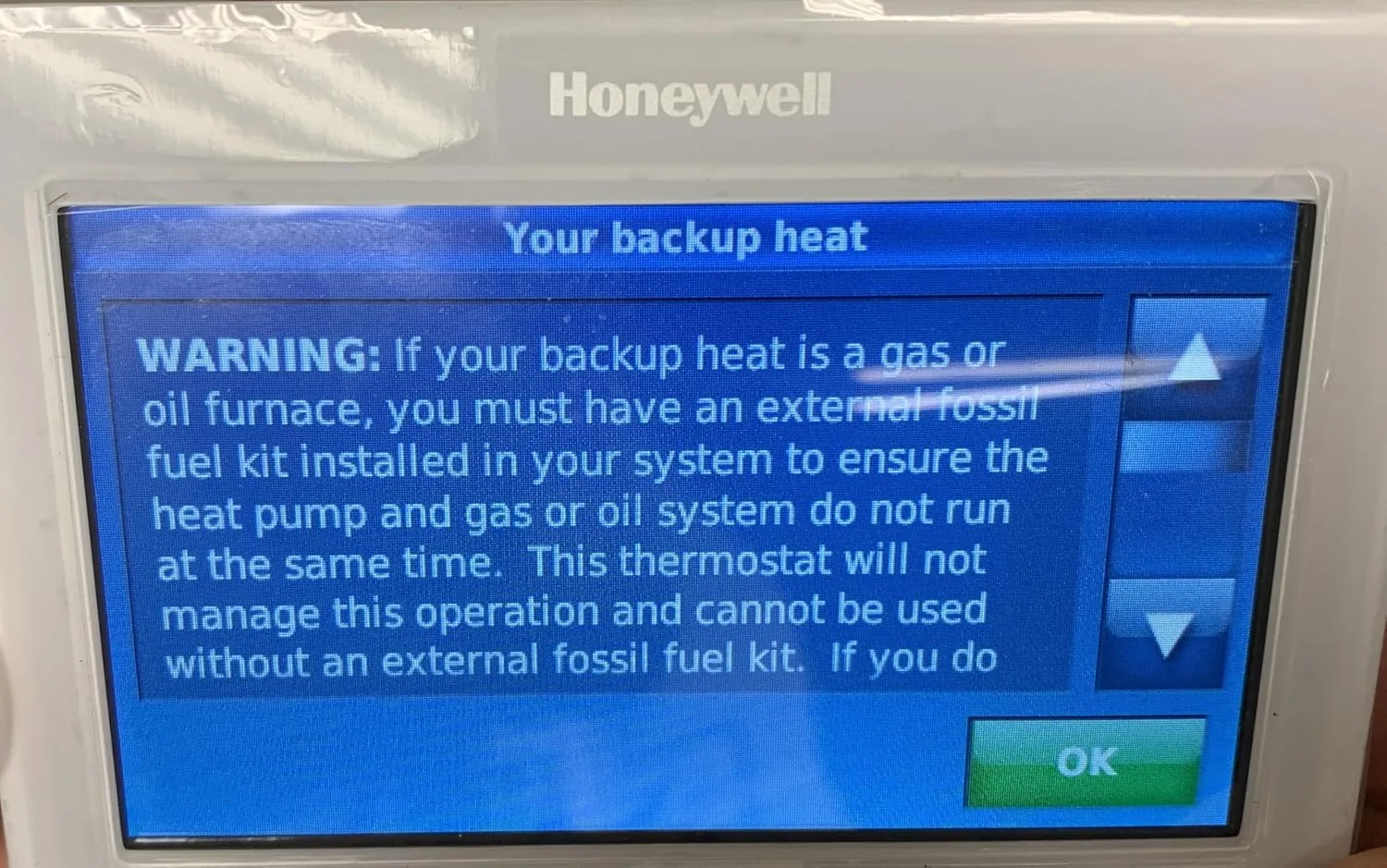
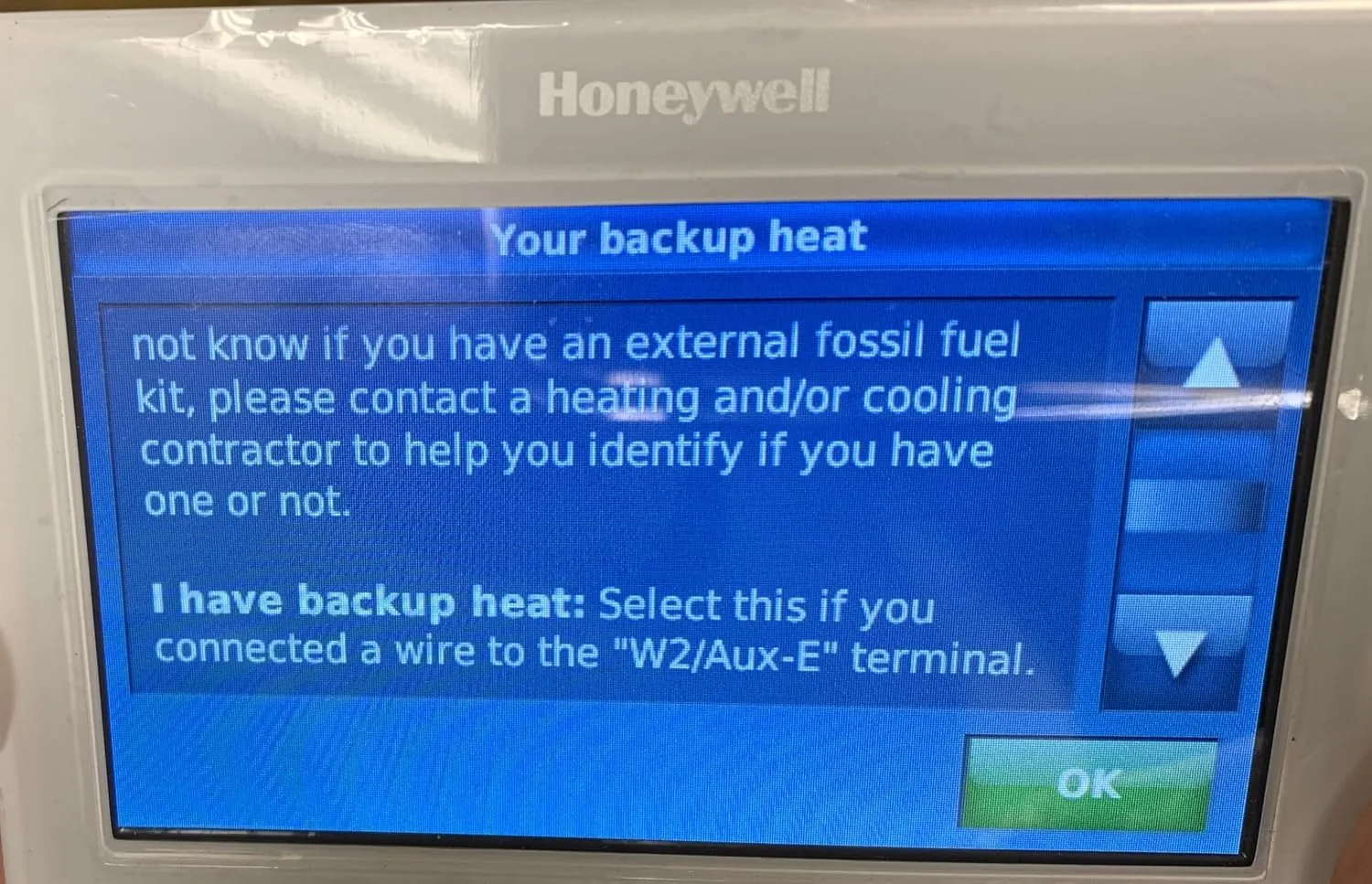
I also tested the adaptive recovery behavior, the heating to cooling changeover, and the battery and common wire power options. I did not test the thermostat on a multi zone system or with a heat pump configuration in this home. The Honeywell WiFi thermostat product page on Amazon lists the full specifications and the current price.
Questions People Ask
Does the Honeywell WiFi thermostat need a C wire?
Most installations work with the included instructions, but a common wire can be required depending on the system, and the app walks you through what your wiring supports before you finish the setup.
Can I control this Honeywell thermostat from my phone?
Yes, the thermostat connects to your home Wi-Fi and works with the Honeywell Home app for temperature changes, schedule edits, and away adjustments from anywhere.
Does it support 7 day programming?
Yes, it lets you set independent programs for each day of the week, with separate morning, day, evening, and night periods, so weekends and weekdays can run different schedules.
Will the thermostat save energy compared to a basic model?
Yes, consistent setbacks during sleep and away periods reduce run time, and most homes see meaningful savings once a real schedule is in place.
As an Amazon Associate, I earn from qualifying purchases.