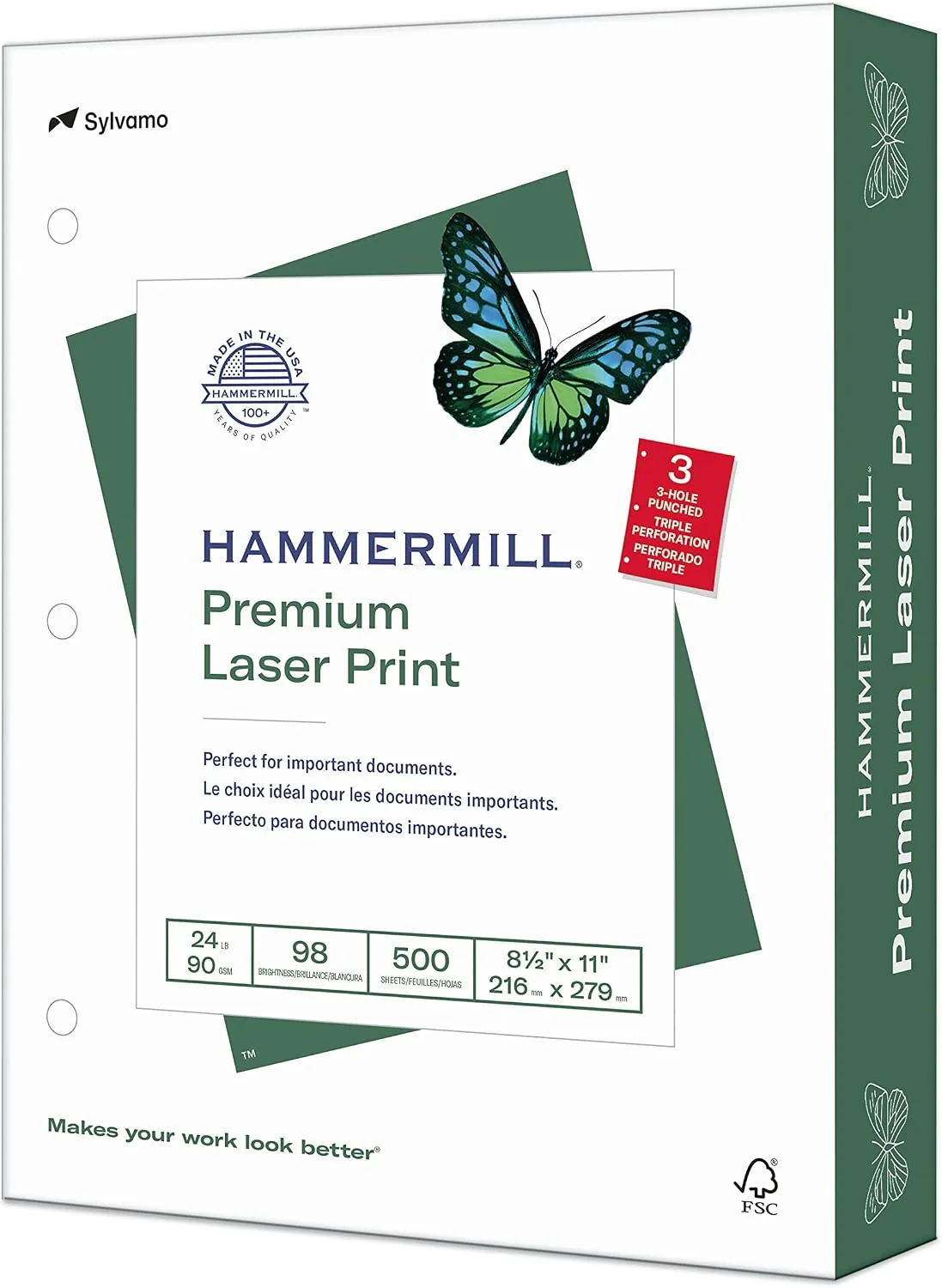

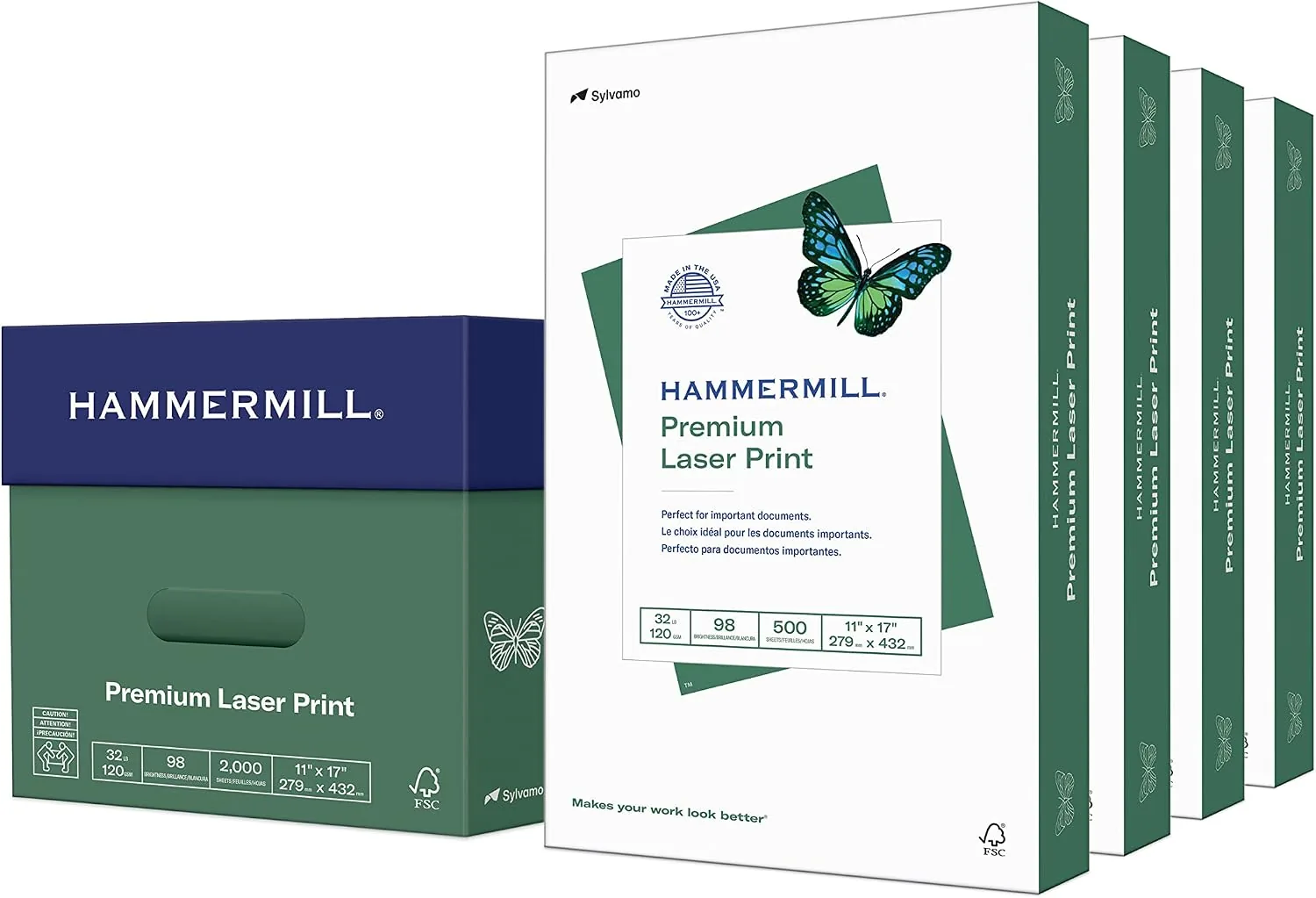
Most of us do not think about printer paper until we hold the wrong kind in our hands. A thin, flimsy sheet makes a good resume look cheap, lets ink bleed at the edges, and jams at the worst possible moment. The right paper, on the other hand, is something you notice without noticing, because everything you print simply looks and feels right. Hammermill Premium Laser Print Paper is the heavyweight end of that scale, a 24 pound letter size sheet with a 98 brightness rating and a three hole punch, sold in a 500 sheet ream. I have run hundreds of pages through my laser printer over the past month to find out whether it earns its reputation.
Before the details, the standard note: this article contains affiliate links, and if you buy through one of them the site earns a small commission at no extra cost to you. That never changes what I print or how I describe the results.
Design and Build
Paper does not have a build quality in the way a laptop does, but it has a physical character, and this is where Hammermill Premium stands apart. Each sheet is 24 pound stock, which means it is noticeably thicker and stiffer than the 20 pound paper most homes and offices use for everyday copying. Pick up a single sheet and you can feel the difference immediately: it has weight, a firm body, and a clean, smooth surface that does not shift in your hand. That weight is what gives documents a premium feel before a single word is printed.
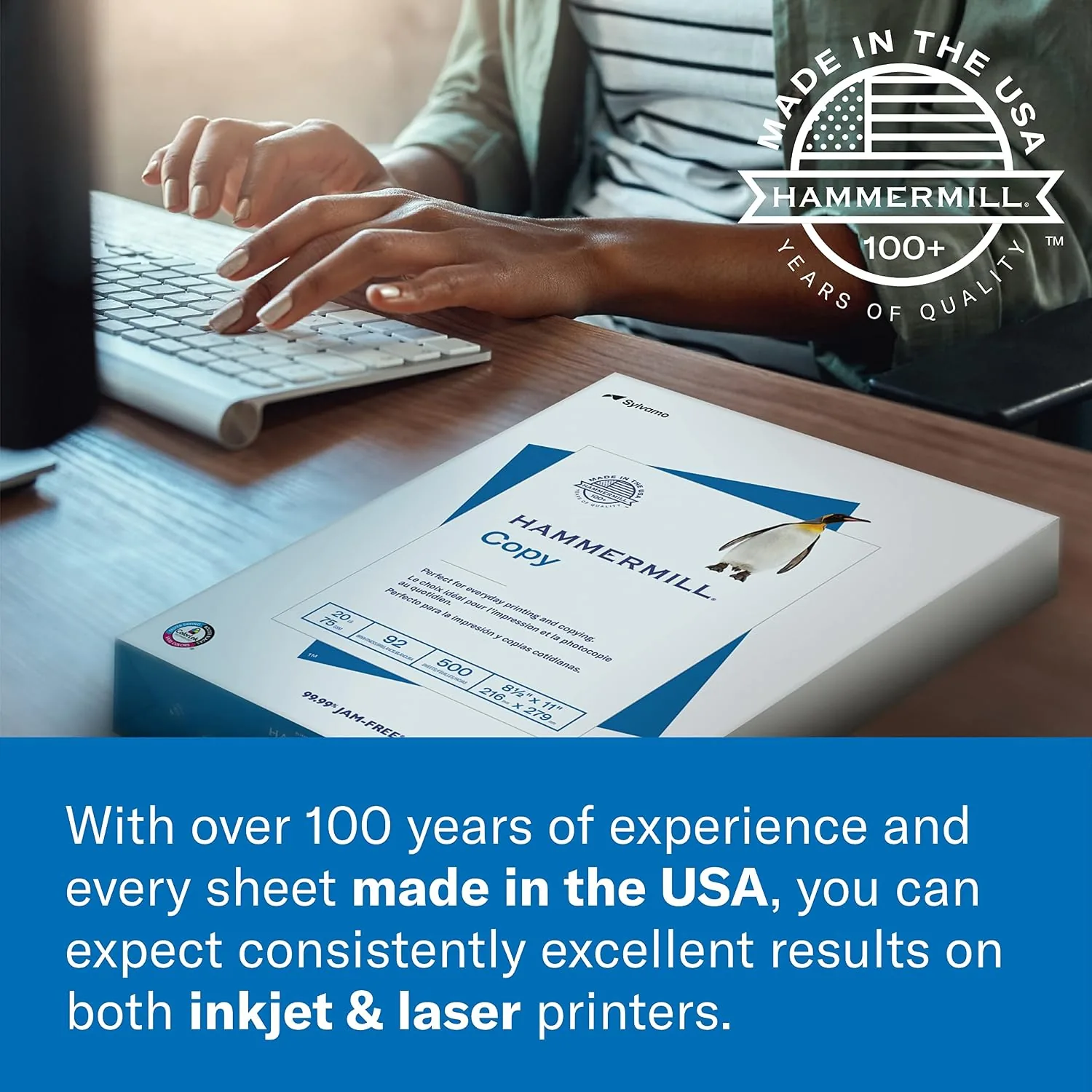
The packaging protects the product as well as paper can be protected. The ream arrives sealed in a moisture resistant wrapper with the sheet count and specs printed clearly on the outside, and the edges of the stack are clean and square, which matters for reliable feeding. The paper comes pre punched with a standard three hole punch along one side, so sheets drop straight into a ring binder with no extra step, a small convenience that makes a difference in a busy office.
Key Features
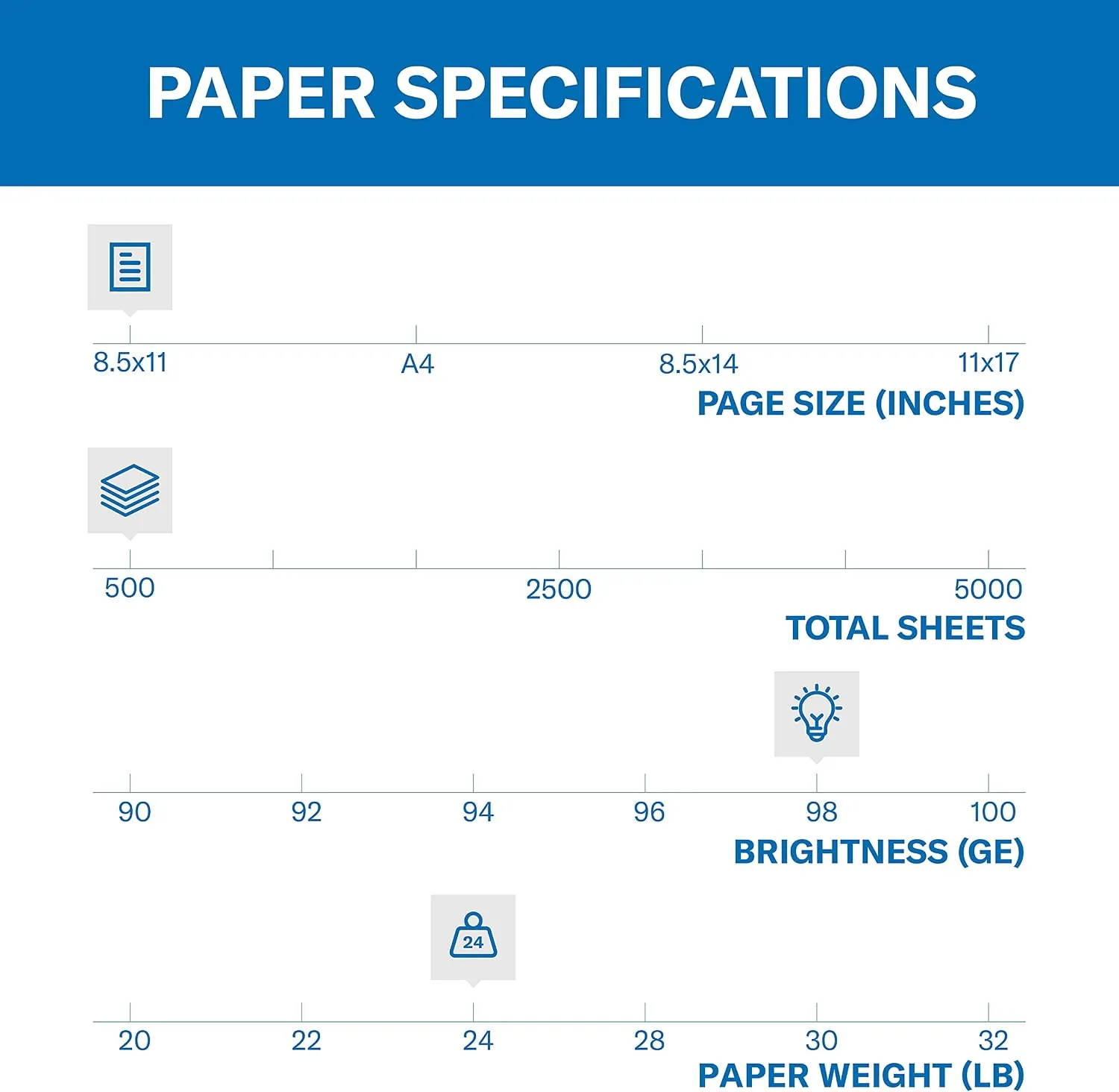
The 98 brightness rating is the headline spec. Brightness measures how much light a sheet reflects, on a scale where higher means brighter, and 98 is near the top of the range for this class of paper. In practice it means black text looks sharper and punchier, colors look more vivid, and printed graphics have a snap that flatter paper cannot match. It is the single most visible difference between this paper and a basic multipurpose ream, and it is immediately obvious in side by side prints.
The 24 pound weight is the second defining feature. Heavier paper does more than feel substantial: it resists the bleed and show through that plague thin sheets, it lies flatter after printing, and it handles double sided printing without the text from one side ghosting through to the other. For documents that carry weight of their own, like resumes, proposals, and client reports, that physical presence changes how the work is received.
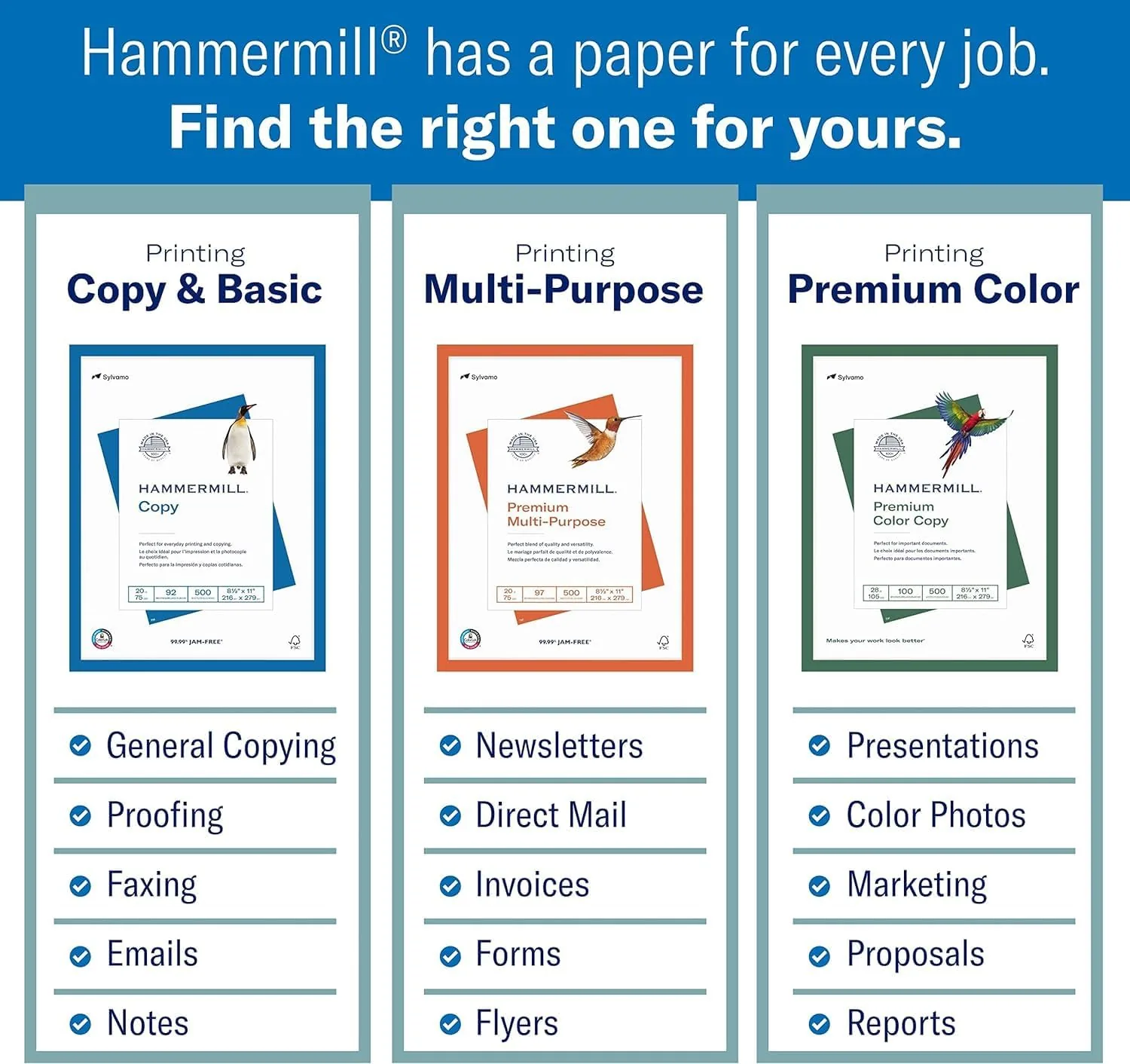
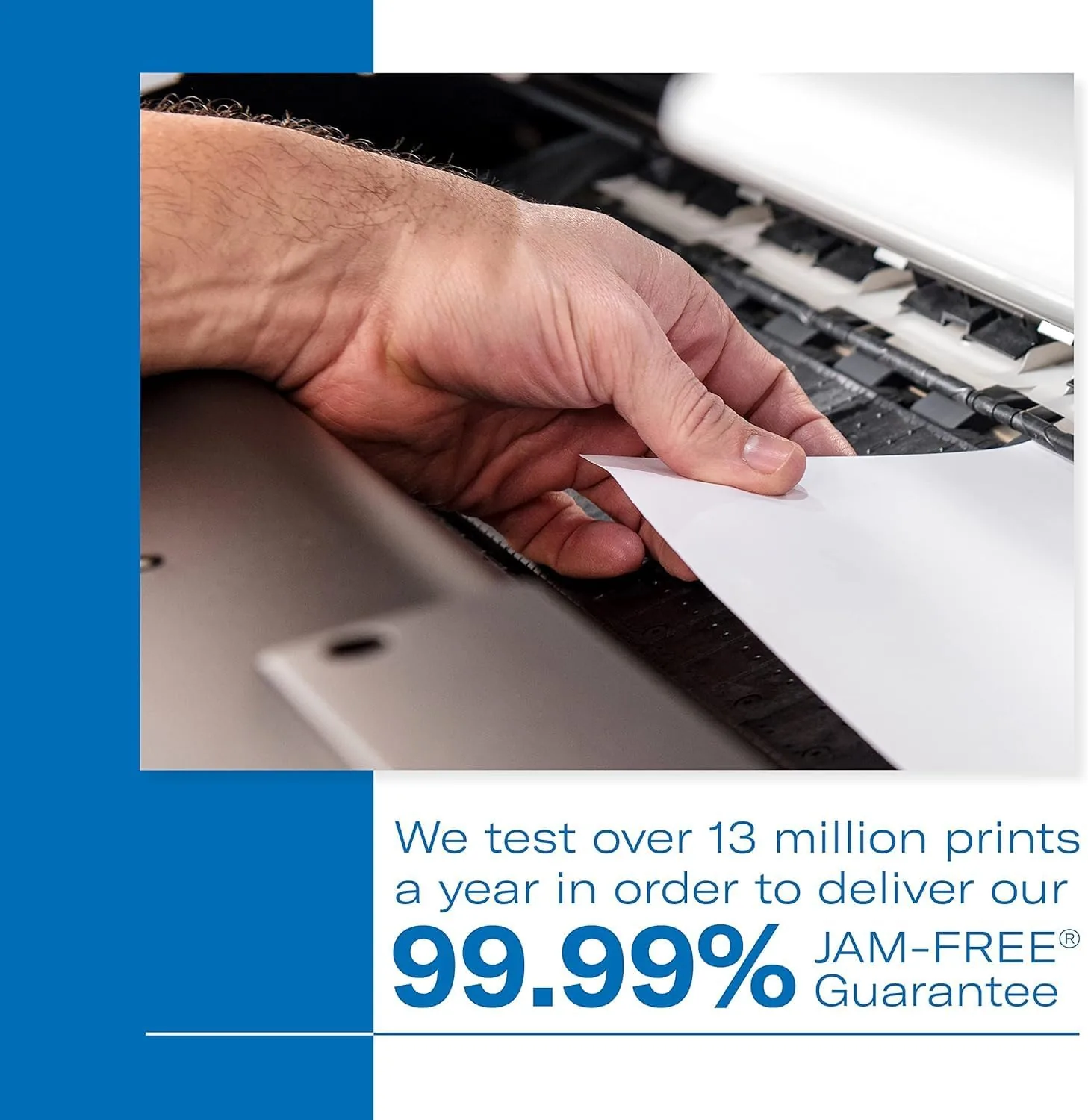
The paper is engineered for the machines it will run through. Hammermill builds this line with the ColorLok technology that helps ink dry faster and stay sharper on inkjet printers, while the surface is tuned for clean toner adhesion in laser printers. The company backs the sheet with a 99.99 percent jam free claim, and the paper is compatible across laser printers, inkjet printers, copiers, and even high speed office machines. One ream serves the whole office without sorting sheets by printer.
Real-World Performance
I started with the test every office dreads: a long double sided print run of a dense document. The Hammermill paper fed through my laser printer without a single misfeed or jam across hundreds of sheets, and the double sided pages were clean on both faces, with no bleed, no ghosting, and no visible show through. The 24 pound weight held up to the fusing heat of the laser printer without curling, and the finished stack came out flat and square, ready to staple or punch.
The visual results were where the paper surprised me. Black text printed with a deep, crisp edge that looked like it had been typeset, and a color document with charts and photos came out with noticeably more pop than the same file on a standard ream. The 98 brightness does exactly what it claims, and for the kind of work that has to impress, like a client deck or a presentation, the difference is worth the modest extra cost. I found myself reaching for this ream specifically for anything I was going to hand to someone.
The three hole punch turned out to be more useful than I expected. Every page dropped straight into a binder without punching, which saved time on a training packet I assembled, and the holes were clean and consistently placed. The paper also handled fountain pen and marker reasonably well for handwritten notes, though it is primarily a print paper, and the smooth surface took both ink and toner without feathering.
One honest note: this paper is heavier than standard copy paper, so a 500 sheet ream is bulkier and costs more per sheet than a basic multipurpose ream. If you are printing reams of internal drafts that nobody will read twice, the extra cost is wasted. But for the documents that represent you, your work, or your business, the heavier sheet is exactly where the money should go, and a ream lasts long enough that the premium is small in practice.
Pros and Cons
Pros:
- 24 pound weight gives documents a substantial, premium feel
- 98 brightness makes text crisper and colors more vivid
- Feeds reliably with no jams across hundreds of pages
- Double sided printing with no bleed or show through
- Three hole punch saves a step for binders
- Works in laser printers, inkjets, and copiers
Cons:
- Costs more per sheet than standard 20 pound paper
- Heavier and bulkier than basic copy paper
- Overkill for throwaway internal drafts
How It Compares
To see where Hammermill Premium Laser sits, I compared it with the three papers most offices consider: a basic 20 pound multipurpose ream, a recycled paper, and a premium 32 pound resume stock. The table below reflects a month of printing in my office.
| Feature | Hammermill 24 lb | 20 lb Multipurpose | 32 lb Premium |
|---|---|---|---|
| Weight | 24 pound | 20 pound | 32 pound |
| Brightness | 98 | 92 to 96 | 98 or higher |
| Show through | None | Some | None |
| Feel | Substantial | Standard | Luxury |
| Holes | Three hole | Usually none | Usually none |
| Best for | Client documents | Daily printing | Resumes |
The 20 pound multipurpose ream is cheaper and fine for drafts, but it shows through on double sided jobs and lacks the crispness of a high brightness sheet. The 32 pound resume stock is the best feeling paper of the group, but it costs significantly more and is overbuilt for everyday client work. The Hammermill 24 pound sheet sits in the sensible sweet spot: premium enough to represent you well, affordable enough to use without guilt, and already punched for a binder.
Who Should Buy It
Buy Hammermill Premium Laser paper if you print documents that represent you, whether that is a resume, a client proposal, a presentation, or a report that will be read in a meeting. It is also the right choice for a home office that wants one paper that works in every printer and every job, because the sheet handles laser, inkjet, and copier duty without sorting. If you have been printing important pages on flimsy paper and wondering why they look flat, this ream is the fix.
You can check the current price of Hammermill Premium Laser paper on Amazon to see what a ream costs today.
Skip it if your printing is all internal drafts, because a standard 20 pound ream will do that job for less, or if you need the absolute top feel for a single resume, in which case a 32 pound cotton blend is the final step. For everyone who wants their printed work to look as good as the work itself, Hammermill Premium is the reliable answer, and it has earned the place on my desk.
How We Test
I printed hundreds of pages on Hammermill Premium Laser paper over a month, covering single and double sided jobs, dense text documents, color charts and photos, and test pages at full ink and toner coverage. I monitored feed reliability and jams across my laser printer, inspected both sides for bleed, ghosting, and show through, and compared the results directly against a 20 pound multipurpose ream and a 32 pound premium stock to place the paper fairly in the market.
For a broader look at choosing the right paper for your printer, Wirecutter has a tested guide to the best printer paper for everyday and presentation use. My verdict here comes from the month of printing in my own office, not from the marketing on the wrapper.
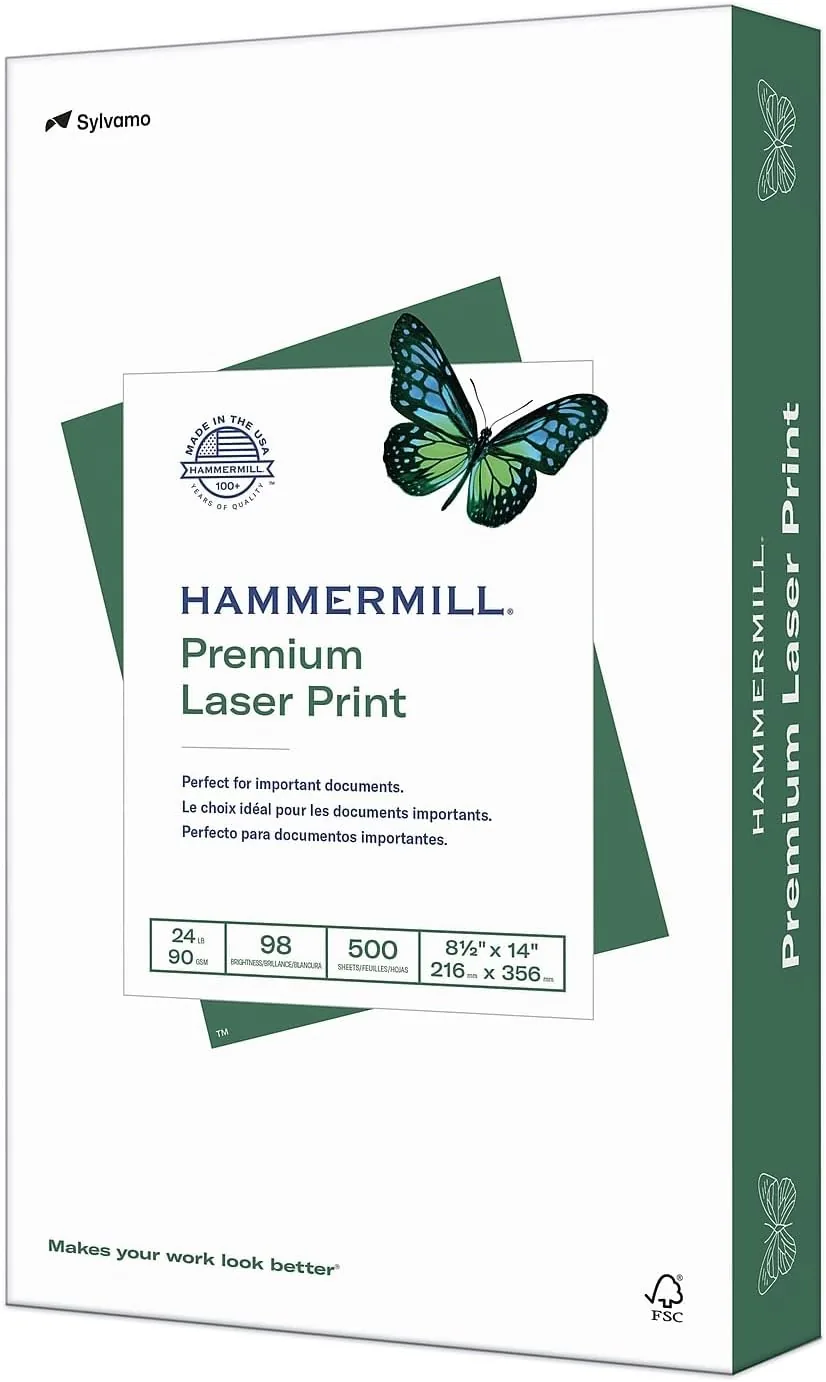
The Hammermill Premium Laser paper listing on Amazon shows the current price and delivery options.
Questions People Ask
Can I use this paper in an inkjet printer?
Yes, Hammermill Premium Laser paper is made for laser printers, inkjet printers, and copiers, so it works across the whole office.
What does 98 brightness mean?
Brightness measures how much light the paper reflects, and 98 bright is near the top of the scale, which makes black text look sharper and colors more vivid.
Is this paper pre punched with holes?
Yes, the paper has a standard three hole punch along one side, so it goes straight into a ring binder.
How many sheets come in a ream?
Each ream contains 500 sheets of 8.5 by 11 inch letter size paper.
As an Amazon Associate, I earn from qualifying purchases.