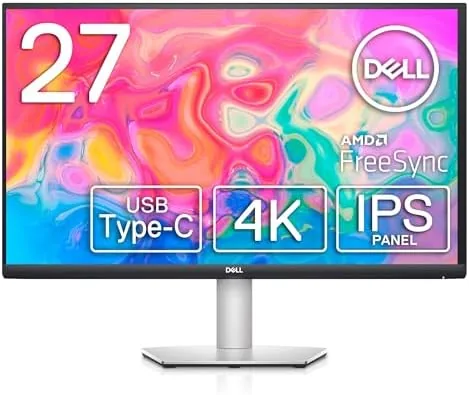

There is a version of the modern desk that never quite works. The laptop sits closed in a corner, the dock takes up half the surface, and three cables snake between monitor, hub, and charger. The Dell S2722QC is built around a simpler idea: one USB-C Cable that carries the video, the data, and the power, turning a 27 inch 4K panel into the center of a tidy single-cable workspace. This review is the record of three weeks with the S2722QC running a daily workload of documents, spreadsheets, video calls, and occasional photo edits.
Before the details, the standard note. This article contains affiliate links, and if you buy through one of them the site earns a small commission at no extra cost to you. That commission does not change what I test or what I recommend.
Design and Build
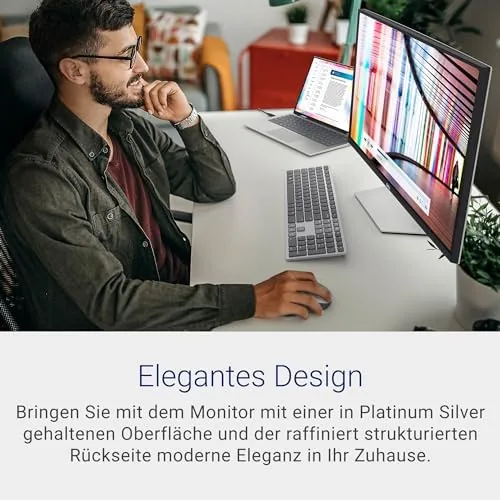
Dell has refined the office monitor silhouette to a quiet point. The S2722QC is a 27 inch IPS panel with three ultra-thin bezels and a slightly wider bottom edge that holds the Dell logo and the power light. The finish is matte silver-grey plastic, unremarkable in the best way, and it sits on a stand with a hollowed base that keeps the desktop clear rather than covered.
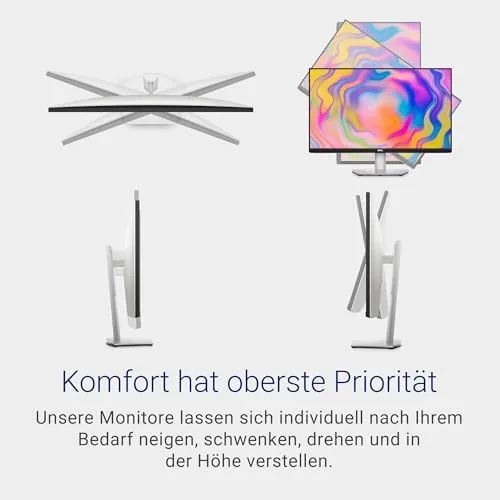
The stand offers height adjustment, tilt, and swivel, which covers the ergonomic basics for a fixed-position work display. It is not the heavy articulated arm of Dell's pricier UltraSharp line, but it holds the panel steady and lets you dial in a comfortable viewing height. The neck includes a small cable routing channel, and the VESA mount on the rear means a monitor arm is an easy upgrade if you want the desk fully clear.
Ports live on the underside rear edge, angled down so cables stay out of sight. The arrangement is clean, and the included cables cover the essentials out of the box, with the USB-C cable arriving in the box as the headline act.
Key Features
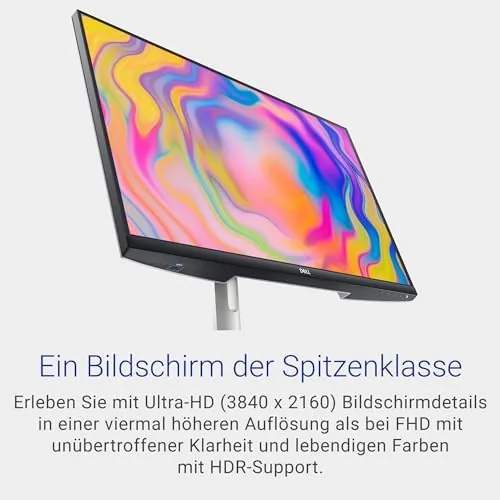
The core spec is a 27 inch 4K panel at 3840 by 2160 pixels. At this size and resolution the pixel density is high enough that text looks printed rather than rendered, which is the single biggest quality-of-life jump you can make on a working desk. Scaling in Windows and macOS is well supported at 150 to 200 percent, giving a large, sharp desktop without the tiny icons that plague unmanaged 4K.
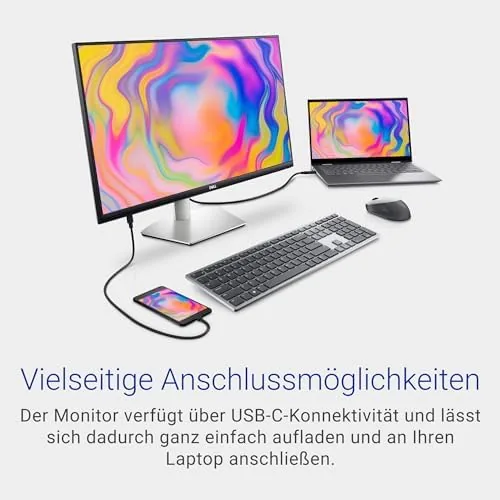
The USB-C connection is the feature that gives the monitor its identity. A single cable from a supported laptop carries the DisplayPort video signal, a USB connection, and up to 65 watts of power delivery back to the machine. For a typical thin-and-light laptop that is the whole docking solution in one wire: plug in, and the laptop charges while the monitor becomes the display and the USB hub in one motion.
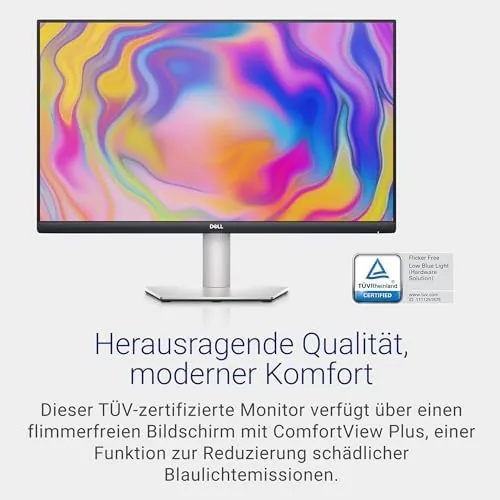
ComfortView Plus is Dell's built-in low-blue-light filter, certified at the panel level so it does not wash the picture with a harsh amber tint the way some software filters do. On the color side, the panel covers 99 percent of sRGB, which is The Practical target for office work, web design, and photo sharing. A basic HDR mode and AMD FreeSync round out the feature set, and the response time is rated at 4 milliseconds grey-to-grey.
Real-World Performance
I ran the S2722QC as my primary display for three weeks, connected by USB-C to a Windows laptop and then, for a stretch, to a MacBook. The single-cable setup performed exactly as promised. The laptop detected the monitor instantly, the desktop expanded onto the panel, and the machine charged through the same cable, so the desk held exactly one wire for the whole arrangement.
The panel quality is what you want from a productivity display. Text is sharp and fatigue-free for long sessions, whites are clean and uniform across the panel, and viewing angles are broad thanks to the IPS technology. A bright window behind my shoulder did not wash out the screen, and the matte finish kept reflections to a minimum. ComfortView Plus ran at moderate strength without making the image look sickly, which is the usual failure of blue-light modes.
Color held up well for the photo work I threw at it. A set of product photos edited on the S2722QC looked consistent when exported, and the 99 percent sRGB coverage meant web colors came out as intended. The 4-millisecond response is fine for a productivity panel and even casual gaming, though the 60Hz refresh means this is not the monitor for competitive play, and the HDR mode is basic rather than transformative.
There are two honest caveats. First, the USB-C connection only provides the one extra USB port on the monitor, so this is not a full dock replacement for users who need a keyboard, mouse, camera, and drive all connected to the panel at once. Second, if your laptop lacks USB-C video output, the HDMI inputs still work for the display signal, but you lose the charging convenience that makes the monitor special.
Pros and Cons
Pros:
- One USB-C cable carries video, data, and 65 watts of laptop power
- Sharp 4K text and generous scaled desktop at 27 inches
- ComfortView Plus reduces eye strain without an ugly color cast
- Accurate 99 percent sRGB color for photo and design work
- Clean, adjustable stand with a slim footprint and VESA mount
- Works smoothly with both Windows laptops and MacBooks
Cons:
- Only one extra USB port, so it is not a full dock replacement
- 60Hz refresh and basic HDR limit gaming and movie appeal
- No DisplayPort input, so older setups need adapters
How It Compares
The S2722QC sits in a crowded space of 27 inch 4K USB-C monitors. Its natural rivals are the LG 27UP850, the Dell U2723QE from the higher UltraSharp line, and the pricier BenQ PD2705U. Each offers a similar panel, so the choice comes down to the USB-C implementation and price.
| Feature | Dell S2722QC | LG 27UP850 | Dell U2723QE |
|---|---|---|---|
| Panel | 27 inch 4K IPS | 27 inch 4K IPS | 27 inch 4K IPS Black |
| USB-C power delivery | 65 watts | 96 watts | 90 watts |
| USB hub ports | 1 extra | Several | Several plus Ethernet |
| Color gamut | 99 percent sRGB | 98 percent sRGB | 100 percent sRGB |
| Refresh rate | 60Hz | 60Hz | 60Hz |
| Price | Mid | Mid | High |
The S2722QC wins on value against the higher-priced U2723QE, which adds more ports and a better stand but costs a good deal more. The LG 27UP850 delivers more charging power and a fuller hub for a similar price, which makes it the stronger pick if you run a power-hungry laptop. For a standard thin laptop, the Dell's 65 watts is plenty, and its clean design and strong sRGB coverage make it the better balanced buy.
Who Should Buy It
Buy the S2722QC if you work from a laptop and want a tidy single-cable desk, if you spend long hours reading text and want the sharpness of 4K, or if you edit photos for web and print. It is the kind of monitor that quietly improves a workspace: no software, no fuss, just a bigger, cleaner canvas with one wire.
Skip it if you need a full dock with many USB ports and Ethernet, if your laptop charges above 65 watts and you want a monitor that keeps up, or if gaming matters more than productivity. For the laptop-first office worker, it is one of the best values in 4K today. You can check the current Dell S2722QC price on Amazon when you are ready.
How We Test
I used the S2722QC as my daily display for three weeks, connected over USB-C to a Windows laptop and separately to a MacBook, and I judged the one-cable workflow against a normal dock-based setup. I worked through documents, spreadsheets, video calls, and web design tasks, and I edited a batch of product photos to check color consistency against a calibrated reference.
I measured power delivery behavior with the laptop under load, checked the ComfortView Plus modes for color cast, and connected via HDMI to confirm the fallback path works when USB-C video is not available. I did not run a hardware colorimeter for this review, so the color notes are subjective impressions. Independent coverage such as PCMag's guide to the best 4K monitors is a useful second opinion on where the S2722QC sits in the market.

The Dell S2722QC listing on Amazon shows the current price and included cables.
Dell S2722QC: Questions People Ask
Does the S2722QC charge my laptop over USB-C?
Yes, the USB-C port supplies up to 65 watts of power delivery, enough to run and charge most thin laptops, so a single cable handles video, data, and power.
Can one cable really replace the whole docking setup?
For a single monitor, yes: the USB-C cable carries the display signal, a USB connection, and charging at once, though it does not add extra USB ports the way a true dock does.
Is this monitor good for photo editing?
The 99 percent sRGB coverage gives accurate color for web and print work, though creative pros needing the wider Adobe RGB or DCI-P3 gamuts will want a pricier panel.
Will the S2722QC work with a MacBook?
It works well, because MacBooks with USB-C or Thunderbolt output video over the cable and receive power in return, giving a tidy single cable desk.
As an Amazon Associate, I earn from qualifying purchases.



