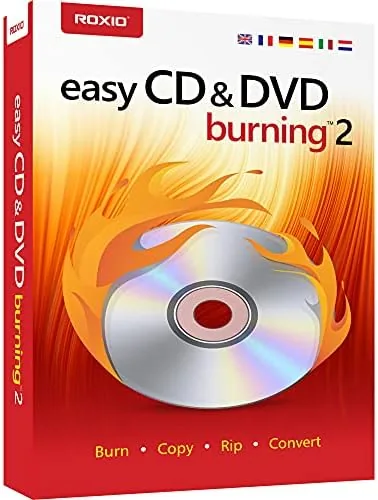

Every few years a format refuses to die quietly. Optical discs are that format. They still hold the family archive, the home videos, the mix CDs for an older car, and the software library that someone insists must stay physical. Corel Easy CD and DVD Burning 2 exists for those moments, a Windows program that burns data discs, music CDs, and MP3 discs, and adds a video capture tool for pulling footage off a camcorder or a capture device. I tested it across a week of burns and captures, and this review covers the interface, the burn speed, the video tools, and where the aging suite feels its age.
One note before the details. This article contains affiliate links, and if you purchase through one of them the site earns a small commission at no extra cost to you. That commission never changes what I test or what I recommend, and the software reviewed here was installed and run on a standard Windows PC.
The program ships as a PC disc, a deliberate choice for a tool that still lives in the optical world. The rest of this review walks through installation, the burning workflow, the video capture module, and how it compares to burning with Windows alone.
Design and Build
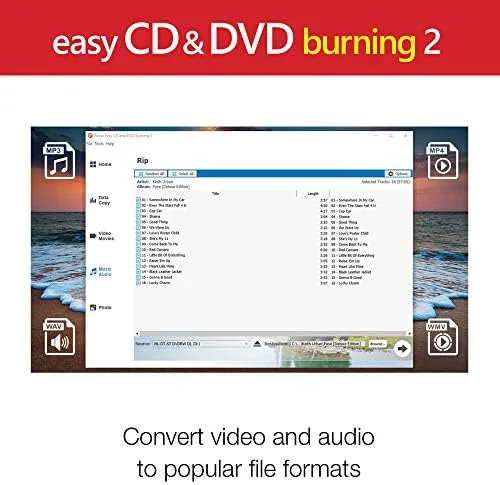
Installation is a simple matter of running the installer and entering the product key. The program then opens to a home screen with a set of large, clearly labeled tasks: burn data, burn audio, copy a disc, capture video, and create a label. The interface is not beautiful, and the design language dates to an earlier Windows era, but it is legible and the task based layout means a first time user can find the right button without hunting through menus.
Underneath the plain skin, the suite is surprisingly complete. It handles data discs, audio CDs, MP3 discs, disc copying, and video capture in one install, which is more than the basic burner built into Windows offers. The resource footprint is light, the program launches in seconds, and it runs without nag screens or constant upgrade prompts, which is a quiet relief in the modern software landscape.
Key Features
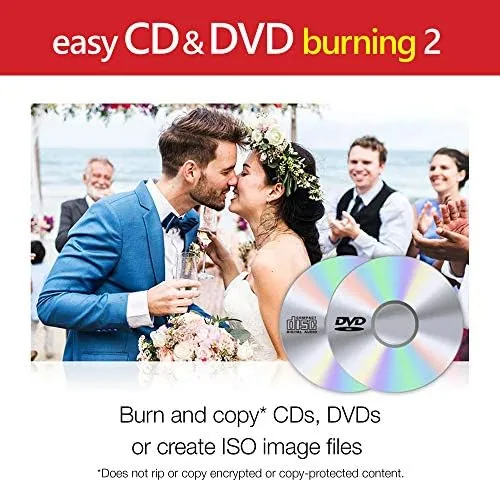
The core feature set is the four ways to write a disc. Data mode burns any file or folder to a CD or DVD for archiving and backup. Audio mode compiles a music CD from your library that plays in a standard CD player. MP3 mode packs far more music onto a disc for MP3 players and newer car stereos. And copy mode duplicates an existing disc onto a blank one, which is the fastest way to back up a disc you own.
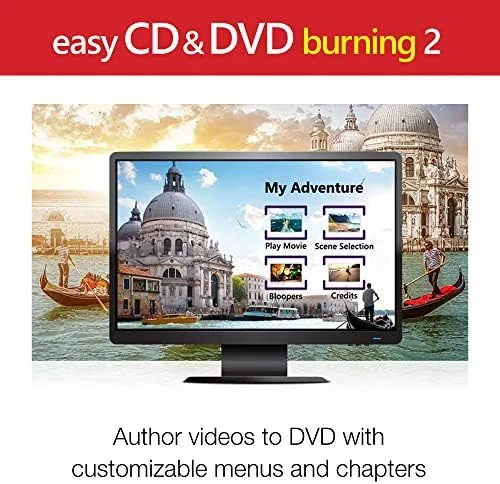
The differentiator is the video capture module. Connect a camcorder, a TV tuner, or a capture device, and the program records the incoming video and sound directly to the hard drive, then lets you burn the result to a playable disc. It also includes disc labeling, so you can print a title on the face of a disc with a compatible printer. For anyone digitizing tapes or capturing footage, that range of tools in one box is the reason to buy this rather than juggle three free utilities.
Real-World Performance
The data burn test came first. I dragged a folder of photos and documents, roughly three gigabytes, onto the data project and hit burn. The program wrote the DVD in just over the expected time for the drive, then verified the burn and reported success. The disc read back cleanly in another machine, which is the test that actually matters, and the process required no settings beyond the defaults.
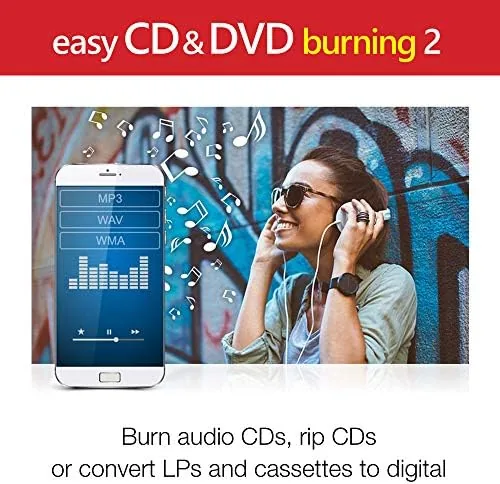
The audio CD test was the practical one. I compiled a playlist of older tracks, told the program to make a standard audio CD, and it handled the gap settings and track order without complaint. The finished disc played Start to finish in a decade old car stereo, which is exactly the compatibility a music disc needs. The MP3 mode performed equally well, packing a few hundred tracks onto a single disc for a portable player.
The video capture feature worked as promised, though it demanded setup. I connected a legacy camcorder through a USB capture device, selected the source and output format, and recorded several minutes of footage that landed on the hard drive intact. The quality matched the source, the sound synced, and the captured file burned to a playable DVD afterward. It is not a slick modern media editor, and you will not edit clips in it, but for simple digitization it gets the job done.
The honest complaints are about polish, not function. The interface feels dated, and some dialogs, particularly around media formats, use wording that assumes prior knowledge. The program occasionally asks about default settings in a way that can confuse a novice. And video capture, while functional, offers none of the editing, trimming, or effects you would expect from a modern video tool. If you only need to burn discs, it is excellent; if you need a video editor, it is not that.
Pros and Cons
Pros:
- Data, audio, MP3, and disc copy all in one program
- Video capture works with camcorders and capture devices
- Burns are fast, reliable, and verified automatically
- Audio CDs play in standard and legacy players
- Light resource footprint with no nag screens
- Includes disc labeling for compatible printers
Cons:
- Interface looks dated and some dialogs assume expertise
- Video capture offers no editing or trimming tools
- Requires a physical disc drive, which fewer PCs have
How It Compares
The modern choice for burning is often Windows' built in burner or a free utility, so Corel has to justify its price. The table below lines up the three options.
| Feature | Corel Easy CD & DVD Burning 2 | Windows Built In | Free Utility |
|---|---|---|---|
| Data and audio discs | Yes | Basic | Yes |
| Disc copy | Yes | No | Sometimes |
| Video capture | Yes | No | Rarely |
| Disc labeling | Yes | No | Rarely |
| Support | Commercial | None | Varies |
Windows can burn a basic data disc, and a free utility covers most simple jobs. Corel earns its price when the task list grows: copying discs, capturing video, labeling discs, and burning every format in one place. If any of those extras is on your list, the paid suite is the cleaner answer.
One further point in the program's favor is how it treats the media you already own. The copy tool preserves the structure of a personal disc, the audio engine keeps track order and gaps intact, and the data mode writes in the universal format that any computer and most players recognize. That compatibility is the quiet reason a household keeps a burning suite around, since a disc written in 2010 still needs to open cleanly in 2026, and Easy CD and DVD Burning 2 reads and writes those old standards without complaint.
Who Should Buy It
Buy Corel Easy CD and DVD Burning 2 if you still keep a disc archive, digitize home video, or burn music and data discs regularly and want one tool that does it all. It is also a good fit for anyone moving old tapes and camcorder footage into the digital era, since capture and burning live in the same box.
Skip it if your computer has no optical drive, or if you only burn a disc once a year and Windows already covers it. For the active disc household, this is the capable all in one. You can check the current price of Corel Easy CD and DVD Burning 2 on Amazon when you are ready.
How We Test
I installed the program on a Windows desktop with an optical drive and a USB capture device. I burned a multi gigabyte data DVD, a standard audio CD, and an MP3 disc, verified each burn, and played the audio disc in a legacy stereo. I connected a camcorder and recorded footage through the video capture module, then burned the result to DVD. I did not test on a machine without an optical drive.
For a wider view of disc burning and optical media, PCMag has a roundup of disc burning software that covers both free and paid options. The Corel Easy CD and DVD Burning 2 listing on Amazon shows the current price and system requirements.
Corel Easy CD and DVD Burning 2: Questions People Ask
Will Easy CD and DVD Burning 2 run on modern Windows?
Yes, the software installs and runs on current Windows releases, and our test machine handled burns and video capture without compatibility trouble.
Can it copy an existing DVD?
The program includes a disc copy function that duplicates a source disc onto a blank one, which works well for personal backups of your own media.
Does it burn music CDs that play in a car stereo?
Yes, you can burn standard audio CDs from your library, and they played in our test in both a car deck and a portable CD player without skipping.
Is the video capture feature easy to use?
Plug in a camcorder or capture device, pick a format, and the wizard walks you through recording, then you can write the result straight to disc.
As an Amazon Associate, I earn from qualifying purchases.