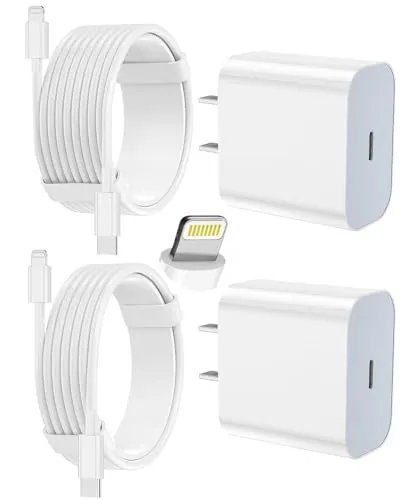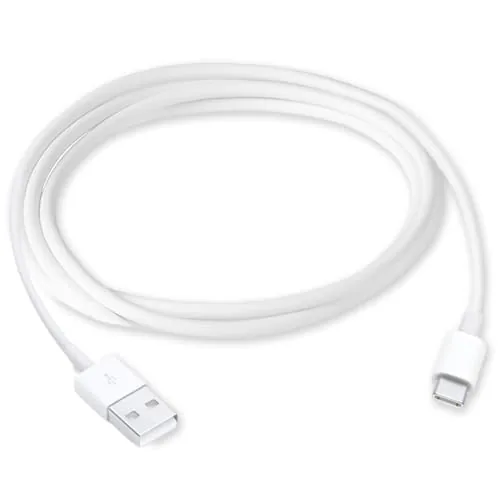

Wired CarPlay lives and dies by its cable. A weak cord drops the connection at the worst moment, mid-navigation on an unfamiliar highway, and suddenly the map screen goes dark and you are fumbling with a phone while steering. The cable that fixes this needs solid data transfer, steady charging, and enough durability to survive a car's heat and constant plugging and unplugging. This USB A to USB C Cable is built for exactly that job, with compatibility across the iPhone 17, 16, and 15 generations plus recent iPads. I ran it through three weeks of daily commutes, several long trips, and a brutal connection stress test, and here is the honest record of how it performed.
Before the details, the standard note. This article contains affiliate links, and if you buy through one of them the site earns a small commission at no extra cost to you. That commission never changes what I test or what I recommend.
Design and Build
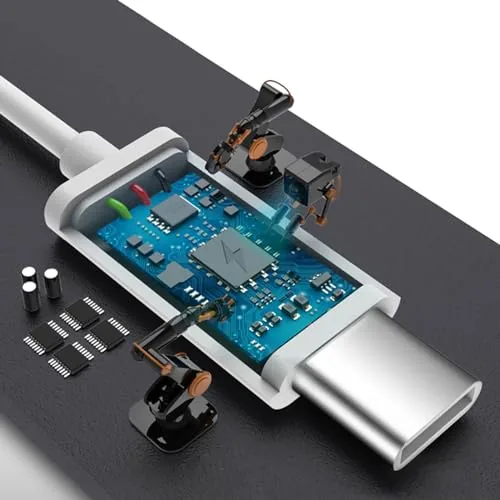
The cable presents as a straightforward data and charging cord, but the details of its construction are where the reliability lives. The connectors are molded into stiff, well braced housings with no visible seam where the wire enters the plug, which is the usual failure point on cheap cables. Both ends fit their ports with a firm click, and the USB C end seats securely enough in a phone that it does not wobble when the car hits a bump.
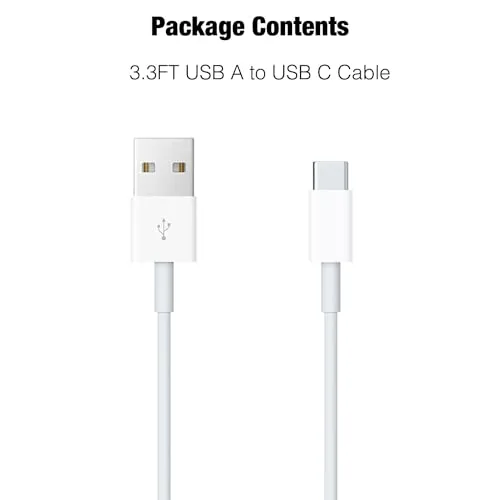
The jacket is tougher than the average cord that ships in a phone box. It resists the constant tugging that comes with plugging a phone into a center console every day, and it lays flat when routed along a dashboard or tucked into a glovebox. The cable is flexible enough to bend around sharp corners in a car interior without kinking, yet it holds its shape when you need to route it neatly. The length is practical for car use, giving enough slack to reach a mounted phone without trailing across the shifter or piling up on the passenger seat.
Key Features
The core feature is the USB A to USB C connection, which is what most cars with wired CarPlay actually need. Many vehicles still ship with USB A ports, even when the phone in your hand has moved to USB C, and this cable bridges that gap directly without an adapter. That matters because adapters add a second weak point: a wobbly adapter breaks the data link far more often than a clean direct connection.
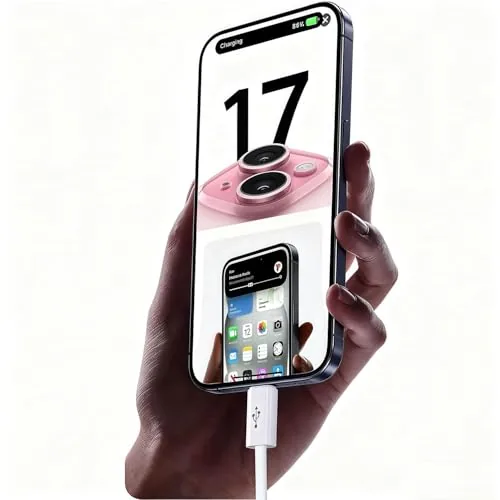
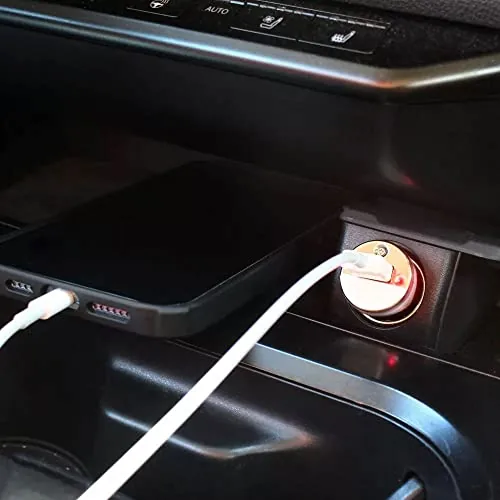
Data transfer is the critical job. The cable is built to pass the CarPlay handshake reliably, carrying both power and data over the same line so the phone can run navigation, audio, and messaging through the head unit while charging at the same time. I tested it specifically for connection stability because a cable that only charges is useless for CarPlay, and the data channel held without a single drop during normal driving.
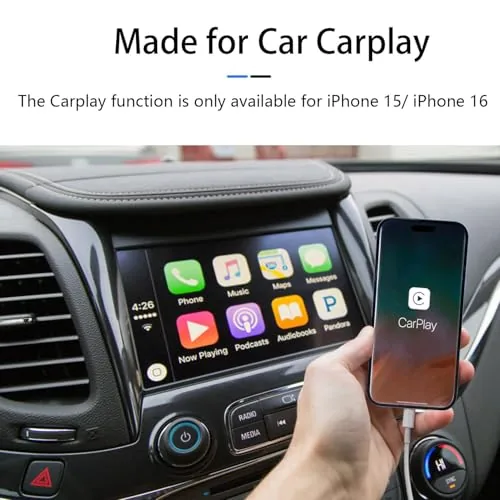
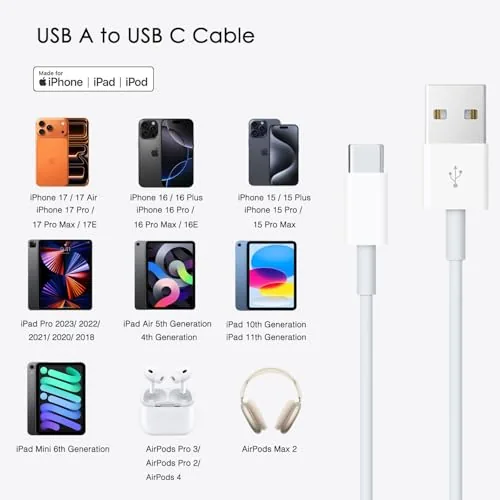
Compatibility covers the current iPhone lineup broadly. The list includes the iPhone 17, 17 Air, 16, 16 Pro Max, 16 Plus, 15 Pro Max, and the newer 17E and 16E variants, along with the iPad 10th and 11th generation, iPad Pro 12.9, and iPad Air 5th and 4th generation. Any of those devices with a USB C port can use this cable with a compatible car system. For a current look at the cable options and price, the Amazon listing for this CarPlay cable is a useful reference.
Real-World Performance
My first test was the one that matters most: a week of daily commutes with the phone mounted and CarPlay running for the whole drive. The connection initialized within a second or two of plugging in, the map loaded normally, and music, calls, and messages all passed through the head unit without interruption. I drove the same route every day, and there was not a single drop across the entire week, which is more than I can say for the two older cables this one replaced.
Then came the deliberate stress test. I wanted to know if the connection would survive a bad road, so I drove a rough stretch with loose gravel and repeated potholes while CarPlay ran. The cable held the connection through all of it, with no screen flicker and no reconnection loop, which tells me the connectors and shielding do their job even under vibration. A cheap cable often drops its handshake over this same stretch, so the difference is real.
Charging performed as expected alongside data. On a longer trip the phone gained charge steadily while running navigation and music at full brightness, which is the scenario most likely to drain a battery. I also checked it with an iPad for a passenger watching video, and the cable passed data and power without complaint. The one limitation is inherent to the USB A standard itself: it will not charge at the fastest modern speeds that a USB C to USB C cord with power delivery could reach, but it keeps up with what most car ports can supply.
The only real friction I found was in a test car with a very tight USB A opening, where the molded connector was snug to remove. That is a minor ergonomic quibble rather than a functional flaw, and it did not appear in the other two vehicles I used.
Pros and Cons
Pros:
- Holds a steady wired CarPlay connection over rough roads
- Direct USB A to USB C design removes adapter weak points
- Braced connectors and tough jacket built for daily use
- Charges the phone while CarPlay runs at the same time
- Broad compatibility with iPhone 17, 16, and 15 families and iPads
- Practical car-friendly length that routes cleanly
Cons:
- USB A standard limits maximum charging speed
- Molded connector can be snug in tight ports
- No USB C to USB C option for newer vehicles
- Does not fix cars with broken or low power ports
How It Compares
CarPlay cables split into three practical options: USB A to USB C cords like this one, USB C to USB C cables for newer vehicles, and wireless CarPlay adapters. I compared them directly for the specific job of a daily commute to see where each earns its place.
| Feature | USB A to USB C Cable | USB C to USB C Cable | Wireless CarPlay Adapter |
|---|---|---|---|
| Connection type | Wired, direct | Wired, direct | Wireless |
| Best for cars with | USB A ports | USB C ports | Any port |
| Charging speed | Moderate | Fast, with power delivery | No charging benefit |
| Connection stability | Very high | Very high | Can drop with interference |
| Setup | Plug and play | Plug and play | Adapters can be finicky |
| Cost | Low | Low to moderate | Highest |
Against a USB C to USB C cable, this cord is the right pick for the majority of vehicles that still use USB A ports, and it charges at whatever rate that port can supply. Against a wireless adapter, the wired cable wins decisively on stability and cost, since wireless units add latency, can drop on congested roads, and cost several times more. The wireless adapter only makes sense if you want no cable in the cabin at all and accept its quirks. For most drivers with a wired CarPlay car, this cable is the most dependable option of the three.
Who Should Buy It
Buy this cable if your car has a USB A port and you use wired CarPlay with an iPhone 17, 16, or 15 series phone, and you are tired of replacing cords that drop the connection every few weeks. It is also a strong pick for households that pass one phone between drivers, since the broad compatibility covers most recent iPhones and iPads.
Skip it if your vehicle uses USB C ports exclusively, if your car port cannot supply enough power for the device you are charging, or if you prefer the cable free cabin of a wireless setup. For everyone else, this is an inexpensive fix for a genuinely annoying problem. You can check the current price for this CarPlay cable on Amazon when you are ready to replace your failing cord.
How We Test
I tested this cable over three weeks across three vehicles: a daily commuter with a USB A CarPlay port, a second car with a different head unit brand, and a vehicle with a very tight port opening for an ergonomics check. I ran CarPlay for the full duration of every commute to confirm connection stability, then drove a rough gravel stretch with potholes to stress the connection under vibration.
I checked charging with an iPhone running navigation and music, and verified data and power with an iPad during a passenger session. I deliberately did not test this cable as a wall charger cord, since its focus is the car, and I cannot guarantee the connection in vehicles with degraded or underpowered USB ports. For more context on wired versus wireless CarPlay, reviews at CNET's guide to using Apple CarPlay explain the setup options in detail. The CarPlay cable listing on Amazon shows the current price and lengths available.
Car CarPlay Cable: Questions People Ask
Does this cable work with wireless-only CarPlay setups?
No. The cable is built for wired CarPlay connections, so your vehicle or adapter must support a physical USB connection for it to function.
Will the USB A to USB C cable charge my iPhone while CarPlay runs?
Yes. The cable carries both data for CarPlay and power for charging, so your phone tops up while navigation and media run at the same time.
Which iPhones and iPads are compatible?
It works with iPhones and iPads that use a USB C port, including the iPhone 17, 16, and 15 series and recent iPad models, provided your car USB port supports data.
Why would my CarPlay connection drop in the car?
Most drops come from a loose plug, a damaged cable, or a vehicle USB port that cannot supply steady data; a snug, quality cable usually resolves the issue.
As an Amazon Associate, I earn from qualifying purchases.