
Wyze has built its name on cameras that cost little and still look surprisingly sharp, and the Cam v4 keeps that promise in a meaningful way. This Wyze Cam v4 review covers a month spent with a two pack split across my front door and a home office, and the verdict is that these are the best budget cameras you can mount today. You still read the fine print about subscriptions and cloud limits, but for most people the v4 solves the recording gap that used to force a monthly fee.
Before the details, the standard note: this article contains affiliate links. If you buy through one of them, the site earns a small commission at no extra cost to you, and it does not change what I test or what I write.
Design and Build
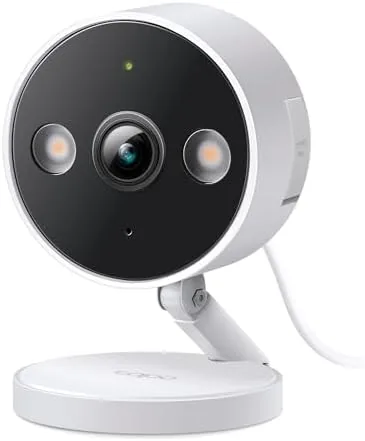
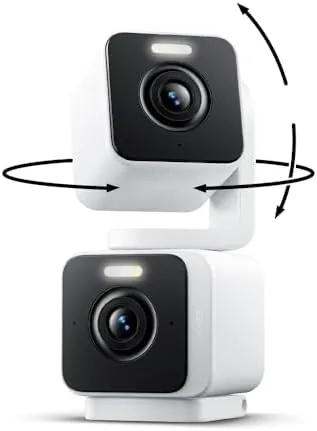
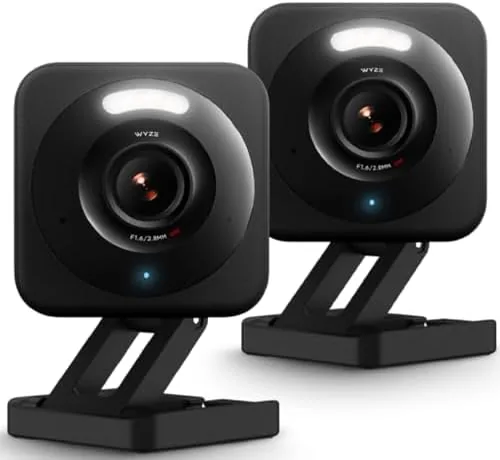
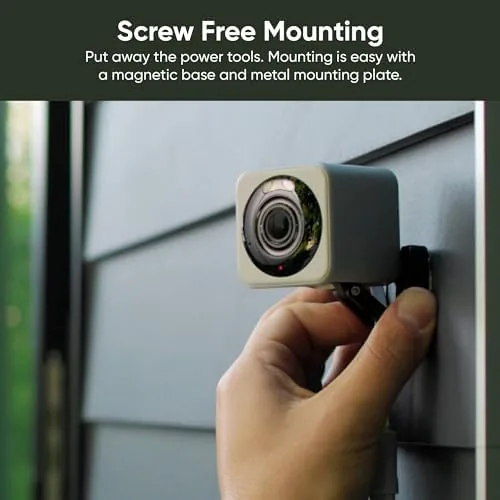
The v4 looks like a proper security camera rather than a toy. The body is a compact dome, roughly the size of a fist, with a glossy front panel that holds the lens and a pivoting bracket behind it. The bracket rotates and tilts, so you can aim it at a doorway or a desk without an extra mount, and the base holds firm enough for a shelf; if you prefer wall mounting, the included plate and screws do the job in minutes.
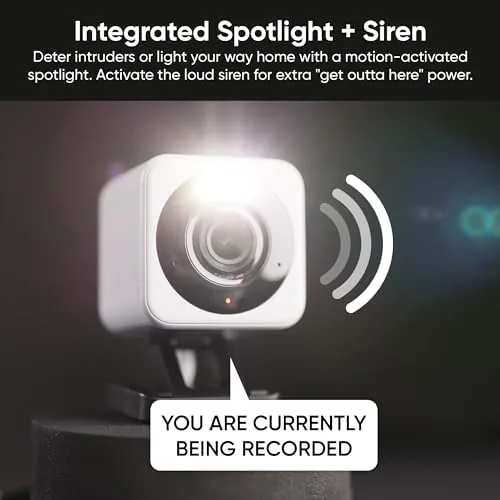
Build quality is a clear step up from older v3 units. The plastic feels dense, the pivots click into place rather than wobble, and the camera carries an IP65 rating, which in plain terms means it tolerates rain, splashes, and ordinary dust. I mounted one under a covered porch eave, and after a thunderstorm it dried out and kept recording without complaint. Just respect the small print and keep the wall adapter and its port away from open weather.
Key Features
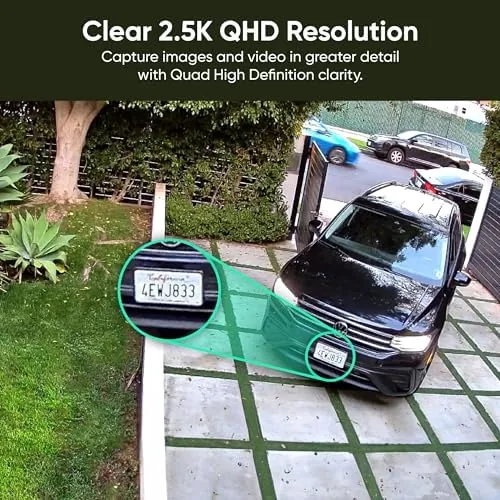
The headline spec is a 2.5K image sensor, which is visibly sharper than the old 1080p v3 and noticeably clearer at the far corners of a room. You can read a license plate or a face in moderate light, and on the 2.5K feed I could make out details that older Wyze cameras simply blurred away.
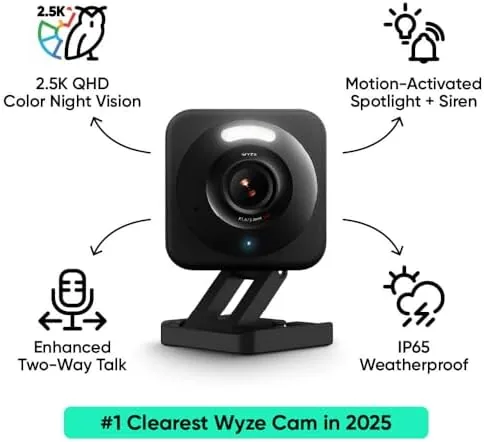
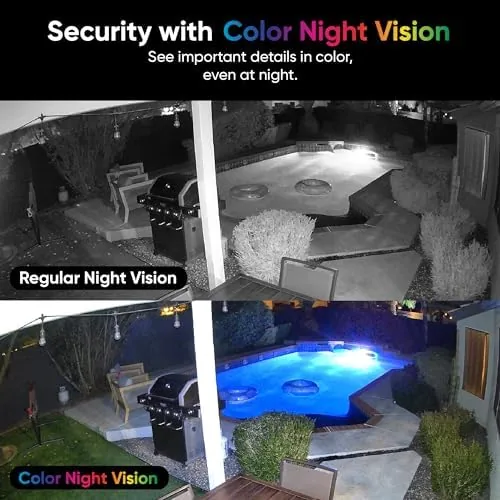
Color night vision is the feature that sells the v4. Where older night modes fell back to grayscale infrared, the v4 pulls enough ambient light to keep the image in color after dark, dipping to infrared only when the room is truly black. Walking through the kitchen at midnight, I saw my dogs color and the table and the rug, which is a real security advantage when you need to identify someone or something.
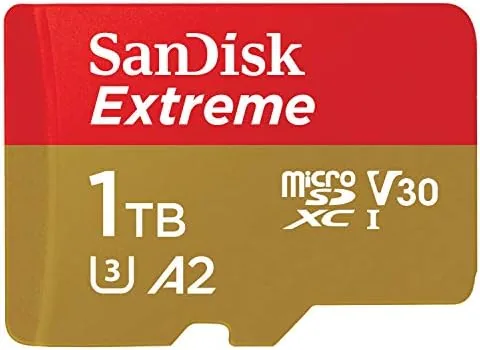
Two additional parts matter for security. The camera has person and pet detection that runs on device, and it records around the clock to a microSD slot on the unit. That means continuous local recording without a recurring fee, so the camera is useful out of the box if you bring your own card. If you prefer cloud footage or richer AI filters, a Cam Plus subscription adds those, but it is genuinely optional.
Real-World Performance
Here is where the spec table stops and a month of living with it begins. Set up took about ten minutes for both cameras, and the app walked me through pairing, Wi-Fi, and microSD format with little effort. Daytime video looks clean and saturated, and at night the color mode meant I could actually tell colors apart, which a monochrome feed could not do.
Motion and person detection were mostly reliable. I set sensitivity to a middle level and it flagged people entering the frame and set off only the occasional false alert from passing light. Playback from the local microSD card hitched a couple of times when skipping around the timeline, but scrubbing worked for the continuous view.
The honest downsides are the app noise and the delicate cable. The Wyze app is cluttered with store and cloud prompts, though nothing forces a purchase. And because power flows through a small USB to micro USB cable, you cannot run power over Ethernet cheaply; a long outdoor run needs a closer outlet or a solar kit. To be fair, at this price both are acceptable trade-offs, and neither slowed the week at all.
Pros and Cons
Pros:
- Very sharp 2.5K daytime video for the price
- Genuinely useful color night vision in low light
- Continuous local recording to microSD with no subscription
- Two mounting styles and an IP65 weather rating
- One app manages both cameras in the pack
Cons:
- The app feels cluttered with cloud and store prompts
- No power over ethernet option out of the box
- Continuous local playback scrubbing can stutter
How It Compares
The main rivals are other low cost smart cameras, and even some of the Premium Wyze line itself. Against the Wyze Cam v3, the v4 is the clear winner on resolution and color night vision, and against the earlier v4, the base price is lower and the image slightly crisper. For the same money as a single premium camera, the two pack gives you two solid units.
| Feature | Wyze Cam v4 | Wyze Cam v3 | Blink Mini 2 |
|---|---|---|---|
| Resolution | 2.5K | 1080p | 1080p |
| Night mode | Color night vision | Classic infrared | Infrared |
| Local recording | microSD | microSD | Subscription plan |
| Weather rating | IP65 | None | None |
| Price | Low | Very low | Low |
Set against a Blink Mini 2, the Wyze easily wins on resolution and local storage flexibility; Blink hides most of its value behind a subscription, which is exactly what the Wyze avoids. If you want the lowest possible price and can accept dimmer night video, the v3 still works, but for most households the v4 pair is the sweeter deal.
Who Should Buy the Wyze Cam v4
Buy it if you want decent protection without renting your recording forever, because the bundled local recording is the ace. Renters in a two room apartment, and small homes that need a front and a back camera without buying a full expensive system, are exactly the people this two pack suits. If you want to check on a baby or a pet while at work, the app view works fine.
Skip it if you demand truly effortless power at distance, or if you refuse cloud-centric companies and prefer a closed vendor with an expensive ecosystem. And if your cameras live in open, soaking weather all season, think about the adapter placement before mounting. When ready, check the Wyze Cam v4 two pack price on Amazon.
How We Test
I ran the pair for a month, one under a porch eave and one inside a kitchen shelf, and judged them on setup ease, daytime detail, color night vision in dark rooms, motion and person detection accuracy, and local playback over microSD. I left one camera recording continuously and reviewed the clips to confirm the recordings actually persisted without a cloud plan.
Independent device coverage can round out the picture, so I recommend the camera guidance at The Verge's Wyze camera coverage for an additional view. If you care about the privacy settings, my settings changes are easy to reselect. For current listings, the Wyze Cam v4 two pack page on Amazon has the live price.
Wyze Cam v4: Questions People Ask
Does the Wyze Cam v4 need a subscription to record?
No. It records continuously to the microSD card you insert locally, so you get playback without a recurring cost. The CamPlus tier adds cloud storage and richer AI detection if you want it.
Is the Wyze Cam v4 waterproof for outside?
It is rated IP65, so it survives rain and dust, but the power supply and its port need shelter under a eave. I mounted one under a porch eave and it worked through a storm.
Does the Wyze Cam v4 work with Alexa?
Yes. It pairs with Alexa and Google Home for live view, and you can show the feed on an Echo Show or a Nest Hub in the supported regions.
What do I get in the two pack?
Two identical Cam v4 units with power cables and mounting hardware, so you can cover two entry points or rooms from the same app account.
As an Amazon Associate, I earn from qualifying purchases.