 and Mouse on top" width="1200" height="800" loading="lazy" style="height:auto">
Most gamers think of a mouse pad as a small rectangle that sits next to the keyboard, a quiet afterthought in the setup. The Razer Goliathus Chroma 3XL takes the opposite approach and covers the entire desk with a single cloth surface, wrapping RGB lighting around the edge of your whole workspace. I installed one of these on my main desk for a month and let my keyboard sit directly on top of it, and the experiment changed how I think about desk surfaces.
As with every review on this site, a note about how I work. This article contains affiliate links, and if you purchase through one of them this site earns a commission at no additional cost to you. That never influences what I write, and the mouse pad I tested was treated like a normal retail purchase.
Design and Build
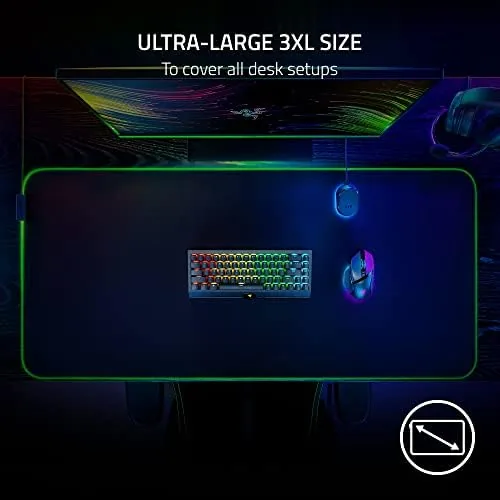
The Goliathus Chroma 3XL is genuinely enormous. It measures roughly 36 inches across and 15.7 inches deep, which means it swallows a full size desk and leaves the mouse pad texture running under your keyboard, your monitor, and everything else you place on it. The surface is a fine woven cloth with a smooth, uniform texture that Razer optimizes for consistent glide.
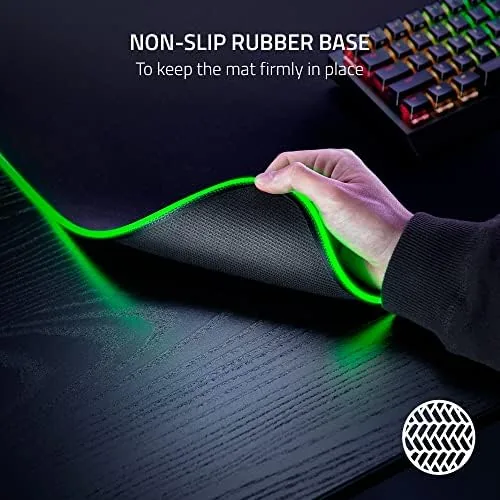
Around the edge runs a seam of RGB lighting, powered by a single USB cable that exits from the top center of the pad. The lighting seam is thin and sits at the border, so the pad still reads as a professional accessory rather than a toy, even when the colors are cycling. The non-slip rubber base underneath is heavy and grippy, and the pad did not slide a single millimeter through a month of aggressive mouse movement.
Key Features
The defining feature is the size itself, which gives a low sensitivity player a runway that most pads cannot offer. When you play at a low DPI and a low in-game sensitivity, you need a lot of physical space to turn around, and the 3XL provides it without the mouse ever reaching the edge of your desk. That matters more than any single spec on the box.
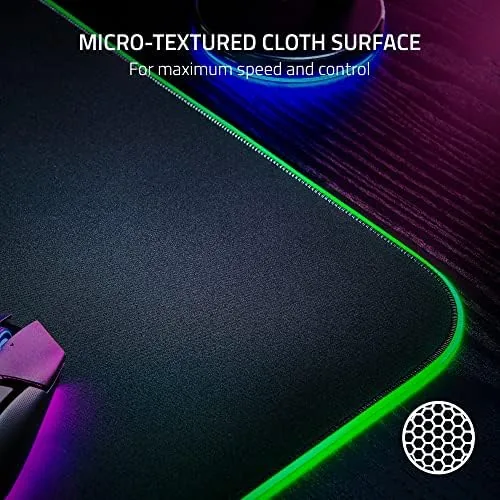
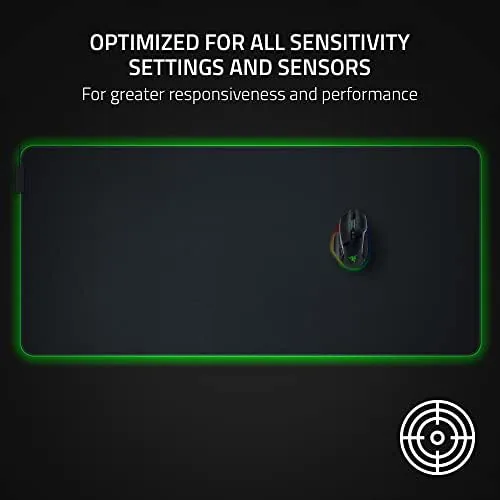
The surface is tuned for all sensitivity settings and sensors. In practice that means the weave is fine enough for precise low DPI aiming and smooth enough for fast flicks, without the texture fighting the mouse feet. I tested it with both optical and the more demanding sensor found in the flagship Razer mice, and tracking stayed consistent across the entire surface.
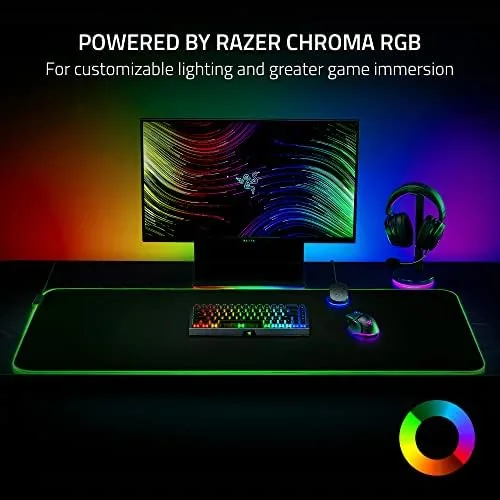
Lighting is controlled through Razer Synapse, and the pad participates in Chroma Studio, so it can sync with your keyboard, mouse, and headset stand. There is a dedicated brightness mode that keeps the lighting subtle during work and a more vivid mode for gaming sessions. The USB cable is not detachable, which is a minor downside, but it exits cleanly at the top edge where a monitor stand usually hides it.
Real-World Performance
My month with the 3XL fell into two phases. For the first week I kept my usual high sensitivity settings and small mouse movements, and honestly the size did not change much for me. Then I dropped my sensitivity in a shooter to a level I would normally find unplayable, and everything clicked. The wide surface let me make large arm-driven swipes that felt smooth and consistent, and my accuracy actually improved once I stopped fighting a small pad.
The texture itself is well balanced. It is a medium-smooth cloth, not as slick as a hard pad and not as rough as a control pad, which makes it a strong middle ground for most players. The cloth does not feel like it catches on mouse feet, and it stayed comfortable to rest my wrist on during long sessions. The stitching around the edge is clean and flat, so the lighting seam does not create a bump that your wrist drags across.
The RGB lighting is the part that either sells you or does nothing for you. I found it tasteful in the reactive mode, where the edge lights respond near your cursor in games, and the brightness is adjustable down to a soft glow for evening work. The pad also remembers the last lighting state across reboots, so it does not flash an aggressive rainbow every time the PC starts. Because the pad is so large, it is worth a moment on care. The cloth surface is machine washable if you are careful, and in a month of daily use it picked up surprisingly little from food crumbs and desk dust. The rubber base also protects the desk underneath, which is a small bonus for anyone with a delicate wood finish. The one practical warning is shipping: a pad this size arrives rolled tightly, and it takes a day or two under weight before the edges lie completely flat. Durability held up well over the full month. The cloth weave did not develop a worn patch where my mouse traveled, and the stitched edges stayed intact despite my wrist constantly crossing the border where the lighting seam lives. The rubber base kept its grip even as the temperature in my room swung through the day, which is something cheaper pads fail at. For a product that is effectively permanent furniture on your desk, that durability is exactly what you want to see.
Pros and Cons
Pros:
- Full desk coverage works for low sensitivity aiming
- Consistent tracking across the whole cloth surface
- Grippy rubber base that never slides
- Chroma RGB syncs with other Razer devices
- Edge lighting is thin and looks refined
Cons:
- Requires a desk wide enough to lay flat without curling
- USB cable is not detachable
- Lighting controls require Razer Synapse
- Not portable in any practical sense
How It Compares
The 3XL sits in a specific niche, so I compared it against a standard XL cloth pad and a hard surface pad to show what the extra width and lighting bring.
| Feature | Goliathus Chroma 3XL | Standard XL Cloth Pad | Hard Surface Pad |
|---|---|---|---|
| Surface area | Desk sized | Mouse sized | Mouse sized |
| Surface type | Fine cloth | Cloth | Rigid polymer |
| RGB lighting | Yes, full edge | No | Sometimes |
| Best for | Low sensitivity gaming | General use | Fast flicks |
| Base | Non-slip rubber | Non-slip rubber | Non-slip rubber |
| Typical price | Higher | Lower | Mid |
Against a standard XL pad the 3XL wins on pure area and the Chroma lighting, and that area is the real feature. Against a hard pad it trades some maximum glide speed for comfort, consistency, and the ability to rest your wrist on cloth during long sessions. If you already play at low sensitivity and keep running out of pad, the size difference alone justifies the price.
Who Should Buy It
The Goliathus Chroma 3XL is for players who use low sensitivity and arm aiming, because it is one of the few pads that gives you a real runway for large movements. It is also a great match for anyone building a fully synced RGB desk setup, or for people who simply like the clean look of a desk that is fully covered by a single surface.
Skip it if your desk is small or uneven, because a pad this size needs a flat surface to lie correctly, or if you prefer a small, portable mouse mat that travels with you. For a dedicated desk setup the 3XL is easy to recommend. You can check the current price of the Razer Goliathus Chroma 3XL on Amazon when you are ready.
How We Test
I used the Goliathus Chroma 3XL as my only desk surface for a month, with a full size keyboard and multiple mice resting on it daily. I tested low and high sensitivity settings, verified tracking across the four corners, and ran extended gaming sessions to check for slip or surface wear.
I synced the lighting with a Razer keyboard and mouse through Chroma Studio, measured how flat the pad stayed after shipping, and checked the brightness range at night. I also compared glide against a standard cloth pad and a hard pad to confirm the surface character. For a broader look at mouse pad options, Tom's Hardware best gaming mouse pads is a useful independent guide.
The Razer Goliathus Chroma 3XL listing on Amazon shows the current price and any available variants.
Questions People Ask
Does the Goliathus Chroma 3XL fit a full desk?
Yes, the 3XL measures roughly 36 by 15.7 inches, which covers most standard desks and leaves room for the keyboard and mouse.
Do I need a separate lighting controller?
The Chroma RGB is powered by a USB cable and is controlled through Razer Synapse, with no additional lighting hub required.
Is the surface good for low sensitivity settings?
Yes, the cloth surface provides consistent glide across the full area, which matters most for players using large sweeping movements.
Can the lighting sync with other Razer devices?
Yes, Chroma Studio in Razer Synapse syncs the mouse pad lighting with other compatible Razer and Chroma RGB hardware.
As an Amazon Associate, I earn from qualifying purchases.