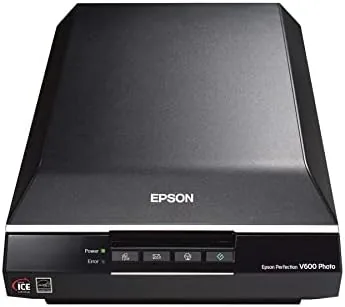

There is a box in every family that holds photographs and film nobody has learned to open with a phone. The Epson Perfection V600 is the machine built to bring those prints, slides, and negatives into the Digital age properly. It reads a flat bed at up to 6400 dpi, and through a built in transparency unit it captures film strips and slides at the same resolution, with Epson Digital ICE technology to lift scratches and dust from the image. After a season working through an old archive, I know exactly what this scanner does well and where it asks for patience.
Before the scan, the usual note: this article contains affiliate links. If you buy through any of them, this site earns a small commission at no extra cost to you, and it does not change what I test or what I recommend in this Epson Perfection V600 review.
Design and Build
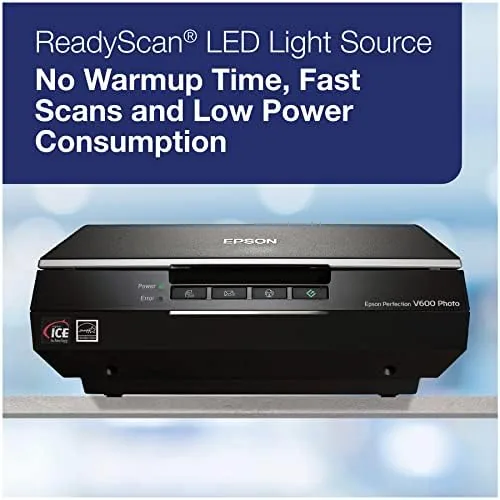
The V600 looks like a grown flatbed scanner: a wide, solid frame with a white lid, a glass bed that takes photos and documents up to a letter size, and a raised inner panel. Lift that inner section and you find the transparency unit, a glass window for slides, film strips, and negatives with its own ratcheted light source. The whole machine is built like an office tool, dense plastic that sits firm on A Desk.
Build quality is where Epson shows its age and its wisdom. The scan head and the transparency light are the classic workhorses, and the glass is protected by the closing lid for storage. The buttons on the front, for scan, copy, email, and power, add a physical ease that the software alone cannot. After months of regular scanning the tray glides and the unit reads without a complaint.
The included software is a mixed blessing, and it deserves an early note. The scanning utilities are capable, but they are Windows and macOS focused, and you will spend a little time setting up the film profiles on first use. Once the presets and the adjustments are configured, the daily scan becomes quick and repeatable.
Key Features
The headline is the 6400 dpi optics. Raising the resolution this high lets you scan a small negative, a slide, or a section of a print and print the result large from a few hundred pixels of the original. For old film, that detail is the aim: the scanner finds information the eye cannot see without a light table.
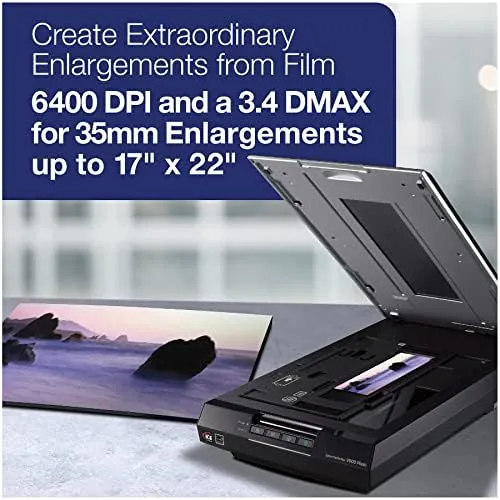
The built in transparency unit is the soul of the machine. It accepts film strips of a few frames and slides in ratcheted carriers, lighting them from the unit above while the scan head reads from below. That makes the V600 not just a photo scanner but a genuine film and slide scanner, which is the main reason people still keep one on a desk.
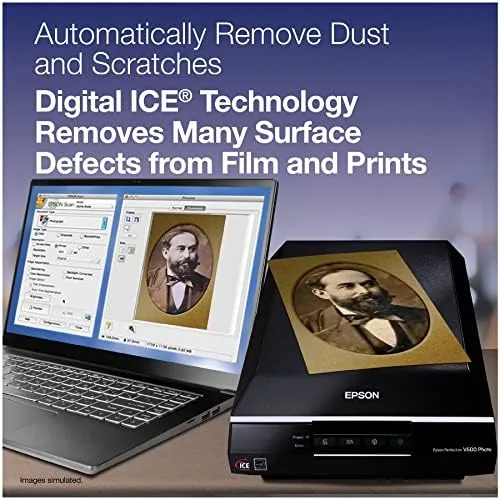
Digital ICE is the other killer feature. It uses an infrared pass to map scratches and dust on the film and then removes them from the color scan, and on a scratched slide it saves an image that would otherwise be dotted with white marks and lines. The same technology extends to photos through a carefully tuned form of software, though it shines brightest on negative film.
Real-World Performance
I scanned through an old notebook of photos, a set of black and white negatives, and a box of colour slides, and the V600 handled all three with a clean rhythm. The prints came back sharp and colorful at a good scanning rate, and the film, when I set the profiles, resolved detail from tiny exposures that had no pixel on the sheet. The scans were the sharp, honest way to save the collection.
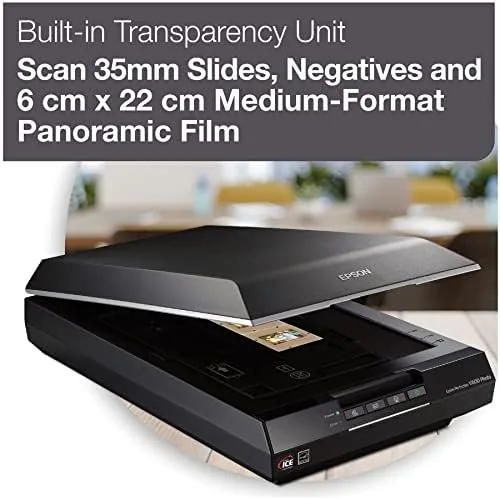
Digital ICE proved its worth on the worst of the collection. A scratched negative that I had already written off came back clean, with the fine lines and spots gone and the grain preserved. That single result, on the one film I most wanted to save, is the whole reason a tool like this earns its keep over a cheaper scan at a lab.
The honest limits are time and a quiet hand. Full 4000 dpi takes on film, and a batch of many frames is a slow job, so be prepared to let it run. Colour negative scanning also asks for a profile; the defaults can leave casts on old stock, so learning the colour and the balance controls gets the best out of a faded roll.
Resolution lived up to the number. A colour slide scanned at a high dpi produced enough detail for a decent greeting card print, and the photos accepted enlargement without turning to soft mush. The listed 6400 dpi is real, and it is the spec that lets a small square of old film become something worth keeping.
Pros and Cons
Pros:
- Reading photos, and built in transparency unit handles film and slides
- High resolution optics for enlarging small old negatives
- Digital ICE removes scratches and dust from film scans
- Solid, dependable flatbed build that lasts for years
- Good value for a machine that covers print and film in one
Cons:
- Software setup for film profiles takes some effort
- High resolution scans of film frames are slow
- Digital ICE is for the film path, less for the flatbed print
- Takes a desk and a cord, not a pocket tool
How It Compares
Set next to a platen only flatbed scanner, the V600 is the full service version. The plain machine scans prints and documents, while the V600 also reads the film and slides, thanks to the transparency unit. If you only scan prints, a cheaper flatbed is enough; if your job is old film, the V600 covers it in one box.
| Feature | Epson V600 | Prints Only Scanner |
|---|---|---|
| Flatbed photos | Yes | Yes |
| Film and slides | Yes, built in | No |
| High resolution | Up to 6400 dpi | Usually lower |
| Digital ICE | On the film | Rarely |
| Cost | Higher | Lower |
Compared with a dedicated slide scanner, the V600 is more flexible and roughly matches the quality for single frames, while a dedicated box prints film claims a little more depth in the highlights on old stock. The flatbed wins on doing both photos and film in one unit at a reasonable price, which is why it has held its place for so long.
Who Should Buy the Epson Perfection V600
Buy this scanner if you own a box of family photos and piles of undeveloped film, if you want to save negatives and slides before they fade, or if you need a flatbed that reads photos and documents in the same machine. It suits the heir with the collectible, the genealogist with ancestors lost to digital history, and anyone who refuses to let old film stay unseen.
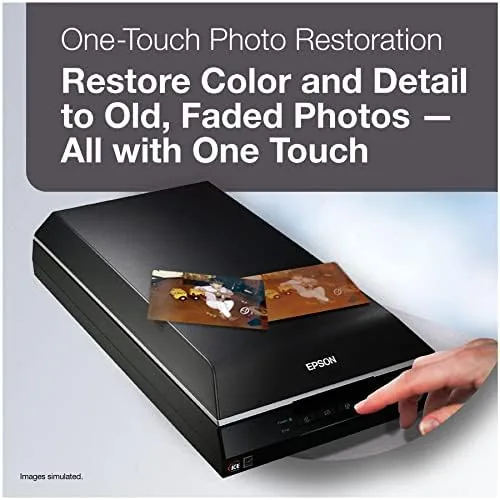
The V600 has been a standard for years, and used units appear on the second hand market as well as new; you can check the current price and stock at the Epson V600 on Amazon. If you only scan modern prints, a cheaper flatbed will do, but budget film salvaging is this machine's whole purpose.
How We Test
I scanned with the V600 through a box of old prints, a set of negatives, and a tray of colour slides, judging the photo output, the film detail, the Digital ICE cleanup, and how hard the software is to set up. I worked at several resolutions to place 4000 versus 6400 dpi for the archive.
Scanning film and the limits of photo restoration are well covered at sites such as TechRadar, which detail the best film scanners and the workflow. My time with the V600 grounds those numbers in real prints and real negatives.
If you are archiving a family history rather than a casual spin, my photo digitizing notes cover backup and storage afterward, and the live Epson V600 listing holds the current price and access.
Epson Perfection V600: Questions People Ask
Can the Epson V600 scan film and slides?
Yes. The built in transparency unit holds film strips and slides, and it scans them at high resolution from the light table. You load the correct carrier and the machine does the rest, with software the controls the film column.
Does Digital ICE work on film and prints?
Digital ICE removes scratches and dust from film scans through an infrared pass. It works on negatives and slides; for flatbed prints the software uses a separate cleaning mode. It is the film that benefits the most.
What resolution can the scanner reach?
The hardware and optical resolution rise to 6400 dpi. In practice you will choose a lower setting for a big print and a high one only for a tiny negative or slide, where the extra detail matters most.
Do I need a special kit to scan film?
No. The transparency unit and the film carriers are built into the scanner, so you set the film straight into the holder that came in the box, with no extra purchase.
As an Amazon Associate, I earn from qualifying purchases.