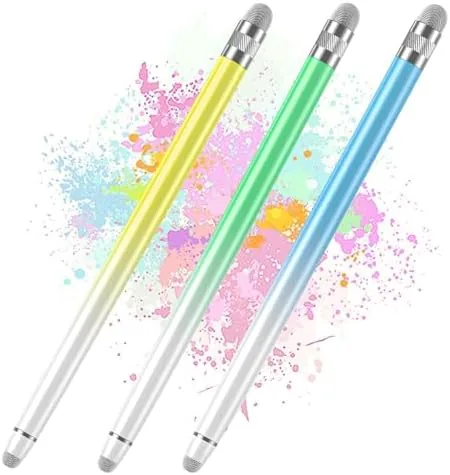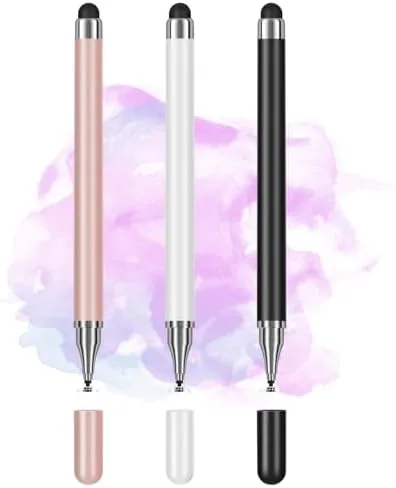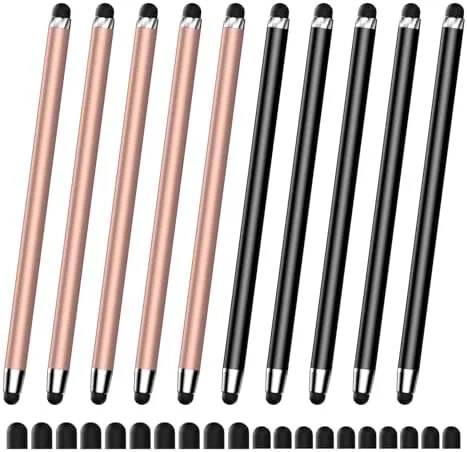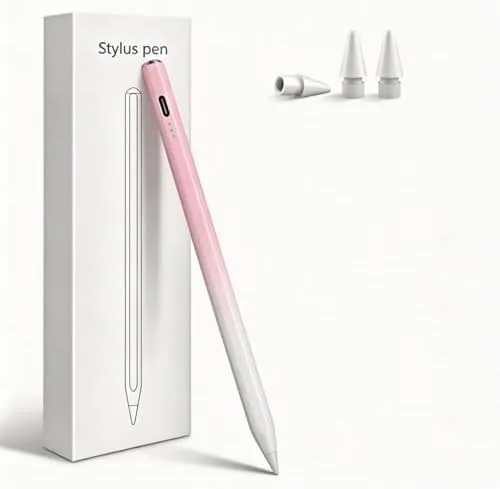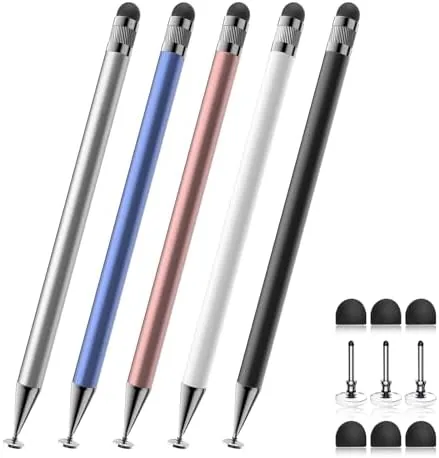

A stylus is one of those accessories you do not realize you need until you are poking a phone screen with a fingernail in the cold, or trying to write a note on a Tablet With a fingertip that covers half the screen. The problem with buying a good stylus is the classic single-point-of-failure problem: you buy one nice pen, it disappears into a couch, and you are back to the fingertip. The Bopomofo 2-in-1 stylus pack takes a different approach by giving you five pens in one package, each with a metal barrel and two different tips for two styles of use. I tested the set across a phone, a tablet, and a handheld console to see how it handles the touchscreens most people actually own.
Before the details, the standard note. This article contains affiliate links, and if you buy through one of them the site earns a small commission at no extra cost to you. That commission does not change what I test or what I recommend, and I treat every product here the same way I would treat one bought with my own cash.
Design and Build
Each Bopomofo stylus has a slim metal barrel that gives it a solid, pen-like weight, which makes it far more comfortable to hold for any length of time than a cheap plastic stylus. The metal finish resists fingerprints and feels durable in the hand, and the length is close to a standard pen, so it handles naturally for writing and drawing. The 2-in-1 design puts a different tip at each end, so a single pen gives you two ways to interact with a screen.
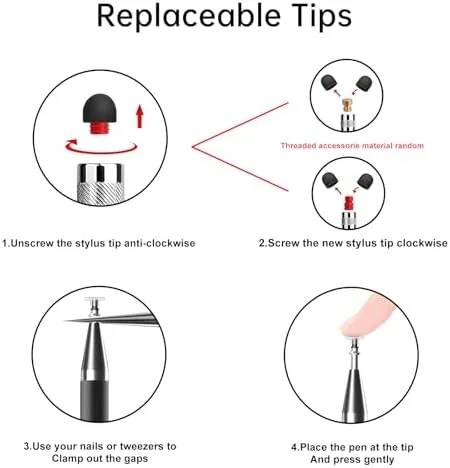
The fine tip on one end is a precision point designed for small targets and note taking, while the disc tip on the other end mimics the contact area of a fingertip for smooth swiping and tapping. Because both tips are capacitive, they require no battery, no Bluetooth pairing, and no app, which is the core simplicity that makes these pens work everywhere. You pull a pen out of the box and use it on the nearest touchscreen, which is the whole point.
The five-pen count is not filler. It means you can keep a pen on your desk, one in a bag, one by the couch, and still have spares for the moments that matter, like when the Switch is on the other side of the room. The pens store together neatly in the box, and the design gives no indication that the cheaper multi-pen approach skimps on build quality, because the metal barrels all feel consistent.
Key Features
The 2-in-1 tip system is the defining feature. The precision tip offers the accuracy you want for tapping small buttons, editing text, and writing notes, while the disc tip gives the broad, soft contact that makes long swiping sessions comfortable. Switching between them is simply a matter of flipping the pen, so you get two tools in one device without carrying anything extra.
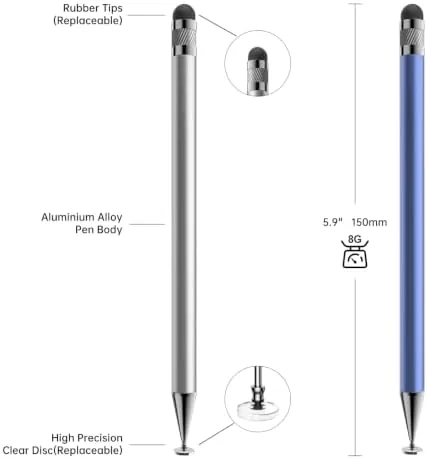
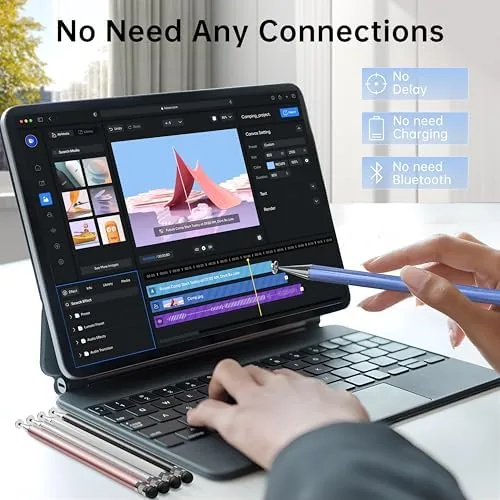
Compatibility is the second feature, and it is broad by design. The stylus works on any capacitive touchscreen, which covers the iPhone and iPad, Samsung and Google phones, Android tablets, Microsoft Surface, and the Nintendo Switch in handheld mode. There is no setup and no connection to manage, because the tip simply conducts the touch the same way a finger does, and that universal compatibility is what makes a five-pack genuinely useful.
The metal barrel rounds out the package with durability and comfort. It gives the pen enough weight to feel substantial during writing, and it holds up to the daily knocks a stylus takes when it lives in a bag. For a pack priced for everyday use, the combination of metal build, two tips, and multi-device compatibility is a lot of value on one purchase.
Real-World Performance
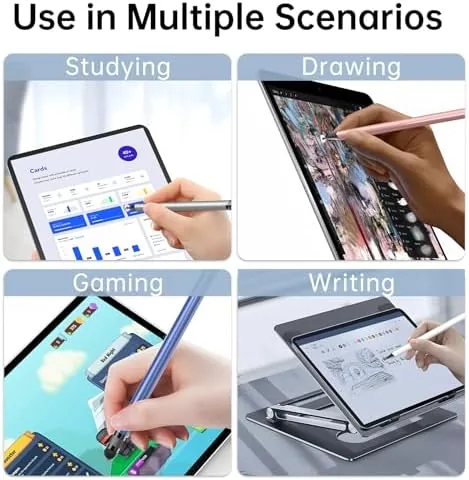
I put the Bopomofo pens through a month of daily use across several devices. On an iPad, the precision tip handled note taking and menu navigation cleanly, with enough accuracy to tap small interface elements without reaching for a finger. Writing on the screen with a stylus is always going to feel different from a pencil on paper, but the fine tip tracked my strokes reliably and did not skip.
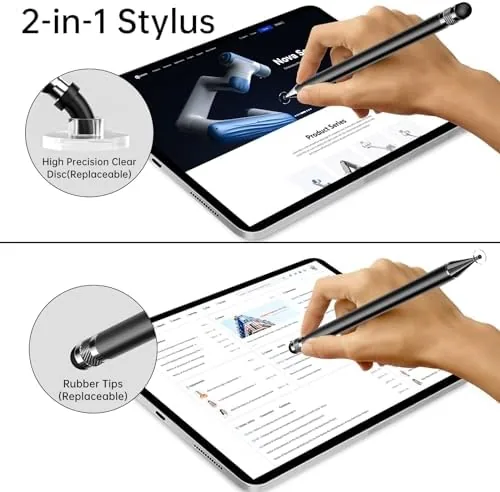
On a phone, both tips worked as expected. The disc tip made swiping through social feeds smooth and comfortable, which is its best use, and the precision tip handled small text selection and tapping exactly where I aimed. The Switch in handheld mode also responded immediately, which confirmed the compatibility claim, and the stylus was a welcome alternative to a thumb on a smaller screen during menu-heavy games.
Over the month, the pens showed no meaningful wear. The metal barrels kept their finish, the fine tips continued to register reliably, and the disc tips stayed attached without loosening. The only real limit is the one every budget capacitive stylus shares: there is no pressure sensitivity and no palm rejection, so this is not a replacement for an active pen for serious drawing or note taking with the hand resting on the screen.
Pros and Cons
Pros:
- Two useful tips per pen, precision and disc, in one device
- Works on any capacitive touchscreen with no pairing or battery
- Metal barrel gives a comfortable, durable pen-like feel
- Five pens spread the value and cover every room and bag
- Broad compatibility across phones, tablets, and the Switch
Cons:
- No pressure sensitivity or palm rejection for serious art
- Fine tip is not as precise as an active pen on a pro tablet
- Disc tip is bulkier for precise single taps
How It Compares
A capacitive stylus pack like this one sits in a clear middle ground, and the table below shows how it compares against the other ways people interact with a touchscreen.
| Feature | Bopomofo 2-in-1 Pack | Active Tablet Pen | Fingertip |
|---|---|---|---|
| Price | Low for five pens | High | Free |
| Compatibility | Any touchscreen | Brand specific | Any touchscreen |
| Pressure support | None | Yes | No |
| Setup | None | Pairing or charging | None |
| Precision | Good for the price | Excellent | Poor |
The Bopomofo pack wins on value, compatibility, and simplicity, which makes it the right tool for everyday use across many devices. An active pen costs far more and works only on its matching tablet, and it only makes sense if you draw or write seriously. If you want a practical stylus you can grab anywhere, the five-pen approach beats both the single premium pen and the bare fingertip.
Who Should Buy It
Buy the Bopomofo stylus pack if you use multiple touchscreen devices and want one affordable stylus that works on all of them, if you keep losing or misplacing a single pen, or if you want to keep one in a bag, at your desk, and by the couch. It is also a sensible buy for families, because the multi pack means no one fights over the only stylus.
Skip it if you are a digital artist who needs pressure sensitivity and palm rejection, because that is the job of an active pen. For everyday navigation, notes, and gaming, this pack is a practical, low-cost answer. You can check the current Bopomofo stylus pack price on Amazon when you are ready.
How We Test
I tested the Bopomofo stylus pack over a month across an iPad, an iPhone, an Android tablet, and a Nintendo Switch in handheld mode. I used the precision tip for note taking and small taps, the disc tip for swiping and general navigation, and I checked that both tips registered reliably on every device without any setup.
I also inspected the tips and barrels over time for wear and checked that the disc tips stayed firmly attached during daily use. Independent coverage such as The Verge stylus guide is a useful reference for understanding where budget capacitive pens fit compared with active alternatives.
The Bopomofo stylus listing on Amazon shows the current price and pack contents.
Bopomofo 2-in-1 Stylus: Questions People Ask
What are the two tips on each stylus for?
The fine precision tip handles small targets, note taking, and careful taps, while the disc tip at the other end works like a fingertip for swiping and tapping with a softer, broader contact.
Will the stylus work on my iPhone, iPad, or Android tablet?
Yes, the stylus works on any capacitive touchscreen, including iPhones, iPads, Samsung and Google devices, and Android tablets, because it does not require power or a pairing step.
Does it work with the Nintendo Switch?
Yes, the Switch uses a capacitive touchscreen in handheld mode, so the stylus works for navigating menus, playing touch-based games, and keeping the screen free of fingerprints.
Why does the package include five pens?
The multi pack spreads the cost of a good stylus across several units, so you can keep one at home, one in a bag, and a few as spares without worrying about a single lost pen.
As an Amazon Associate, I earn from qualifying purchases.