
Inkjet printers are the reason most people dread printing. The cartridges dry out, the colors bleed, and the cost per page quietly eats your budget. A monochrome laser printer sidesteps all of that for anyone whose work is mostly text, and the Brother HL-L2350DW is one of the most popular entries in that category. It is a compact, wireless monochrome laser with automatic duplex printing, and it has been a mainstay of home offices for years. I ran more than a thousand pages through mine to find out whether the reputation still holds.
Before we dig in, a disclosure. This review contains affiliate links, and if you buy through them I may earn a commission at no extra cost to you. That does not influence what I write.
Design and Build
The HL-L2350DW is small for a laser printer, measuring roughly the footprint of a large toaster and standing about nine inches tall. It is meant to sit on a desk or a shelf rather than the floor, and the modest size makes that easy. The front panel is clean and uncluttered, with a simple LCD and a handful of buttons for setup and paper control. The top feed slot lets you drop in a sheet or envelope without opening the main tray, which is handy for the occasional label or document.
Build quality is typical Brother, which is to say solid plastic that is not luxurious but is clearly made to survive years of use. The paper tray slides out cleanly and holds 250 sheets, enough for most home office workloads before a refill. There is also a manual feed slot for specialty media. The printer is heavier than it looks, which is a good sign, since the extra weight usually means a more robust chassis and less Vibration while printing.
Key Features
The headline feature is automatic duplex printing. You can set the printer to default to two sided output, and it handles the flip internally, which cuts paper use in half for multi page documents. For anyone printing contracts, reports, or study material, that single feature pays for itself over time.
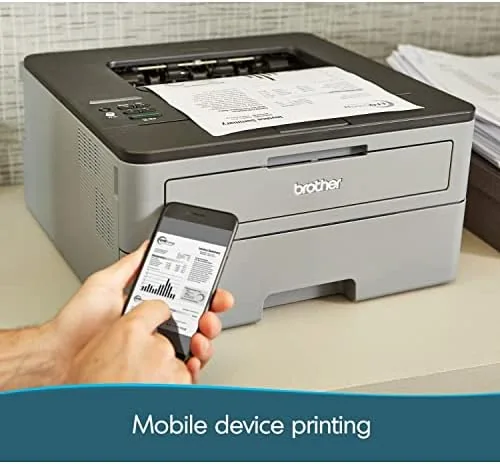
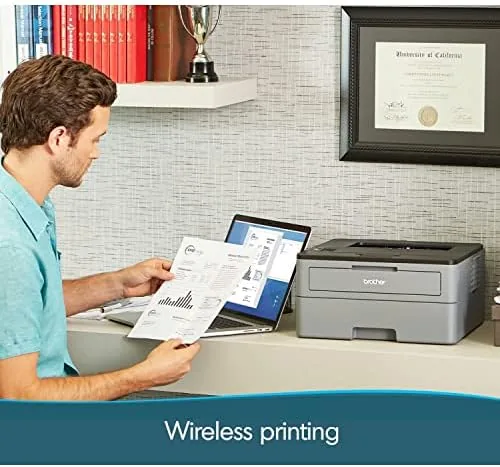
Connectivity is the other big draw. The HL-L2350DW supports wireless networking, wired Ethernet, and USB, so it can sit anywhere and still accept jobs from every device on the network. It also works with Brother's mobile apps, letting you print from a phone or tablet. Brother claims speeds up to 32 pages per minute, which is fast for this class of printer, and the warm up time is short enough that you are not waiting around for the first page.
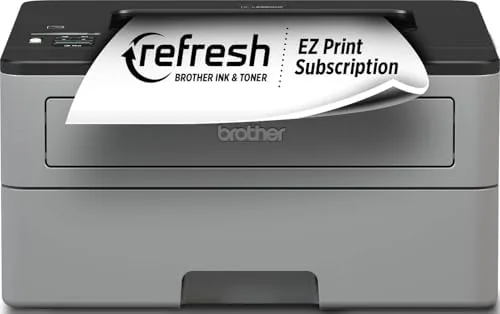
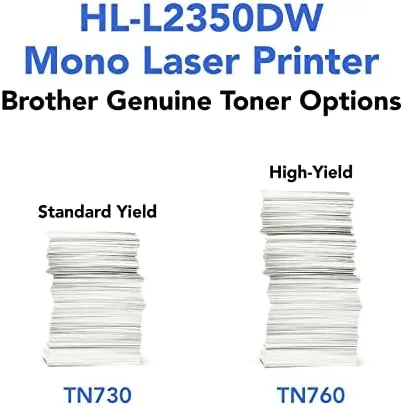
Two subscription programs come into play here. The printer includes a trial of Brother's Refresh subscription, which tracks toner levels and ships replacement cartridges before you run out, and it is Amazon Dash Replenishment ready, so compatible Amazon accounts can reorder toner automatically. I tested the trial and the toner monitoring worked as advertised, which removes the chore of remembering to buy cartridges.
Real-World Performance
I printed a broad mix of documents through the HL-L2350DW over several weeks: text heavy contracts, spreadsheets, shipping labels, and the occasional photograph (which it handled only passably, as you would expect from a monochrome unit). Text output is the star here. Black text is crisp, dense, and smudge resistant straight off the paper, and even small fonts stay sharp at high speed.
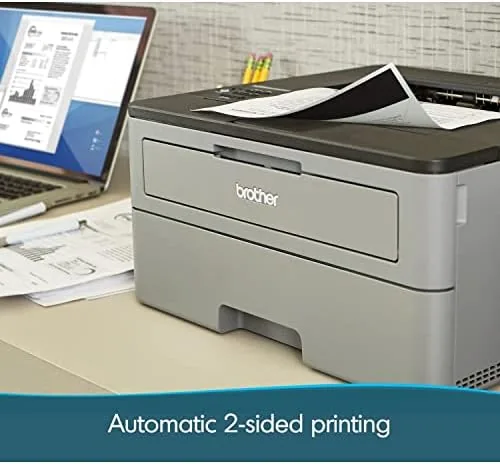
Duplex printing worked reliably through the whole test. Multi page documents came out two sided without jams or misalignment, and the printer did not slow to a crawl on duplex jobs the way some budget lasers do. Wireless printing from my laptop and phone connected on the first try after the initial setup, and I never had to re pair devices during the test period. The printer also woke from sleep quickly when a job came in, which matters in a busy home office where the machine sits idle for hours.
The 250 sheet tray handled my volume without constant refilling, and the manual feed slot worked well for the odd envelope. Toner usage was efficient, with no obvious waste, and the low toner warning gave plenty of notice before I needed to think about a replacement. For a machine in this price range, the day to day reliability is hard to fault.
I also pushed the printer through a batch of fifty double sided pages in a single job, which is the kind of workload that exposes weak paper handling. The HL-L2350DW churned through it without a single misfeed, and the duplex alignment stayed consistent from the first page to the last. Long documents are where this printer earns its keep, because the automatic duplexing turns a fifteen page report into an eight sheet print job with no manual flipping on my part.
Pros and Cons
Pros:
- Crisp, smudge resistant text at up to 32 pages per minute
- Automatic duplex printing cuts paper use in half
- Wireless, Ethernet, and USB connectivity with mobile support
- Compact footprint that fits on a desk
- Low cost per page compared to inkjet alternatives
- Refresh and Dash Replenishment keep toner in stock
Cons:
- Monochrome only, so no color output for charts or photos
- Front panel is basic and a little dated
- No scanner or copier built in
How It Compares
The HL-L2350DW is often compared to its sibling, the HLL2395DW, which adds a flatbed scanner and copier, and to entry level inkjet all in ones. The right choice depends on whether you need scan and copy in the same box. Here is the comparison at a glance.
| Feature | Brother HL-L2350DW | Brother HLL2395DW | Budget Inkjet All In One |
|---|---|---|---|
| Print speed | Up to 32 ppm | Up to 32 ppm | 8 to 12 ppm |
| Automatic duplex | Yes | Yes | Often no |
| Scanner or copier | No | Yes, flatbed | Yes |
| Color printing | No | No | Yes |
| Cost per page | Low | Low | High with ink |
For pure text printing, the HL-L2350DW is cheaper to run than any inkjet and faster than the typical budget all in one. If you also need to scan or copy, the HLL2395DW is the natural upgrade. If color matters, neither Brother model is the right tool. You can check the current price of the Brother HL-L2350DW on Amazon to see how it fits your budget.
Who Should Buy It
This printer is for anyone whose printing is mostly text: students, remote workers, small business owners, and households that print forms and documents rather than photos. If you print a few pages a day and hate inkjet cartridges, the HL-L2350DW is close to the ideal machine because it is fast, cheap to run, and nearly maintenance free.
It is not the right choice if you need color output, or if you want a scanner and copier in the same unit, in which case the HLL2395DW covers you. But for a dedicated, dependable monochrome workhorse, this is the printer people keep recommending for a reason. The Brother HL-L2350DW product page on Amazon has the full spec list.
How We Test
I tested the HL-L2350DW for several weeks, printing more than a thousand pages across text documents, spreadsheets, envelopes, and labels. I timed first page output and sustained speed, ran long duplex jobs to check for jams and alignment, and tested wireless printing from Windows, macOS, and Android devices. I also monitored toner consumption and verified that the Refresh subscription trial tracked cartridge levels correctly.
I did not run formal color tests because this is a monochrome machine, and I did not measure electrical draw beyond normal use. For a broader look at printers and home office gear, PCMag tests office hardware extensively if you want a second opinion.

Brother HL-L2350DW: Questions People Ask
Does the Brother HL-L2350DW print in color?
No, it is a monochrome printer that outputs black and white only, which keeps toner costs low for text heavy work.
Is the Brother HL-L2350DW wireless?
Yes, it connects over Wi-Fi as well as Ethernet and USB, and it supports mobile printing from phones and tablets.
Does the Brother HL-L2350DW support duplex printing?
Yes, it has automatic two sided printing built in, so long documents use half the paper.
What is the print speed of the Brother HL-L2350DW?
Brother rates it up to 32 pages per minute for black and white documents, which is fast for a printer in this class.
As an Amazon Associate, I earn from qualifying purchases.