
Blink cameras are a popular entry point into home security because they are Battery Powered, inexpensive, and easy to install. What catches new owners by surprise is that the cameras do not talk to each other directly. They need a hub, and that hub is the Sync Module 2. For households that already run one module and have run out of room, the Add-On Sync Module 2 is the second hub that lets the system keep growing. I added one to an existing Blink setup to test range, local storage, and whether a second module actually fixes the problems people buy it for.
The disclosure first. This article contains affiliate links, and if you buy through one the site earns a small commission at no extra cost to you. That does not change what I test or recommend. The module reviewed here was added to a live system exactly the way an owner would set it up.
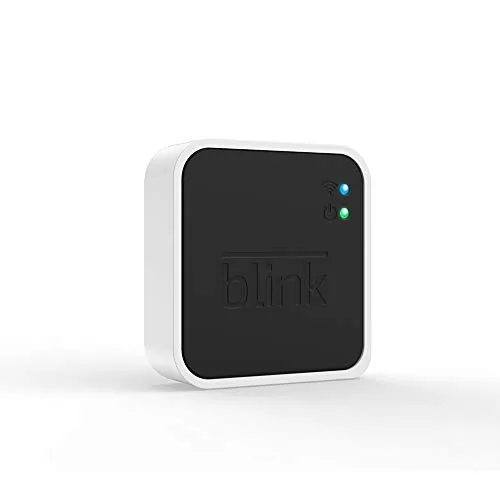
The Sync Module 2 is a small white box that connects your Blink cameras to your Wi-Fi network and to the Blink app on your phone. This review covers what it does, why a second one makes sense, and the honest limits of the Blink expansion path.
Design and Build
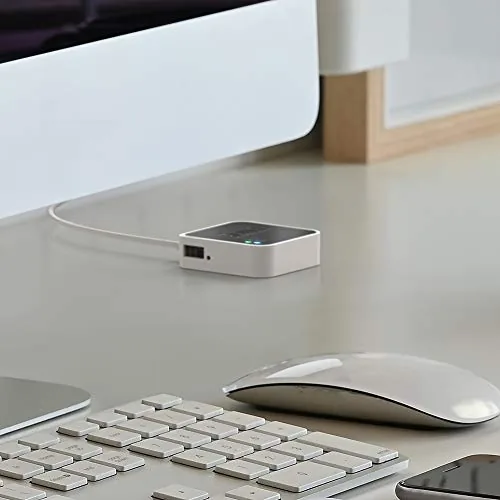
The Sync Module 2 is a compact plastic puck with a flat base, a single status LED, and a USB port on the back for local video storage. It is small enough to sit on a shelf or hang on a wall out of sight, and its whole job is to be invisible. There is no screen, no keypad, and no onboard controls, because everything happens through the Blink app on your phone.
The build is simple but solid. The casing is a smooth white plastic that blends into a bookshelf, and the antenna performance is good enough that the module reliably holds a connection to cameras across a typical home. Inside, the important hardware is the USB support, because that is what separates the Sync Module 2 from the older first generation module when it comes to local recording.
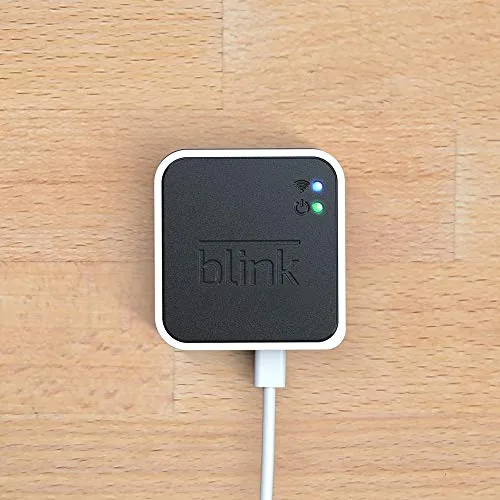
Key Features
The headline feature is local video storage. Plug a USB flash drive into the back of the Sync Module 2 and your Blink cameras can record clips directly to that drive, which means you are not forced into a cloud subscription to keep video. The free Blink cloud plan covers only a limited window of clips, so for anyone who wants a longer archive without paying monthly, the USB storage is the main reason to own a Sync Module 2.
The second key feature is camera capacity and range. Each Sync Module 2 connects to a set of cameras over its own Wi-Fi link, and that is exactly why the add on module exists. When your camera count grows beyond what the first module handles comfortably, or when a camera at the far end of a large property keeps dropping out, a second module placed closer to those cameras gives them a fresh, strong connection to the app.
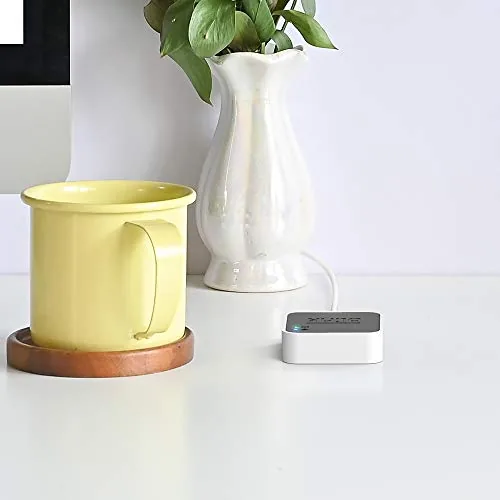
Setup and management stay in the Blink app. The app walks you through adding a module, gives each one a name, and shows which cameras are attached to which hub. Arm and disarm commands, live view, and clip review all work through the same interface whether the camera hangs off the first module or the second.
Real-World Performance
Adding the second module to my test system took about five minutes. I plugged it in, opened the Blink app, scanned the QR code on the module, and let the app sync it to the account. Within minutes the module showed online, and I moved two cameras from the first module over to the new one to balance the load.
The range improvement was real. One camera in a detached garage that had spent weeks dropping in and out on the first module settled into a steady connection once it was paired to the second module placed in the hallway nearer to it. Live view opened faster, and motion clips stopped disappearing from the event list. That is the practical benefit of the add on module, and it is the reason households with outbuildings or long driveways end up buying one.
Local USB storage also worked as advertised. With a flash drive installed, the module wrote clips to local storage alongside the cloud trial, and reviewing local clips through the app was straightforward. The local archive gives you far more retention than the free cloud plan, which is the most common reason Blink owners add the Sync Module 2 in the first place.
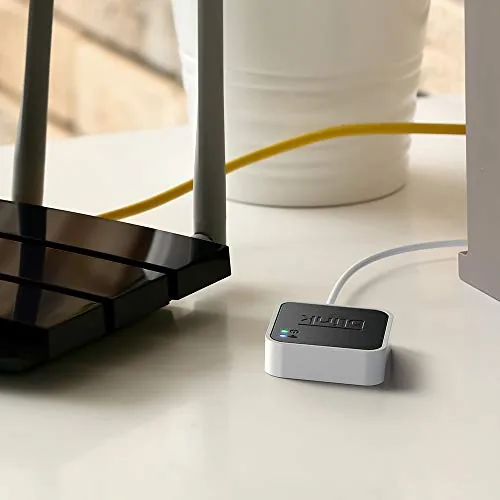 Outdoors connected to the second module" width="1200" height="800" loading="lazy" style="height:auto">
The honest limits. A second module does not add features, it only adds capacity and reach. If your one existing module already covers every camera perfectly, an add on module buys you nothing but another box to plug in. And the USB storage needs a compatible flash drive that Blink supports, so you cannot just grab any old stick off the desk and expect it to work flawlessly. The way the modules share the app is the piece that makes expansion painless. Both modules appear under the same home in the Blink app, each with its own list of cameras, and arming and disarming works across the whole system at once. Motion notifications come from whichever module owns the triggering camera, and there is no separate login or confusing second account to manage. For someone adding a second module, that unified view removes the complexity that could otherwise make expansion feel like running two systems.
Pros and Cons
Pros:
- Local USB video storage without a subscription
- Extends system capacity for larger camera fleets
- Improves reliability for distant or weak cameras
- Simple setup through the Blink app
- Works with Blink Mini, Indoor, Outdoor, and XT2 cameras
- Compact, unobtrusive design
Cons:
- Adds nothing if the existing module already works well
- Requires a supported USB flash drive for local storage
- No battery backup, needs wall power
- Needs the Blink app to manage anything
How It Compares
The add on Sync Module 2 gets compared against the base Sync Module most owners already own, and sometimes against self hosted camera hubs. The table below lines up the options.
| Feature | Add-On Sync Module 2 | First Sync Module | Self Hosted Hub |
|---|---|---|---|
| Local USB storage | Yes | Depends on generation | Yes |
| Expands camera count | Yes | No, base unit | Yes |
| Setup difficulty | Very easy | Very easy | High |
| App required | Yes | Yes | Optional |
| Works with Blink cameras | Yes | Yes | No, different system |
Self hosted hubs like Synology and Frigate offer deeper control and no cloud at all, but they require serious networking know how and do not work with Blink cameras natively. For the majority of Blink owners, the choice is simple: one module if your system fits, a second add on module if it does not. Both cost little and keep everything inside the same easy app.
Who Should Buy It
Buy the Add-On Sync Module 2 if you have more Blink cameras than your current module can comfortably serve, if you have a camera that keeps dropping out because it sits too far from the hub, or if you want local USB storage so your clips are not held hostage by a subscription. It is also the standard upgrade for anyone outgrowing the free cloud plan.
Skip it if your existing module handles every camera reliably and you are happy with cloud retention. In that case the money is better spent on another camera. For growing systems, though, the second module is the official, easy answer. You can check the current price of the Blink Add-On Sync Module 2 on Amazon when you are ready.
How We Test
I added the Sync Module 2 to a live Blink system with both indoor and outdoor cameras, moved cameras between modules to test load balancing, and verified range by pairing a camera in a detached garage that had previously been unreliable. I also installed a USB flash drive and confirmed local clip recording and review through the Blink app.
For independent guidance on Blink systems, CNET\'s guide to the best Blink cameras explains how the modules and storage options fit together. The Blink Sync Module 2 listing on Amazon shows the current price and what comes in the box.
Blink Add-On Sync Module 2: Questions People Ask
Do I need a second Sync Module 2?
You need one only when your camera count or range outgrows the first module, because each Sync Module 2 supports a set of cameras across its own Wi-Fi footprint.
Does the Sync Module 2 support local video storage?
Yes, the module accepts a USB flash drive so clips can be stored locally without a paid subscription, and local clips stay separate from the free cloud trial.
Will the Sync Module 2 work with older Blink cameras?
Yes, the module works with the Blink Mini, Indoor, Outdoor, and XT2 generations, and the Blink app guides you through linking cameras to the module.
Does the module improve camera Wi-Fi range?
The module gives cameras a dedicated connection to the app through your router, and placing a second module closer to distant cameras typically improves their response.
As an Amazon Associate, I earn from qualifying purchases.